Real-Time Apps Only Use One GPU: What That Means for Your Setup
Real-time rendering is primarily a single-GPU workload, so adding a second card usually will not make your viewport smoother. Apps such as Lumion, Enscape, Twinmotion, D5 Render, and the Unreal Engine viewport redraw the scene continuously, which means one GPU needs to complete each frame quickly enough to maintain a responsive experience. This is very different from batch rendering, where separate frames can be distributed across multiple GPUs. There are some exceptions, such as Twinmotion Path Tracer, which can use multiple GPUs for offline rendering. However, for everyday real-time work, the practical real-time rendering single GPU multi-GPU lesson is simple: put your budget into one powerful GPU with enough VRAM rather than adding a second mid-range card.
Real-time versus batch rendering
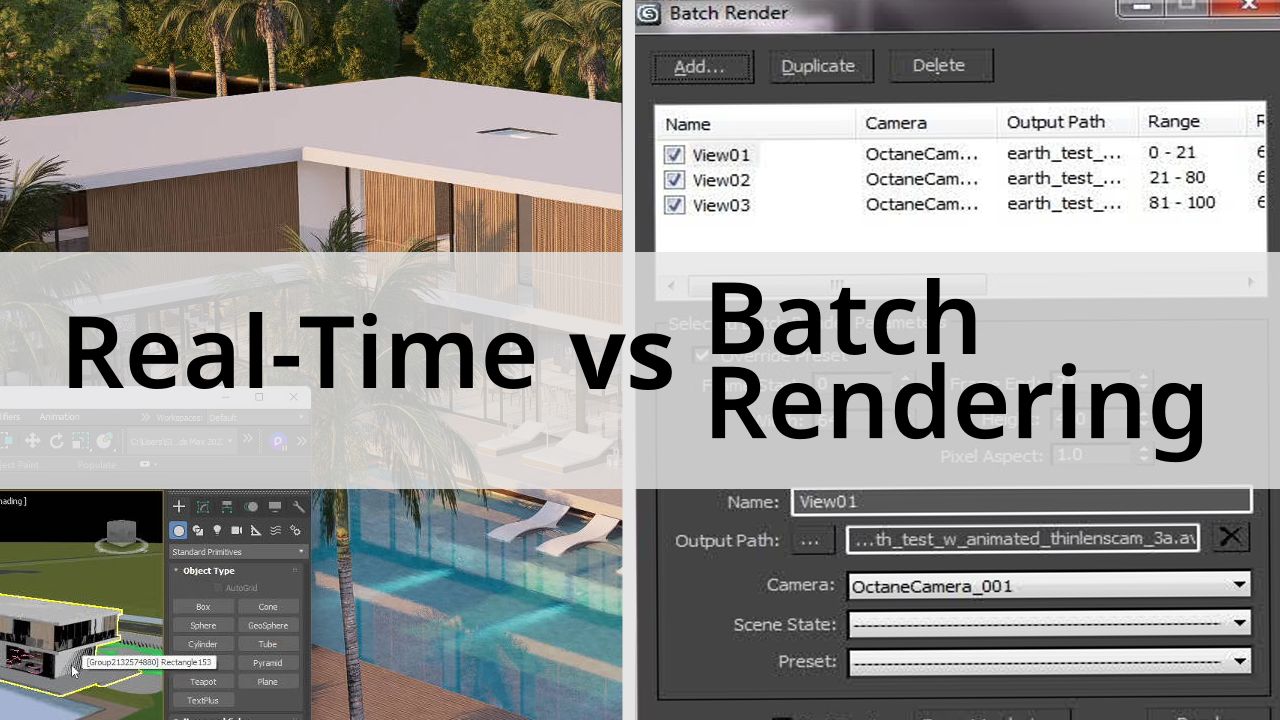
There are two common rendering approaches, and they usually match different types of rendering engines. Batch rendering is designed to distribute work across multiple GPUs, while real-time rendering typically relies on a single GPU.
In batch rendering, each frame is independent, so frames can be distributed across several GPUs. Adding more GPUs can significantly reduce the total render time, although the speedup is never perfectly linear because of overhead and other system limits.
Real-time rendering works differently. The GPU continuously draws the current frame, often many times per second, so one powerful card handles the workload. A second GPU generally has no useful role in improving viewport performance, which is why real-time rendering single GPU multi-GPU setups need to be evaluated differently from batch rendering systems.
The exceptions worth knowing
Not every real-time-oriented application is strictly limited to one GPU for every task.
Twinmotion Path Tracer is a good example. Its offline Path Tracer mode can use multiple GPUs, allowing rendering work to be distributed across available graphics cards.
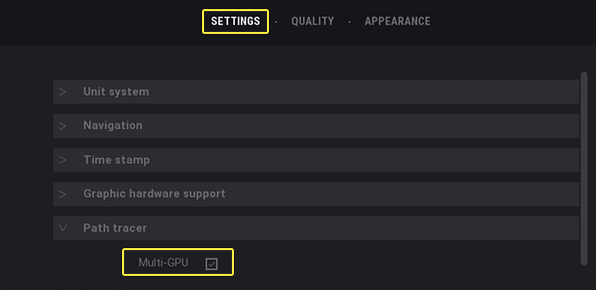
Some other offline tasks may also benefit from multiple GPUs, depending on the software and feature being used. The viewport is different, however, and multiple GPUs do not normally make real-time interaction faster.
More cards do not give you more VRAM
VRAM does not combine across graphics cards. If a scene needs more than 24GB of VRAM, adding a second 24GB card does not turn the system into a single 48GB memory pool. Each GPU still has its own separate VRAM limit.
What this means when you buy or rent
For real-time work, prioritize one powerful GPU with plenty of VRAM.
For batch animation rendering, multiple GPUs can make a meaningful difference because each card can process separate frames.
With iRender, the same principle applies. For real-time work, a single RTX 4090 with 24GB VRAM is usually the practical choice, while renting multiple GPUs only adds cost without improving the viewport. For batch animation, a multi-GPU machine makes more sense because separate cards can render different frames in parallel. This is the practical side of real-time rendering single GPU multi-GPU. You pay for the selected machine configuration while it is running, so choosing the right number of GPUs from the start can save money. Use the schedule shutdown feature to stop idle machines automatically, or consider a fixed rental plan for longer projects. New users can also take advantage of the 100% first-deposit bonus when testing the service.
Check out iRender workflow for Unreal Engine on RTX 4090:

Cases when multi-GPUs help and doesn't
This table below tells you cases when multiple GPU can help rendering faster and when it doesn’t.
| Type of Work | Do Multiple GPUs Help? | What to Invest In |
| Real-time viewport (Lumion, Enscape, D5, Unreal) | No | One powerful GPU with plenty of VRAM |
| Twinmotion Path Tracer (offline) | Yes, Epic reports roughly 50% to 200% speedup | A powerful GPU and verification of the current multi-GPU support |
| Batch animation rendering | Yes, each GPU can render separate frames | Multiple GPUs or multiple machines |
| Scene exceeds the VRAM of one GPU | No, VRAM does not combine across GPUs | Optimize the scene or use out-of-core rendering |
FAQ
Q: Do real-time rendering apps use multiple GPUs?
Generally, no. Real-time viewport applications draw each frame on a single GPU, so adding a second card usually does not improve viewport performance. A notable exception is an offline mode such as Twinmotion Path Tracer, where multiple GPUs can help distribute the rendering workload.
Q: Will two GPUs give me more VRAM?
No. VRAM remains separate for each GPU and does not combine into one larger pool. Two 24GB cards provide two independent 24GB memory spaces, so a scene that requires more than 24GB still cannot simply use 48GB as shared VRAM.
Q: Should I buy one strong GPU or two mid-range cards?
For real-time work, one powerful GPU with plenty of VRAM is generally the better choice. Multiple GPUs become more useful for batch animation rendering because individual frames can be distributed across different cards, allowing them to work in parallel.
Register an account on iRender to claim your 100% bonus for the first deposit and render without limitations.
iRender – Maximum Speed – Absolute Freedom