
Vellum and RBD Sims Are Slow: Substeps, Constraints and Where Time Goes
With Vellum, simulation time does not simply add up. It multiplies, because every frame is divided into substeps, and each substep runs multiple constraint-solving iterations. Understanding that multiplication explains why a sim can become slow so quickly. This article breaks down Vellum’s nested loop structure (a loop inside a loop), so you can tune the parameters that actually need more work instead of increasing every setting just to make the simulation feel safer.
Why is my Vellum sim so slow?
Vellum’s cost comes from a nested loop structure. Each frame is divided into substeps, and every substep runs through the constraint iterations needed to solve the simulation. When both values increase, the solver performs many more operations per frame, which is why Vellum simulation slow Houdini substeps problems can escalate quickly.
This multiplication is one of the most common reasons Vellum becomes unexpectedly slow. Increasing substeps and constraint iterations together can create a much larger workload than expected. Instead of raising both settings automatically, it is better to identify which part of the solve actually needs more accuracy.
Where the time actually goes
Substeps multiply the number of times Vellum solves the simulation within each frame. More substeps can improve temporal accuracy, but every additional step also repeats the solver workload.
Constraint Iterations run inside each substep, so increasing them adds another layer of computation. Vellum uses a Gauss-Seidel approach for Constraint Iterations, which converges relatively quickly. Smoothing Iterations use a Jacobi approach, which converges more slowly but distributes errors more evenly. The default Smoothing Iterations value is 10, and higher values may become useful when Constraint Iterations are pushed very high.
Collision Passes add another expensive stage because collision solving is interleaved with the constraint iterations. They can significantly increase the cost of a solve, so they are best used carefully. A value around 10 is suitable for many situations, while increasing Substeps is often a better way to improve collision quality when more temporal accuracy is needed.

The relationship most people miss
Increasing Substeps can reduce the effective force applied during each solve, which means you may need fewer Constraint Iterations to reach a stable result. This relationship works both ways, yet it is easy to miss when tuning a Vellum simulation.
SideFX gives a useful comparison: two Substeps with 10 Collision Passes can take roughly the same time as one Substep with 20 Collision Passes. The two-Substep setup often produces better results.
The goal is to move the computational cost to the parameter that improves the simulation most. Adding more work everywhere only makes the solve longer.
Tune by symptom, not by guesswork
When a Vellum simulation shows a specific problem, I prefer changing the parameter connected to that symptom rather than increasing everything at once. This keeps the solve efficient and makes each adjustment easier to evaluate.
-
-
-
- Cloth stretches too much: Increase Constraint Iterations first. More Substeps can also help, but Constraint Iterations are often the cheaper adjustment for this type of issue.
- Objects pass through collisions: Prioritize Substeps. Increasing Collision Passes can help, but it adds significant solver cost, so I would not raise it automatically.
- Triangles look distorted or fail to converge: Consider increasing Smoothing Iterations. This can distribute solver errors more evenly when the constraints need additional smoothing.
- Choosing a starting point: SideFX suggests using the geometric diameter as a starting point for Constraint Iterations. In practice, this means considering the number of edges between the two most distant points in the geometry. It gives you a useful baseline before testing higher or lower values.
- For a slow solve: Check whether the extra iterations are actually fixing the visible problem. If they are not, reducing them can save substantial computation while keeping the result visually similar.
- For Vellum simulation slow Houdini substeps issues: Test Substeps and Constraint Iterations separately. Their effects overlap, so raising both at the same time can make the simulation much more expensive than necessary.
-
-
When Minimal mode is the right call
Vellum Solver includes Minimal mode, which simplifies the solver setup and is optimized for fast substeps. It can be useful for large-scale particle and fluid simulations. When Minimal mode is enabled, Substeps are increased while Constraint Iterations are reduced, shifting the solver toward a faster substep-based workflow.
For Vellum fluid setups, SideFX recommends 10 Substeps and 20 Constraint Iterations as a starting configuration. The documentation also warns against using 20 or more Substeps for fluids and particles because the result can become overly stiff. These settings are therefore useful as a reference, not a universal preset.
Vellum Solver also provides OpenCL options that can move parts of the workload onto the GPU. When GPU acceleration is enabled, VRAM becomes another resource to monitor. Large simulations can place significant memory pressure on the GPU, so available VRAM matters alongside solver settings.
Minimal mode is not automatically better for every project. It changes how the solver allocates work between Substeps and Constraint Iterations, which can affect different simulations in different ways. I would test it on a representative section of the final shot before using it for the full project.
RBD is a different cost story
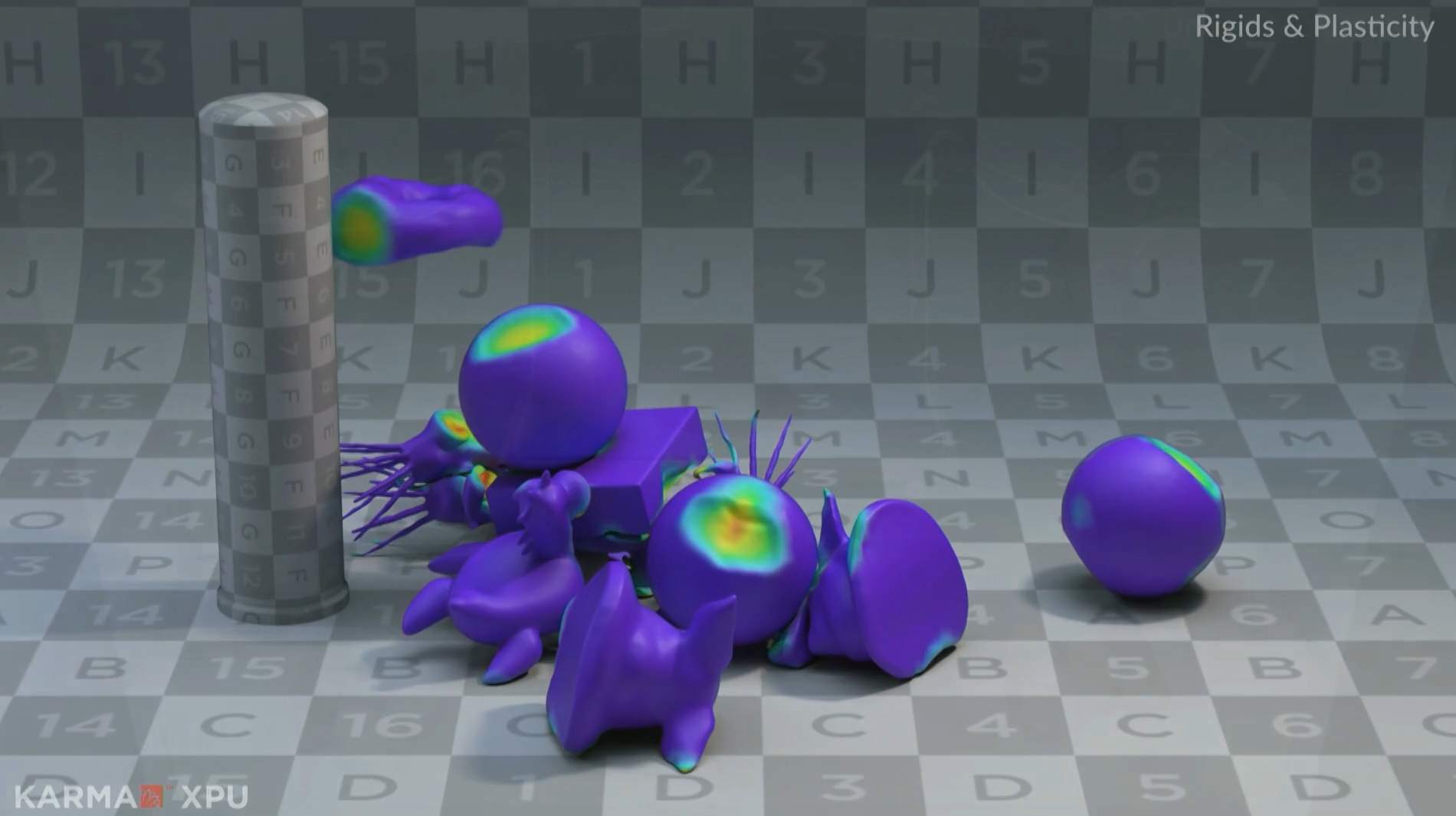
RBD simulations have a different performance profile because much of the solver cost comes from collision detection and the complexity of collision geometry. Replacing detailed concave shapes with simpler collision proxies can reduce the workload significantly, especially when many objects interact.
Remember, parameter names and available options can change between Houdini versions. I recommend checking the current SideFX documentation before adjusting a setting.
When the setup is tuned and it is still slow
If the setup is tuned and the simulation is still slow, hardware may be the next thing to examine. A cloud workstation gives you access to more CPU, RAM, or GPU resources without changing your local setup. With iRender, you can recreate your Houdini environment, run Vellum simulation slow Houdini substeps tests, and freely modify or render the project on a higher-end machine.
What Each Vellum Parameter Affects
| Parameter | Time cost | What symptom it helps fix | Notes from the Documentation |
|---|---|---|---|
| Substeps | Multiplies the entire cost of each frame | Fast collisions, sudden forces, excessive cloth stretching | Increasing Substeps reduces the effective force per step, which can allow fewer Constraint Iterations |
| Constraint Iterations | Runs within every Substep | Excessive cloth stretching, stiff constraints that have not converged | Usually cheaper than increasing Substeps; use the geometry diameter as a starting point |
| Collision Passes | Expensive, with passes interleaved between constraint iterations | Missed or unstable collisions | A value of 10 works well for many situations; increasing Substeps is generally preferable |
| Smoothing Iterations | Slower convergence | Poor-looking triangles caused by incomplete convergence | Default is 10; increase it when Constraint Iterations are set very high |
| Minimal Mode | Reduces solver cost by simplifying available features | Large particle and fluid simulations | Automatically increases Substeps and reduces Constraint Iterations |
iRender: The RTX 5090 cloud workstation for Houdini
In most Vellum slowdowns, the main problem is an unbalanced setup rather than weak hardware. No workstation can fix a simulation that is multiplying unnecessary solver work. Tune the parameters first, following the approaches covered earlier in this article, before moving the project to a more powerful machine.
Once the setup is efficient but the shot is still genuinely complex, more CPU cores and RAM can make a meaningful difference. iRender offers cloud workstations with AMD Threadripper Pro CPUs and up to 256GB RAM for demanding Houdini simulations. If your Vellum setup uses the OpenCL path, RTX 4090 24GB and RTX 5090 32GB GPUs can also be useful. Performance still depends on the simulation and settings, so test your actual scene before committing to a configuration.
There are also a few practical points to consider when renting a cloud workstation. A remote machine does not make a poorly configured simulation faster. It gives a well-configured simulation more hardware to work with. I recommend tuning the parameters locally with a smaller version of the scene first, then moving the full scene to the remote machine. Since iRender billing starts when the workstation is powered on, this workflow can help avoid paying for setup time that could have been spent testing locally.
Right now, iRender is launching the 100% bonus for new user’s first deposit and a bonus promotion from September 5 to 20, 2026, check it out:
-
-
-
- 50% bonus on deposits from $1,000
- 100% bonus on deposits from $1,500
-
-

Check out some of iRender tests on RTX 4090:






