
Top 5 3D Software Work Best with Single GPU
When building a rendering workstation, many artists and designers assume that adding more GPUs will automatically multiply rendering performance. While this is true for many offline render engines like Redshift, Octane or Blender Cycles, not all 3D software can take advantage of multiple GPUs. In fact, some popular real-time rendering tools are still limited to a single GPU, which often surprises users who have invested heavily in multi-GPU setups.
In this article, we will look at several widely used 3D visualization tools that only render on one GPU, explore why a single GPU is enough or sometimes necessary for their workflows and find the suitable software for your projects.
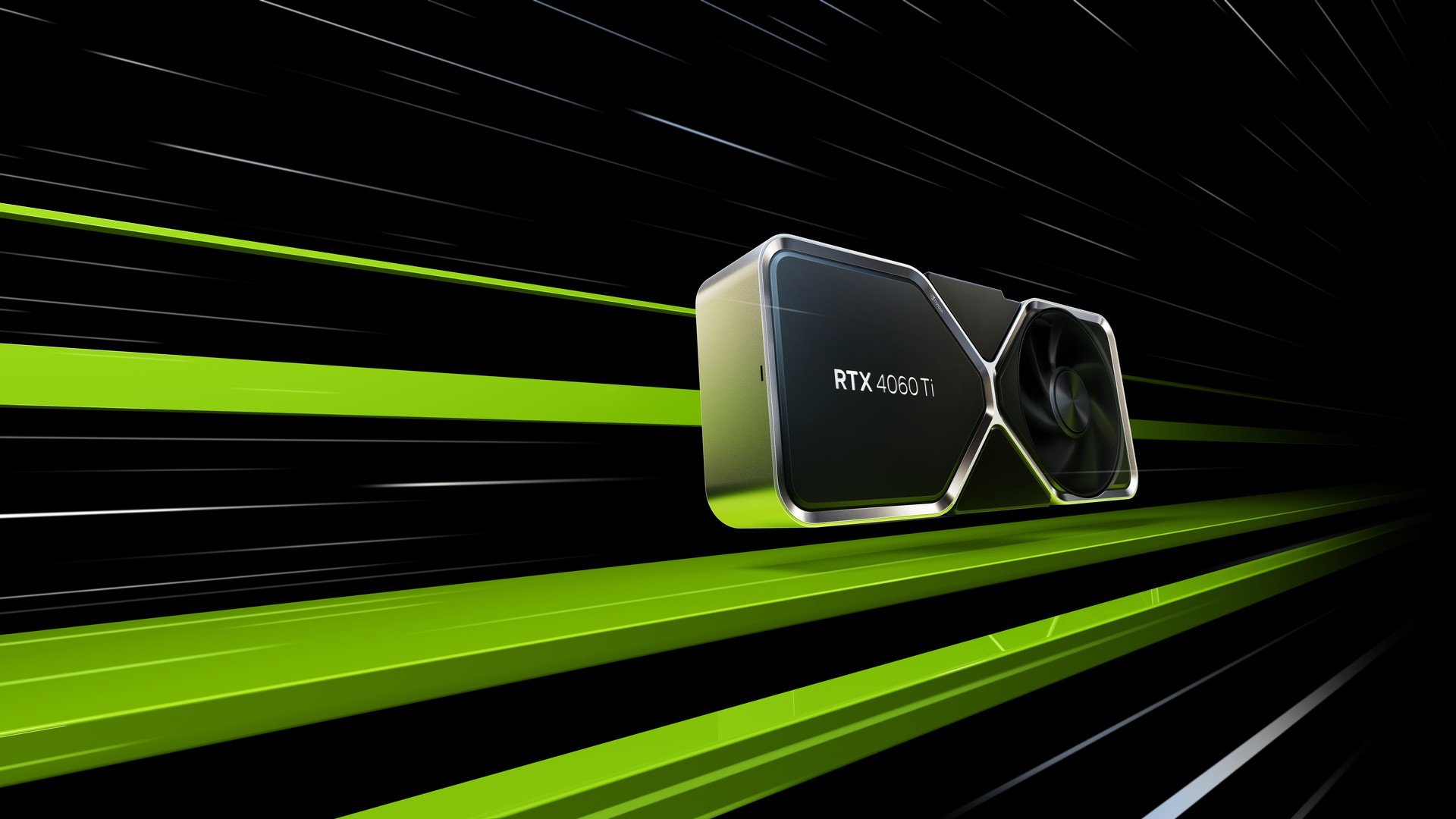
Why Multi-GPU Rendering Matters?
For offline render engines such as V-Ray, Redshift, or Octane, multi-GPU rendering is a game changer. By distributing the rendering workload across several graphics cards, artists can significantly reduce render times, improve workflow efficiency and handle more complex scenes.
- Faster rendering: Multiple GPUs can process frames or tiles in parallel, making high-quality output much quicker compared to a single GPU.
- Bigger projects: Large architectural scenes, animations, or VFX shots often exceed the memory of one GPU. Multi-GPU setups combine resources, allowing artists to work with heavier files.
- Efficient iteration: Faster feedback cycles mean designers can test different lighting setups, materials, or animations without waiting hours for results.
This is why many professionals invest in workstations with two, four, or even eight GPUs. However, as we’ve seen, not every 3D software is built to take advantage of this power, especially real-time visualization tools, which typically stick to one GPU for stability and interactivity.
Top 5 3D Software Work Best With Single GPU
1. D5 Render
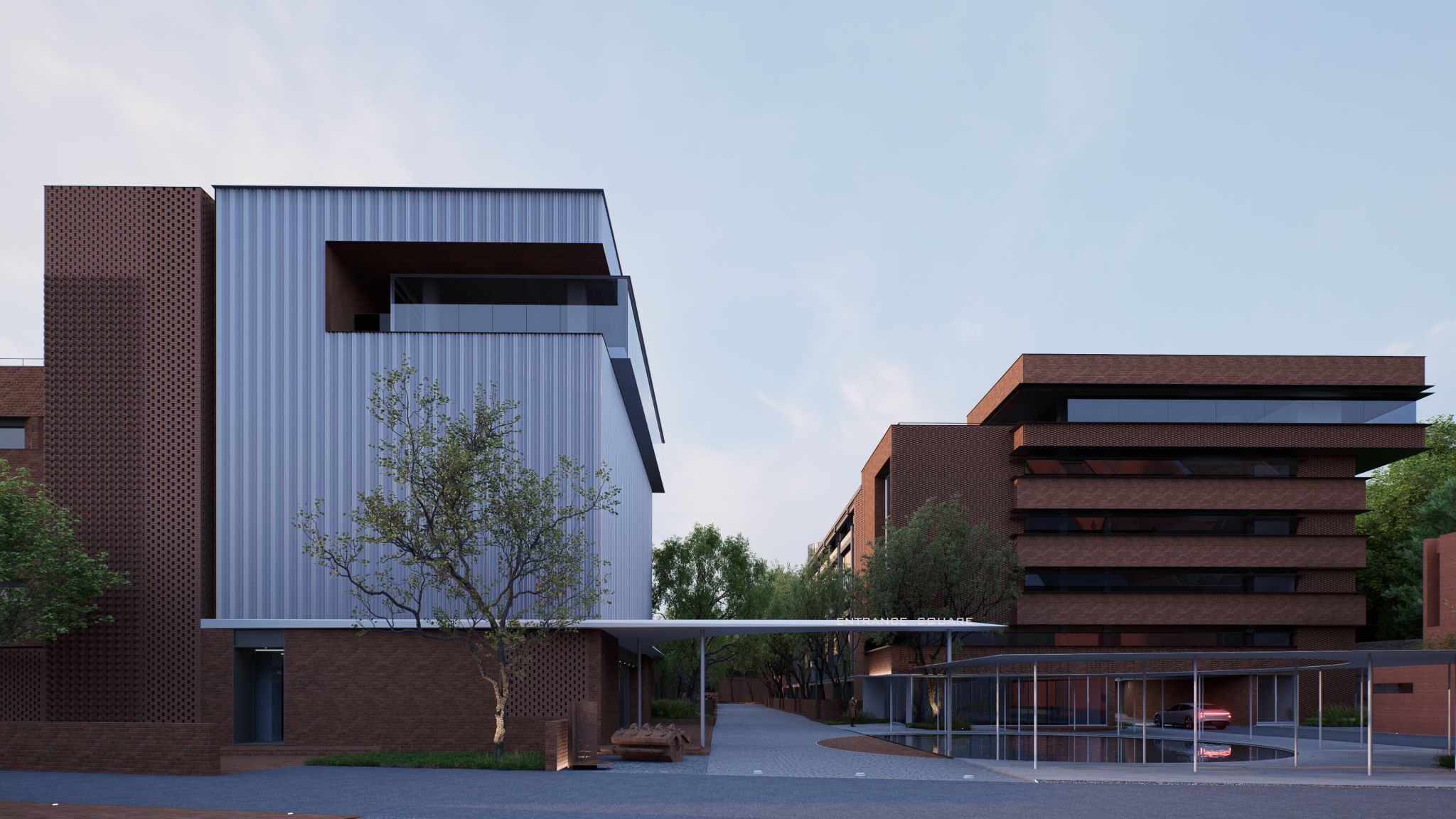
D5 Render is a fast-growing real-time tool focused on architectural visualization. It is powered by real-time ray tracing but currently relies on a single GPU to handle the rendering pipeline. The reason lies in its architecture: D5 Render is optimized for responsiveness and interactivity rather than distributed GPU scaling. Since the workflow emphasizes “what you see is what you get” previews, one powerful GPU can efficiently handle both the viewport and the final render.
| Operating systems | Windows 10 v1809 or above |
| Price |
– For community: Free – Pro subscription: $38/month and $360/year – Teams subscription: $75/per seat/month and $59/per seat/year |
2. Twinmotion
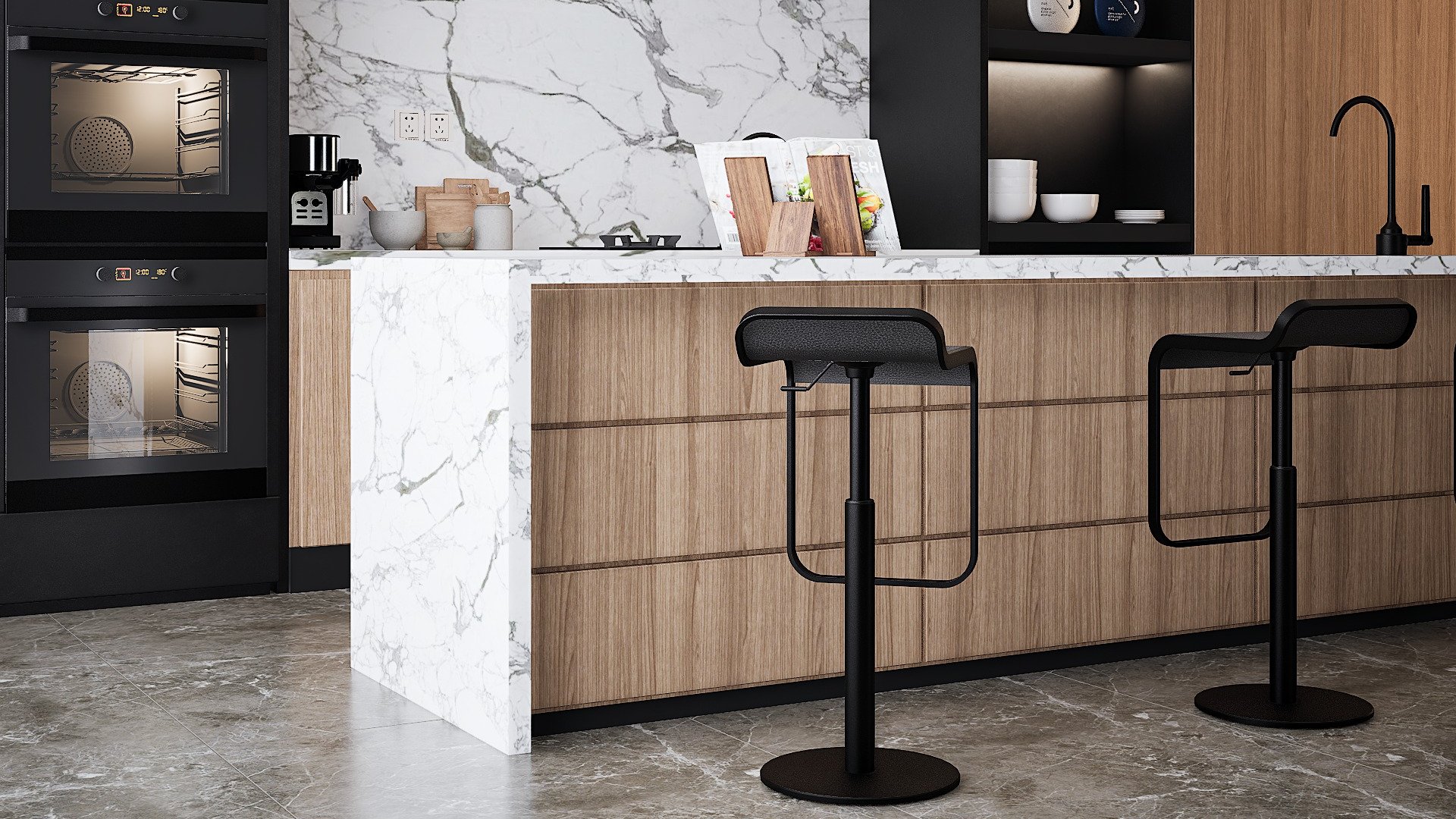
Developed by Epic Games and built on Unreal Engine, Twinmotion is designed for architects and designers who need quick visualizations without complex setup. Like D5, it is a real-time tool that favors speed and interactivity. Twinmotion is optimized to run smoothly on a single GPU to ensure stable performance, avoiding the complications of multi-GPU synchronization in real-time rendering environments.
| Operating systems |
– Windows 11 64-bit version. Windows 10 64-bit version 1909 revision .1350 or higher, or versions 2004 and 20H2 revision .789 or higher. – macOS Ventura 13.5 |
| Price |
– For community: Free – Pro subscription: $38/month and $360/year – Teams subscription: $75/per seat/month and $59/per seat/year |
3. Lumion

Lumion has long been a favorite in architectural visualization for its ease of use and massive asset library. Despite its strong GPU acceleration, Lumion does not scale across multiple GPUs. Its philosophy is straightforward: simplicity and instant results. By focusing on a single GPU pipeline, Lumion ensures that the rendering process is stable and predictable across different user hardware.
|
Operating systems |
Up-to-date Windows 10 64-bit (version 2004) or newer |
|
Price |
– Lumion View: €199/year – Lumion Pro: €999/year – Lumion Studio: €1,299/year |
4. Unreal Engine (Real-Time Rendering)

Although Unreal Engine is incredibly powerful and used for everything from games to virtual production, its real-time rendering system is also GPU-bound to a single card in most workflows. Multi-GPU setups are mainly useful in highly specialized rendering clusters, not in everyday design visualization. For individual artists, Unreal prioritizes stability and real-time feedback over scaling across multiple GPUs.
| Operating systems |
– Windows 10 64-bit version 1909 revision .1350 or higher, or versions 2004 and 20H2 revision .789 or higher. – macOS Sonoma 14 – Ubuntu 22.04 |
|
Price |
– Free for most users: Free for learning, individual projects, and for most users with revenue under $1 million. – Royalties for games: Game developers will be licensed to end-users, pay a 5% royalty on product’s revenue after it >$1 million. – Annual Subscription for non-games: Companies not creating games but with annual gross revenues over $1 million must purchase an annual $1,850 per-seat license. |
5. Enscape
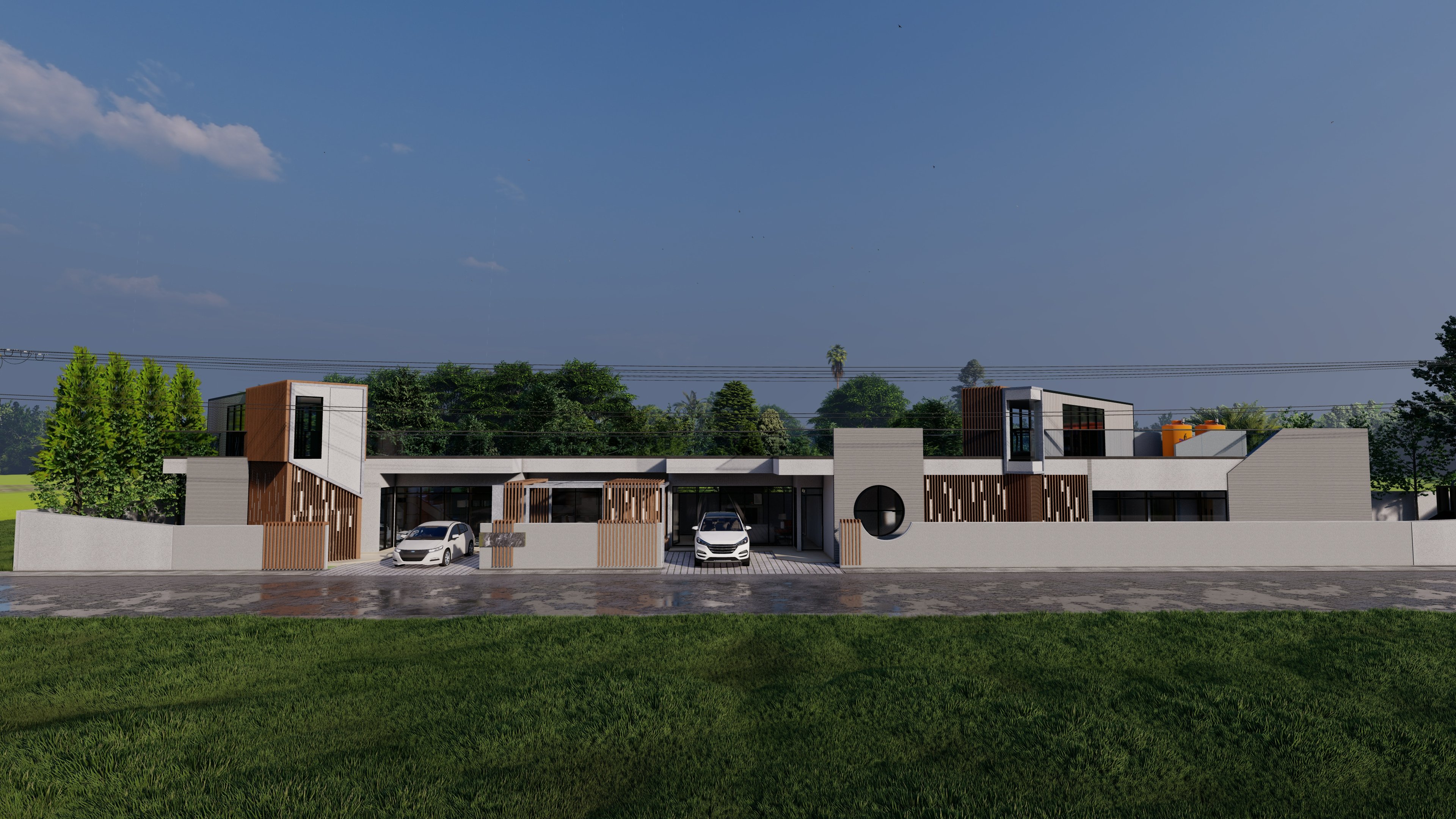
Enscape is another popular real-time visualization plugin for Revit, SketchUp, Rhino and ArchiCAD. Known for its one-click rendering and VR capabilities, it also runs on a single GPU. The reasoning is similar to the tools above: Enscape’s real-time feedback loop is designed for smooth interactivity, not offline distributed rendering. This makes one powerful GPU sufficient for most design workflows.
|
Operating systems |
– Windows 10 or higher – macOS: Monterey 12.6 and higher |
|
Price |
For Named license: – Enscape Solo: €82.90/month – Enscape Premium: €598.8/year – ArchDesign Collection: €658.8/year For Float license: – Enscape Premium: €958.8/year – ArchDesign Collection: €1,078.8/year |
Why These Tools Stick to One GPU?
- Real-time rendering focus: These tools prioritize smooth interactivity and instant feedback, where adding more GPUs could actually slow performance due to synchronization overhead.
- Simplicity and stability: Limiting rendering to a single GPU reduces driver conflicts and scaling issues, ensuring the software runs reliably on most machines.
- Target users: Aimed at architects and designers, these software values ease of use and quick setup over complex multi-GPU optimization.
Which 3D software should you choose?
After learning that some 3D tools only use a single GPU, the key question is: which one best fits your workflow? Each of the five software mentioned earlier serves a slightly different purpose. Based on that, you can choose the suitable software for your projects:
- D5 Render: Ideal for architects and interior designers who need real-time visualization with straightforward controls
- Twinmotion: A good fit for designers who want fast presentations and VR support, while still benefiting from Unreal Engine’s foundation
- Lumion: Best for those who value ease of use and a vast asset library, especially for architectural walkthroughs
- Unreal Engine: Suitable for users aiming at advanced, interactive experiences like VR, AR, or cinematic-quality visuals, even though it’s more complex to learn
- Enscape: Perfect if you work mainly inside CAD/BIM tools (Revit, SketchUp, Rhino) and want a seamless, integrated plugin for real-time rendering
Conclusion
While real-time software like D5 Render, Twinmotion, Lumion, Unreal Engine and Enscape deliver impressive results, they all share a common limitation: they only utilize one GPU. This means that adding multiple graphics cards will not necessarily improve performance in these applications. For users, the most practical approach is to rely on the powerful single GPU available (like NVIDIA RTX 4090) to ensure smooth interactivity and stable performance across demanding design workflows.
iRender - Optimized Solution for Single-GPU Software
For real-time visualization tools like D5 Render, Twinmotion, Lumion, Unreal Engine and Enscape, performance depends entirely on the power of a single GPU. This makes having access to the latest and most powerful graphics card critical for smooth workflows and high-quality output.
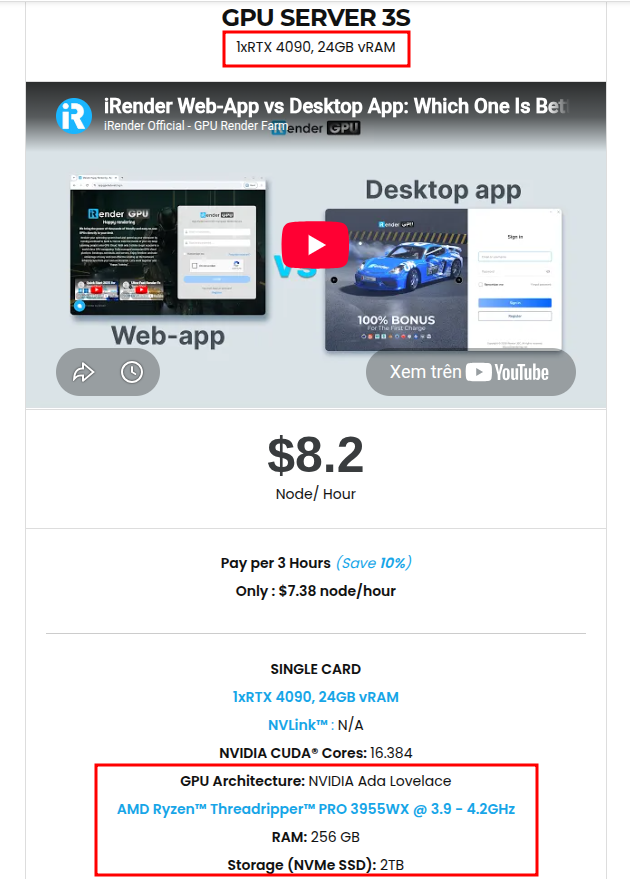
At iRender, our Server 3S package provides exactly that: a single NVIDIA RTX 4090 with 24GB vRAM, perfectly suited for software that does not scale across multiple GPUs. With this setup, you can maximize rendering speed, ensure stable interactivity and handle large design projects without the limitations of your local machine. Simply connect to the remote server, install your preferred software, add your own license and work as if you were on your own workstation with faster and more reliable.
Here is our single GPU – Server 3S with detailed information:
Why choose iRender?
When projects become bigger and deadlines become tighter, finding a suitable and optimized renderer is no longer optional, it’s crucial. iRender’s mission is to help you make all your ideas become final products in a faster, stronger and more efficient way.
Powerful performance: GPU RTX 4090 workstations, compatible with almost 3D/AI software. Moreover, iRender’s remote servers also provide CPU AMD Ryzen Threadripper Pro 3955WX @ 3.90GHz – 4.2GHz and AMD Ryzen™ Threadripper™ PRO 5975WX @ 3.6 – 4.5GHz, RAM 256GB and 2TB SSD NVMe Storage
Flexible usage: Use the remote server anytime you want
Secure & Privacy: Guarantee for your data safety and privacy
Fast support: A customer support team ready to assist 24/7
Cost-effective: Pay-as-you-go, pay for the time used
If you are still wondering, register now to get a free trial and receive a 100% iRender bonus points for your first transaction within 24 hours of registration.

For more detailed information, please contact us via Live chat 24/7 or WhatsApp: +(84) 962 868 890 or Email: [email protected].
iRender – Happy Rendering!
Related Posts
The latest creative news from V-Ray Cloud Rendering , Twinmotion Cloud Rendering , 3D VFX Plugins & Cloud Rendering.





