
Top 5 best rendering software for 3D artists in 2026
As 2025 comes to an end, many 3D artists are already looking ahead to the tools and software that will shape the industry in 2026. Work that was once a final touch is now being required earlier, whether during BIM coordination, design approvals, or quick client presentations. That’s why 3D rendering software is becoming more integrated into how projects are delivered today.
But the challenge isn’t always about raw results or realism. It’s about how the software fits into your existing toolchain, how it handles shared models, and how easily your team can maintain licensing and compliance. With so many options, choosing the right one can be daunting.
In this article, iRender will analyze top 5 best rendering software for 3D artists in 2026, key features, and prices. So you can find the rendering setup that fits your workflow, not just your wish list. Let’s get it on!
What is 3D rendering software?
Before we get into the top picks, it’s important to understand what 3D rendering software actually does. Rendering software converts 3D models and scenes into 2D images or videos. Simply put, it turns rough models into images that users can visualize. While applications like SketchUp or Revit deal with shapes and structures, rendering software focuses on how those spaces look. It helps transform designs from technical drawings to presentation-ready images.
The purpose of 3D rendering software is to help teams express their ideas, whether through still images, instructional videos, or design models. Enscape, Blender, and V-Ray are commonly used in the architectural rendering process, from client presentations to internal collaboration. But the best rendering software balances speed, quality, and usability, meeting the level of visual detail you need and how quickly you need it.
What makes the best 3D rendering software?
The best 3D rendering tools typically have a few key features, like real-time visualization and cloud rendering. These are features that help smooth workflows and increase team efficiency. Here’s what matters to architecture and visualization teams:
- Real-time visualization
- Realistic output
- Integration with BIM or CAD
- Customizable render quality
- Animation and video support
- Cloud or network rendering
- Flexible support and licensing
- Built-in asset library
- Material editor and lighting controls
- Compatibility with VR or AR devices
Review top 5 best 3D rendering software in 2026
Enscape
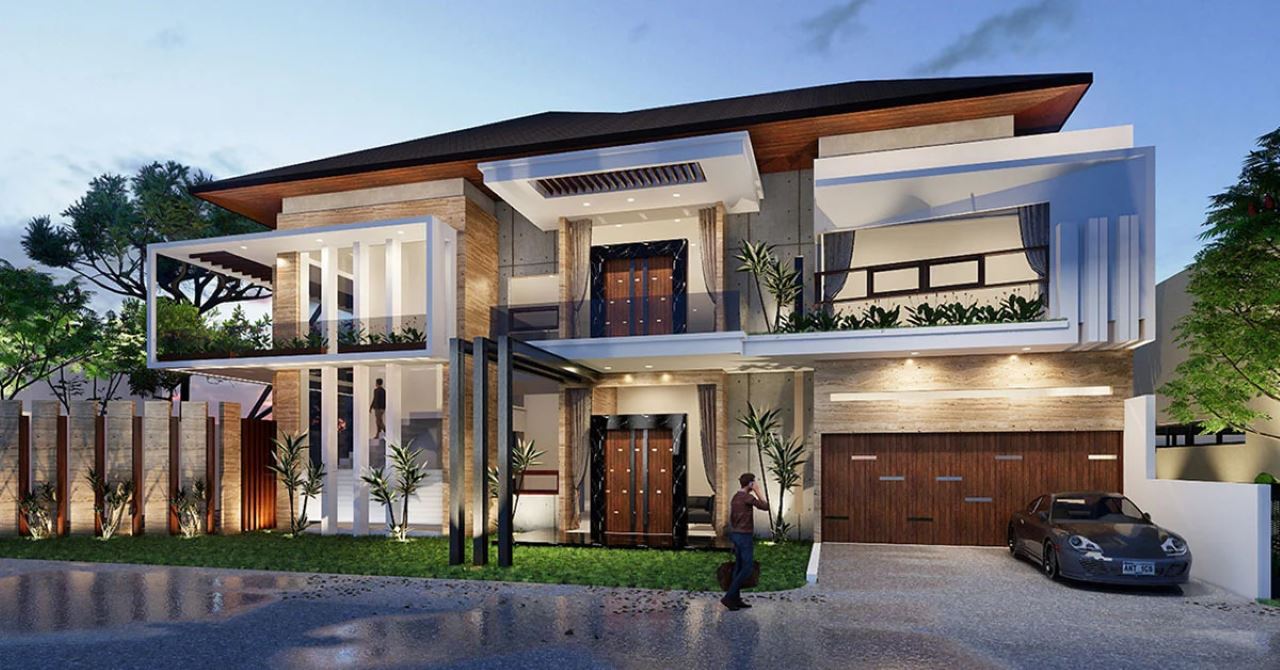
Image source: The Chaos Blog
- Price:
-
- Enscape Solo: €44.90/month or €538.80/year per user
- Enscape Premium: €49.90/month or €598.80/year for a named licensed user
- ArchDesign Collection: €54.90/month or €658.80/year for a named licensed user
- Supported Platforms: Windows, macOS
Enscape is the best rendering software for SketchUp and Revit, which makes it ideal for fast BIM presentations. It is favored by architects who need speed and clarity during design development. Its VR capabilities and lighting presets help simplify visual review throughout the project stages. One of the biggest advantages of Enscape is its ease of use. Even beginners can create professional renderings without having to dig into complex settings.
Use case: Ideal for architects who need to see instructions directly from SketchUp or Revit during client meetings or design reviews. For architectural projects with tight deadlines, Enscape is a time-saving solution that still delivers impressive results.
Key Features
- Real-time rendering for instant feedback
- VR and 360° panorama support
- Integration with popular CAD tools like Revit, SketchUp, Rhino, and ArchiCAD
- High-quality lighting, reflections, and materials
- Render drafts to presentations quickly
Cons
- Limited material customization
- Not built for complex animations
- Requires GPU-compatible hardware
3ds Max
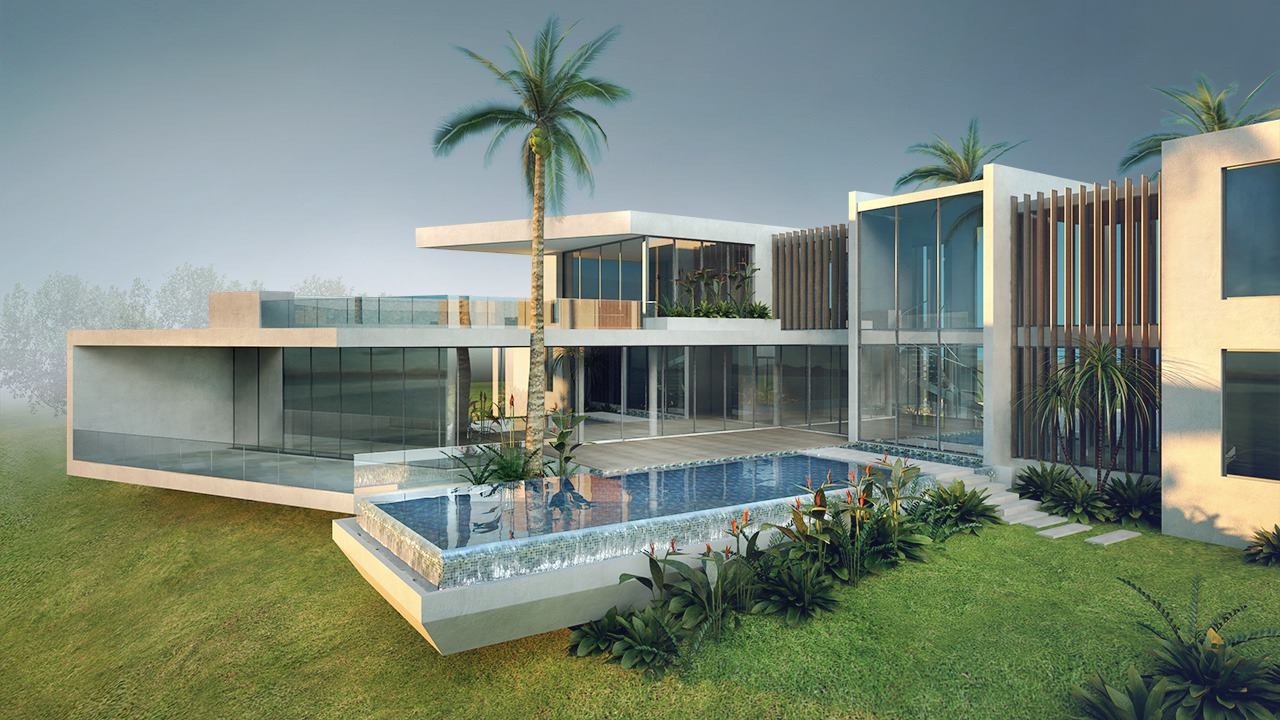
Image source: illustrarch
- Price:
-
- Annual Subscription: $168/month – $2,010/year (Paid annually)
- Monthly Subscription: $255 (Paid monthly)
- Flex: $300/100 token (minimum); 6 tokens/day
- Supported Platform: Windows
3ds Max is Autodesk’s long-standing industry-leading 3D rendering software. It is best suited for detailed animation, games, VFX, and architectural renderings that require high fidelity. The software is more technical, which makes it suitable for professionals familiar with advanced workflows. 3ds Max is widely used in design visualization and media production.
Use case: Suitable for visualization teams creating cinematic animations, highly detailed scenes, or complex architectural storytelling.
Key Features
- High-quality ray tracing capabilities
- Built-in Arnold renderer for realistic output
- Extensive plugin ecosystem for advanced functionality
- Flexible for AEC and animation
- Powerful modeling, animation, and simulation tools
- Customizable lighting and material settings
Cons
- High system requirements, Windows supported only
- Steep learning curve
- Expensive for small studios
Blender
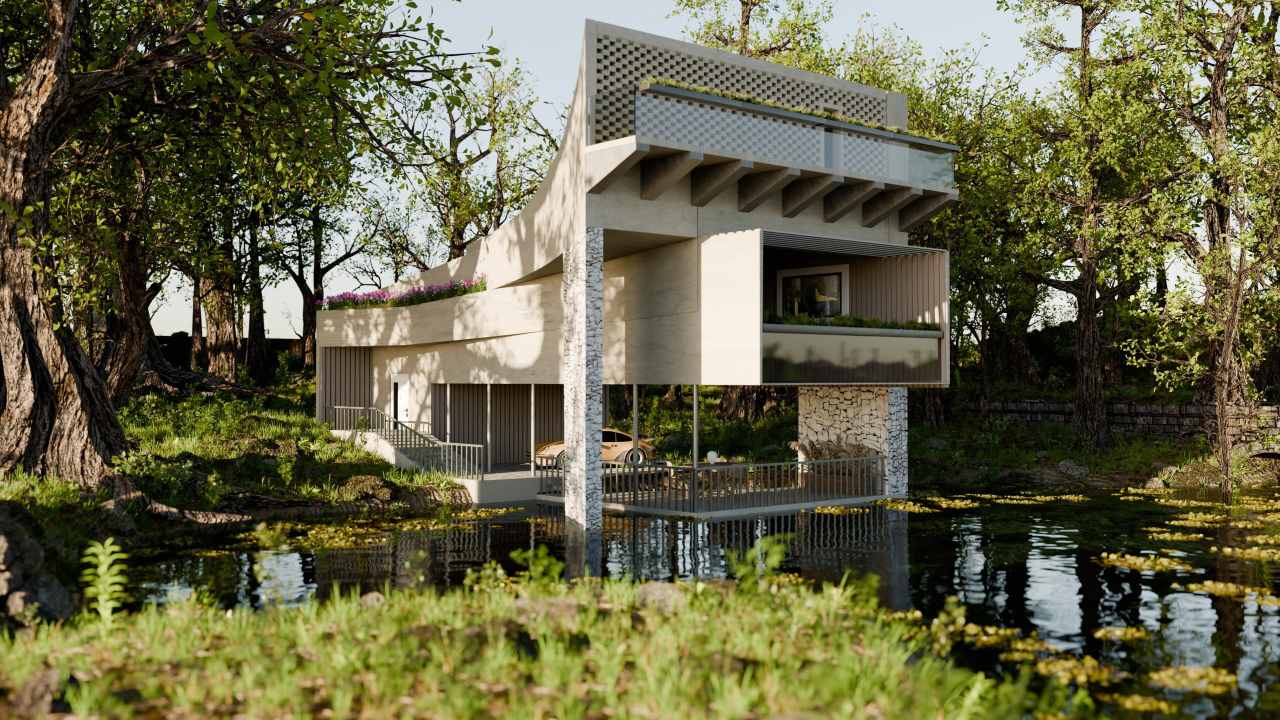
Image source: Blender Nation
- Price: Free
- Supported Platforms: Windows, macOS, Linux
Blender is a 3D rendering program that provides professional-quality output without licensing fees, completely free and open source. It includes the Cycles rendering engine, powerful animation features, and real-time preview via Eevee. While not yet an industry standard in ACE, it is increasingly popular with freelancers and small teams. Additionally, Blender’s growing community ensures that tutorials, resources, and support are always just a few clicks away. Blender is suitable for both beginners and professionals.
Use case: Useful for freelancers or small studios creating high-quality renderings and animations without licensing fees.
Key Features
- Completely free and open source
- Active global community
- Regular updates, an extensive library of add-ons and plugins
- Eevee for fast real-time previews and Cycles for high-quality final renderings.
- Full animation, sculpting, and VFX capabilities
Cons
- No direct Revit/SketchUp sync
- UI takes time to get used to
- Less local support in an AEC context
V-Ray
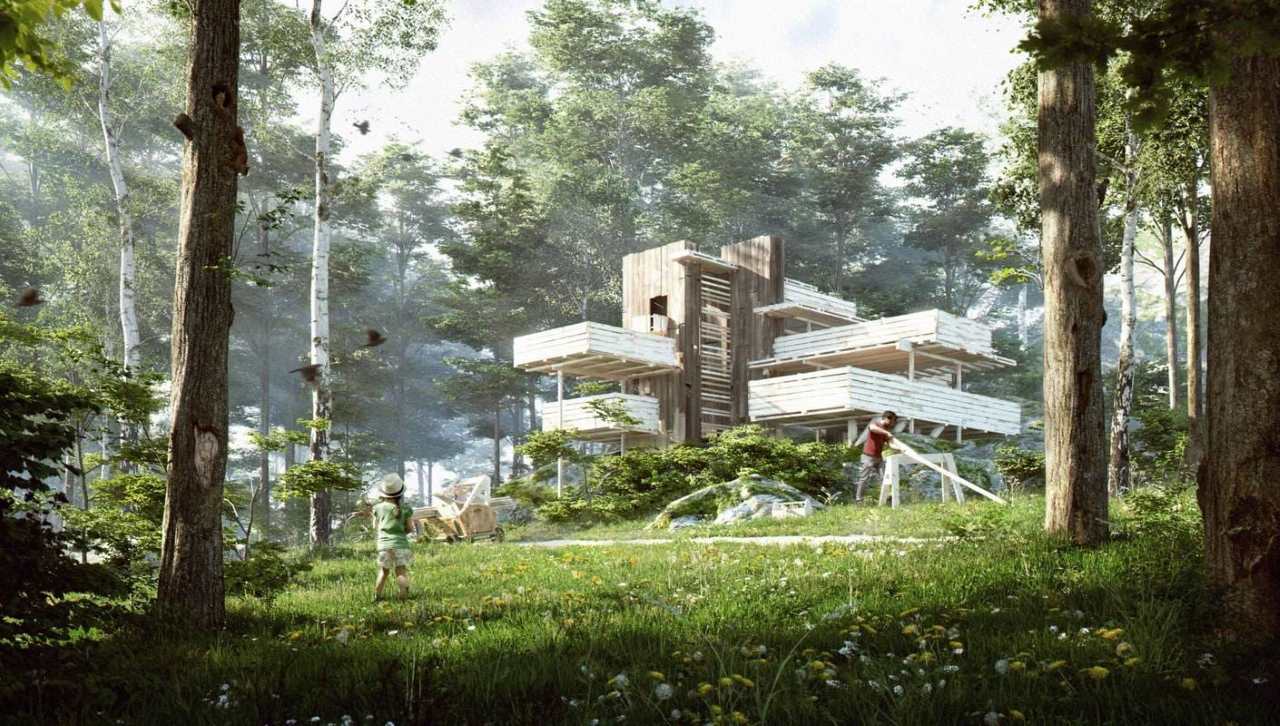
Image source: Chaos
- Price:
- V-Ray Solo: €39.50/month – €379.20/year
- V-Ray Premium: €54.90/month – €658.80/year
- ArrchViz Collection – V-Ray Edition: €90.90/month – €1,090.80/year
- Supported Platforms: Windows, macOS, Linux
V-Ray is a rendering engine built to create photorealistic renders for architecture, interiors, and product visualization. Available as a plugin for SketchUp, Ehino, 3ds Max, and Revit, V-Ray is known for its cinematic image quality and in-depth material control. V-Ray’s strength lies in its photorealistic rendering capabilities. It can handle highly detailed scenes with complex lighting, creating renders that look indistinguishable from real life.
Use case: As the industry standard in photorealistic rendering, it is favored by visualization professionals who provide photorealistic renders for marketing or detailed client presentations.
Key Features
- Superior lighting accuracy and realism
- High-quality global illumination and ray tracing
- Compatible with multiple modeling tools
- Rich material library for realistic textures
Cons
- Slower rendering than real-time tools
- Complicated setup for beginners
- Requires a powerful workstation
Lumion
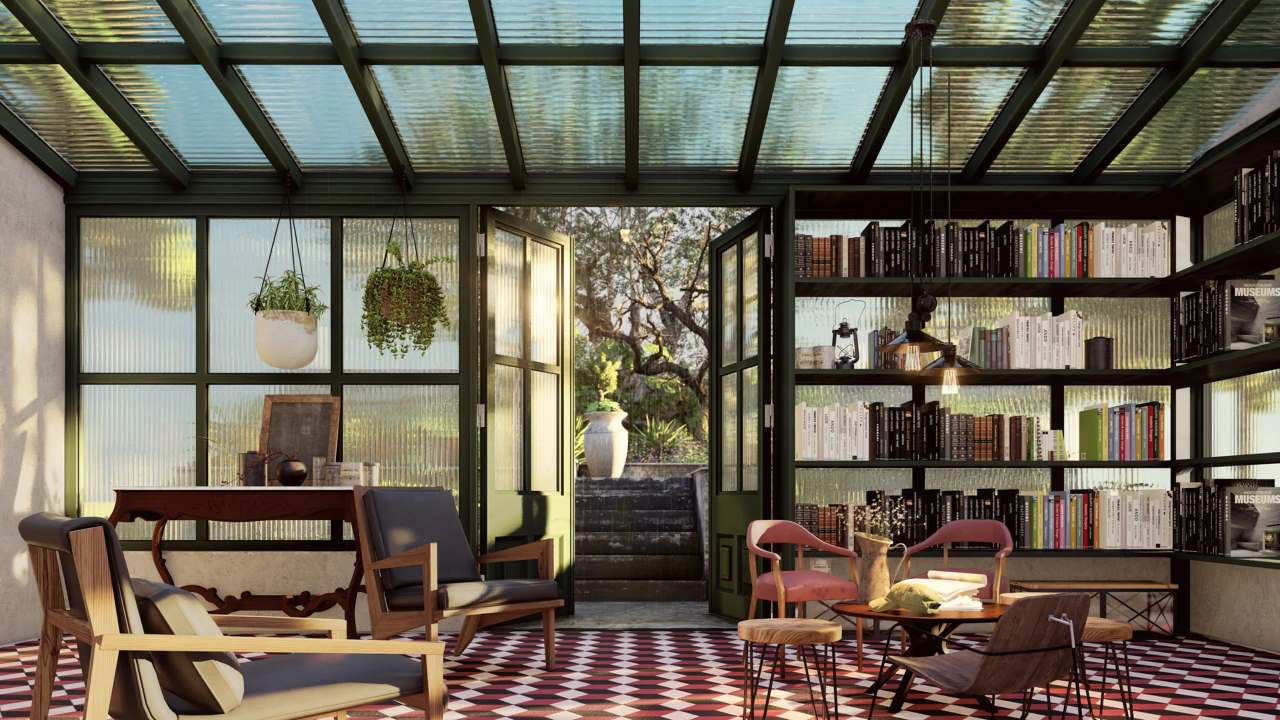
Image source: Lumion
- Price:
-
- Lumion View: €199/named user/year
- Lumion Pro: €999/named user/year
- Lumion Studio: €1,299/floating seat/year
- Supported Platforms: Windows
Lumion is designed for architects who want speed, clarity, and storytelling. It includes visual effects like skyscapes, animated characters, and weather systems. Unlike traditional rendering engines, Lumion emphasizes real-time rendering and allows you to create high-quality videos and images in a fraction of the time. While not as realistic as V-Ray, Lumion still allows for quick visualizations for presentations or design approvals.
Use case: Ideal for creating tutorials, flythroughs, and immersive presentations.
Key Features:
- Real-time visualization with fast feedback
- Huge library of materials, objects, and environmental effects
- Easy-to-use interface, suitable for beginners and professionals
- Fast video export with cinematic effects
- SketchUp, Revit, Rhino support
Cons
- High GPU requirements
- Less control over rendering engine
- Not ideal for advanced post-processing
Sum Up
| Software | Best For | Key Features | Free Plan |
Pricing |
|
Enscape |
Real-time BIM visualization | Live sync with Revit & SketchUp, VR integration, intuitive UI | Yes (Trial) | From €538.80/year |
|
3ds Max |
Complex animation & modeling | High realism, plugin support, strong animation tools | Yes (Trial) | From $2,010/year |
|
Blender |
Free, flexible rendering & modeling | Cycles engine, open-source, strong community, GPU support | Yes | Free |
|
V-Ray |
Photorealistic rendering across platforms | Custom render passes, supports SketchUp, Revit, Rhino | Yes (Trial) | From €379.20/year |
|
Lumion |
Fast architectural visuals | Drag-and-drop scenes, realistic skies & terrains, rapid output | Yes (Trial) | From €199/year |
Choosing the best rendering software depends on your specific needs, workflow, and budget. Each tool offers something unique. For beginners or artists on a tight budget, Blender offers a free, full-featured solution. For professionals who need photorealistic but high-quality rendering, V-Ray and 3ds Max are great options. And finally, Enscape and Lumion are two options for those who need to render quickly and convincingly for clients. Don’t forget that each software has a trial version of at least 14 days, so you can experience it before paying for it.
Once you understand the strengths and applications of each software, you can choose the rendering tool that best suits your workflow and creative goals. If your workstation is struggling to render high-quality projects, take a look at iRender!
iRender - The best render farm for your 3D projects
iRender is one of the best render farm solutions for 3D artists who need fast, reliable, and high-performance rendering. We support all 3D software and every render engine, including Enscape, 3ds Max, Blender, V-Ray, and Lumion. No matter which version or plugin you use, iRender gives you full compatibility and complete flexibility.
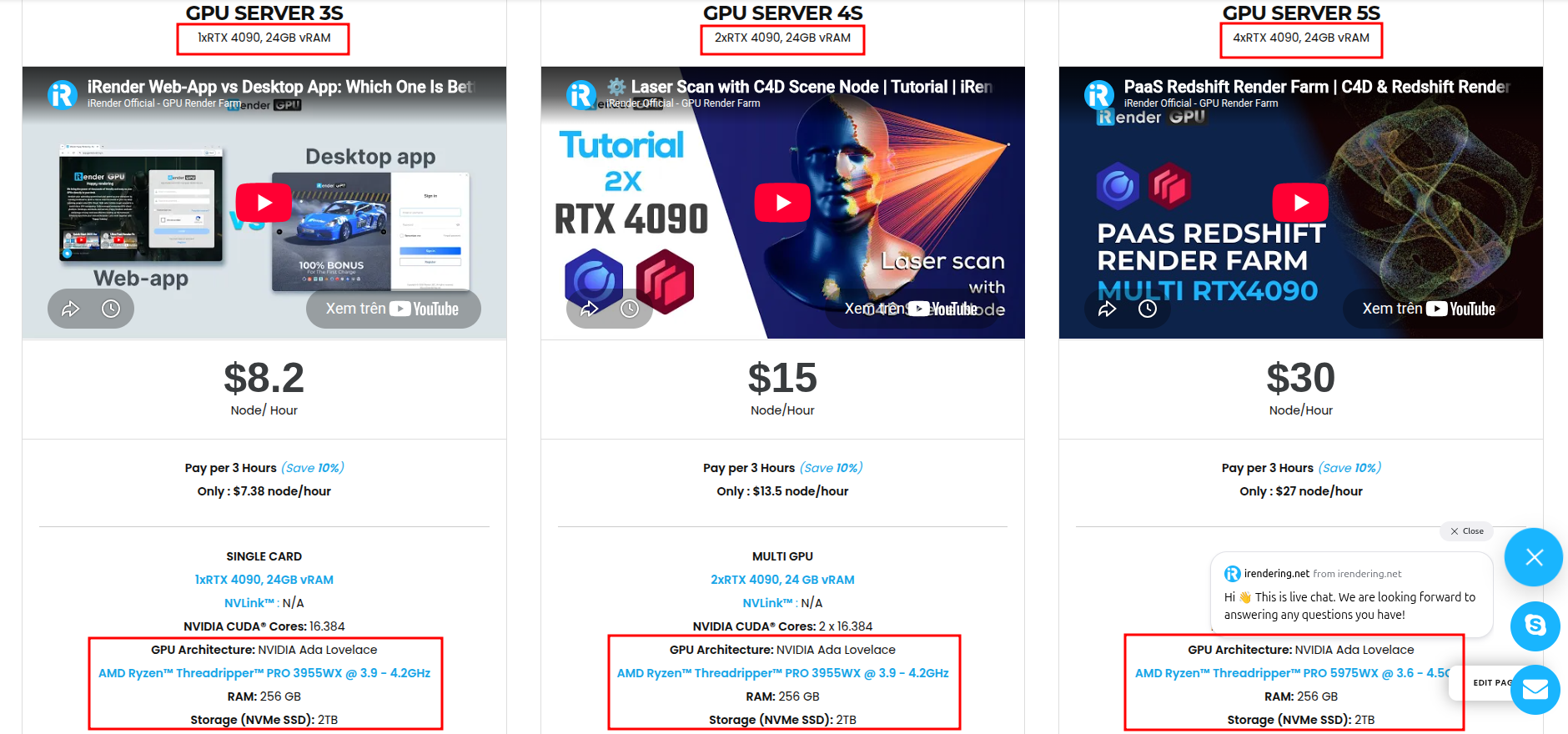
With access to powerful GPU cloud servers, you can speed up your rendering workflow without upgrading your own hardware. Every server is equipped with:
- AMD Ryzen™ Threadripper™ PRO 3955WX (3.9-4.2GHz) or
- AMD Ryzen™ Threadripper™ PRO 5975WX (3.6-4.5GHz)
- 1/2/4 RTX 4090
- 256GB RAM
- 2TB NVMe SSDs
Why choose iRender?
Unlike other services, iRender lets you upload and download files without starting the server, saving you both time and money. We offer a Desktop app for Windows with a full feature set and a simple Drive app for macOS for easy file transfers. Here’s why iRender is a top choice for your rendering needs:
- 100% Software Support: We support all 3D software, their plugins, and render engines.
- Full Control: Our service will give you full control over the servers you rent. Therefore, you are free to create your own working environment.
- Go Green: We are committed to using 100% solar renewable energy towards environmental sustainability.
- Real-human Support: Our professional support agents and technicians guarantee to bring you the best rendering experience.
If you still wonder if this is the right place for your project, REGISTER NOW to get a trial and receive a 100% bonus promotion for your first transaction within 24 hrs or registration.
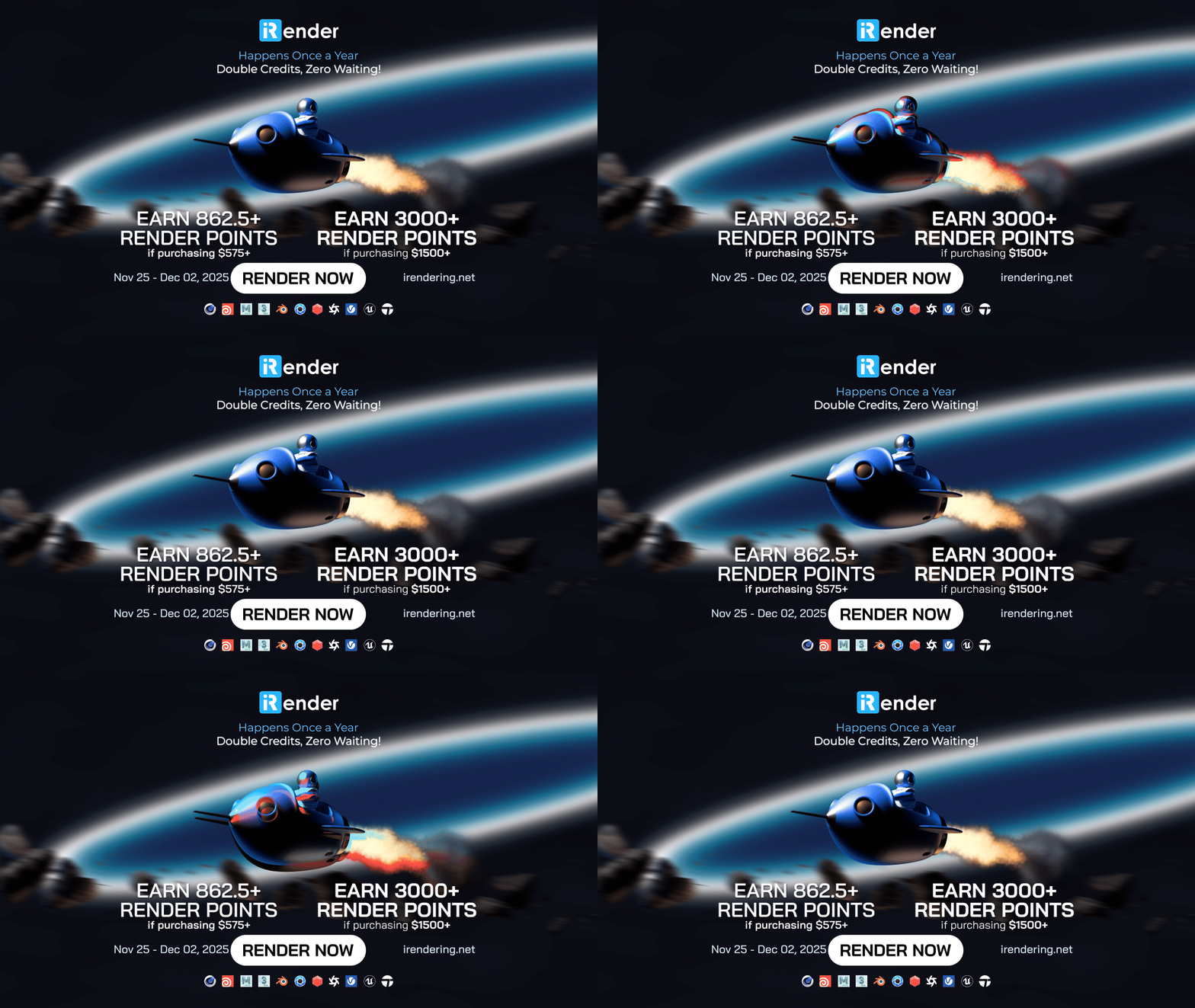
Black Friday and Cyber Monday are finally here. Enjoy our biggest promotion of the year!
For more detailed information, please contact us via Live chat or WhatsApp: +(84) 912-785-500 or Email: [email protected].
iRender – Happy Rendering!
References: interscale.com.au
Related Posts
The latest creative news from Enscape Cloud rendering, Lumion Cloud rendering, V-Ray Cloud Rendering , Twinmotion Cloud Rendering , 3D VFX Plugins & Cloud Rendering.





