
D5 Render: A Powerful Tool for Architects in 2025
As an architect, have you ever struggled to meet a tight deadline while still needing to deliver stunning, photorealistic visuals? Or wished for a tool that gives you real-time feedback instead of waiting hours for a single render?
These are the exact challenges many architects face today and they’re why D5 Render is gaining so much attention. Designed specifically for architects and designers, D5 makes rendering faster, easier and more impressive than ever before.
But what exactly makes D5 different from other rendering tools architects have tried before? That’s what we’ll explore in this blog.
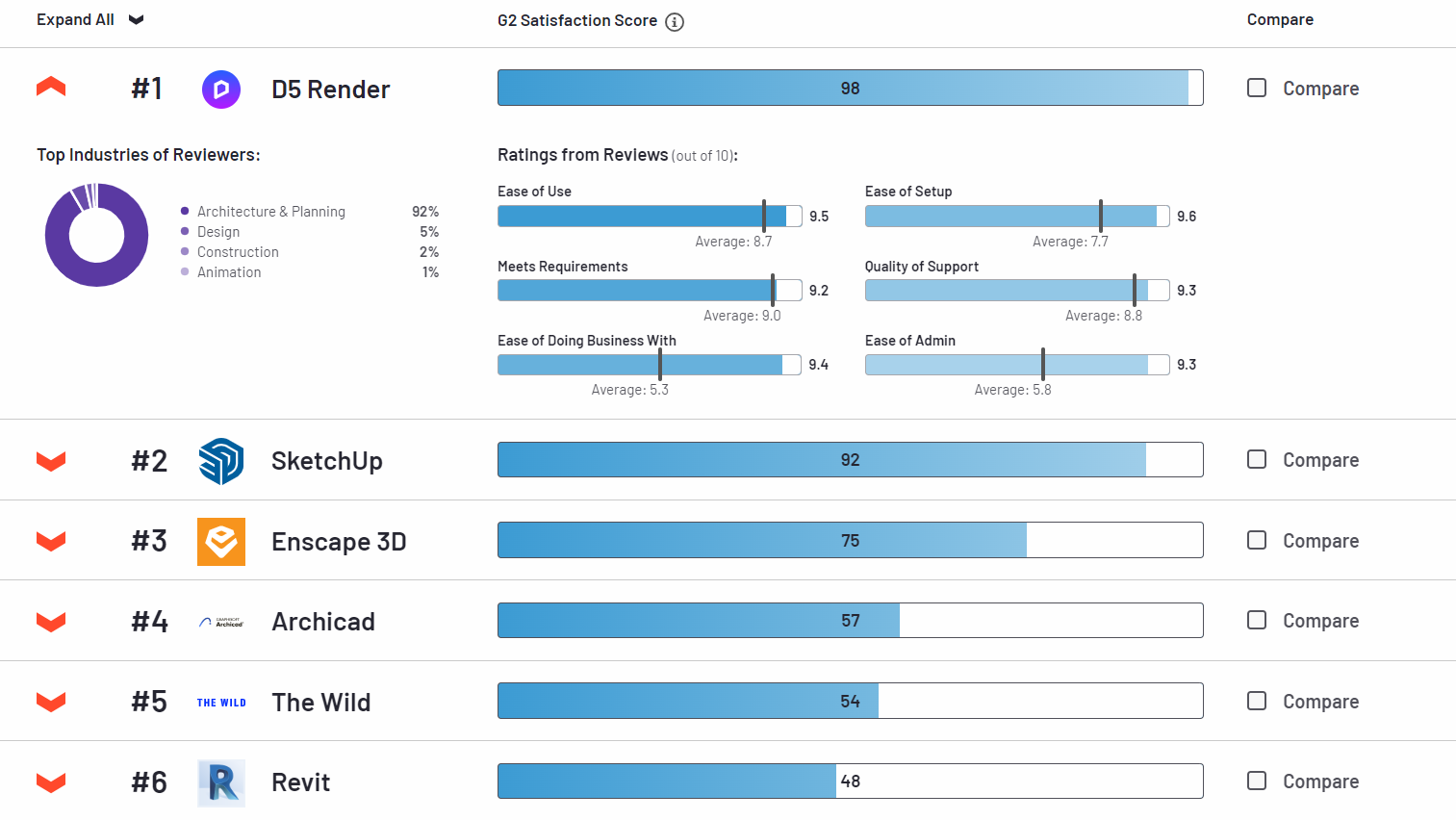
Why Architects Need Better Rendering Tools?
In today’s architectural practice, delivering high-quality visuals is no longer optional, it’s expected. Clients want to see lifelike designs before a single brick is laid and they expect those visuals quickly. Traditional rendering methods, while capable of producing stunning results, often require long hours or even days to complete a single image. This creates pressure on architects who are already working under tight deadlines.
Another challenge is accessibility. Many rendering engines demand steep learning curves, requiring architects to spend valuable time mastering technical workflows instead of focusing on design creativity. For small studios or independent architects, this barrier can feel overwhelming.
These pain points highlight the need for better tools or solutions that are faster, easier to use and capable of producing impressive results on demand. That’s where D5 Render enters the conversation.
What is D5 Render?
D5 Render is a real-time rendering software that combines ray tracing technology with an intuitive workflow, allowing users to create photorealistic images and animations in a fraction of the time.
Operating system: Only Windows
Price: Free (Community), $30/month & $360/year (Pro), $59/month & $708/year (Teams)
Key Features of D5 Render
1. Real-Time Ray Tracing
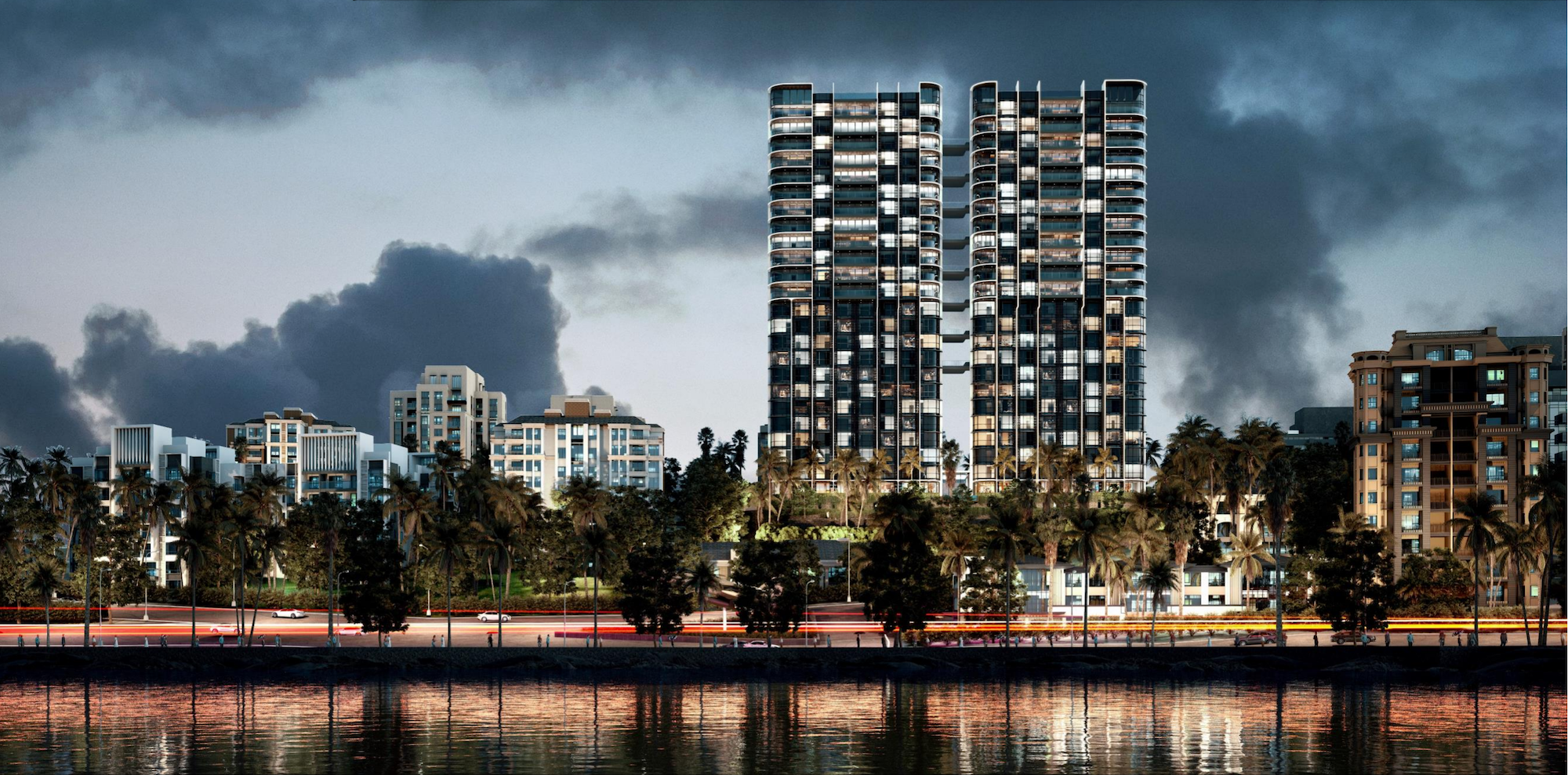
Every architect knows the frustration of waiting hours just to see if a design tweak works. With D5 Render’s real-time ray tracing, you don’t wait, you see it instantly. Adjust the sun to study daylight in your atrium, switch wall finishes to compare materials, or preview reflections on a glass façade, all in real time with photorealistic accuracy.
This speed isn’t just about saving time, it transforms the design process. You can present live options to clients, fix lighting or material issues before they become costly and move from concept to approval with far more confidence. Beyond that, real-time feedback allows teams to experiment more boldly, testing multiple design ideas that might otherwise be abandoned due to rendering delays. It also ensures that what architects see during design development is closely aligned with the final output, reducing surprises when moving to construction documentation.
For architects under tight deadlines, this feature makes D5 not just a renderer, but a powerful decision-making tool that blends creativity with technical precision.
2. Ease of Use & Intuitive Workflow
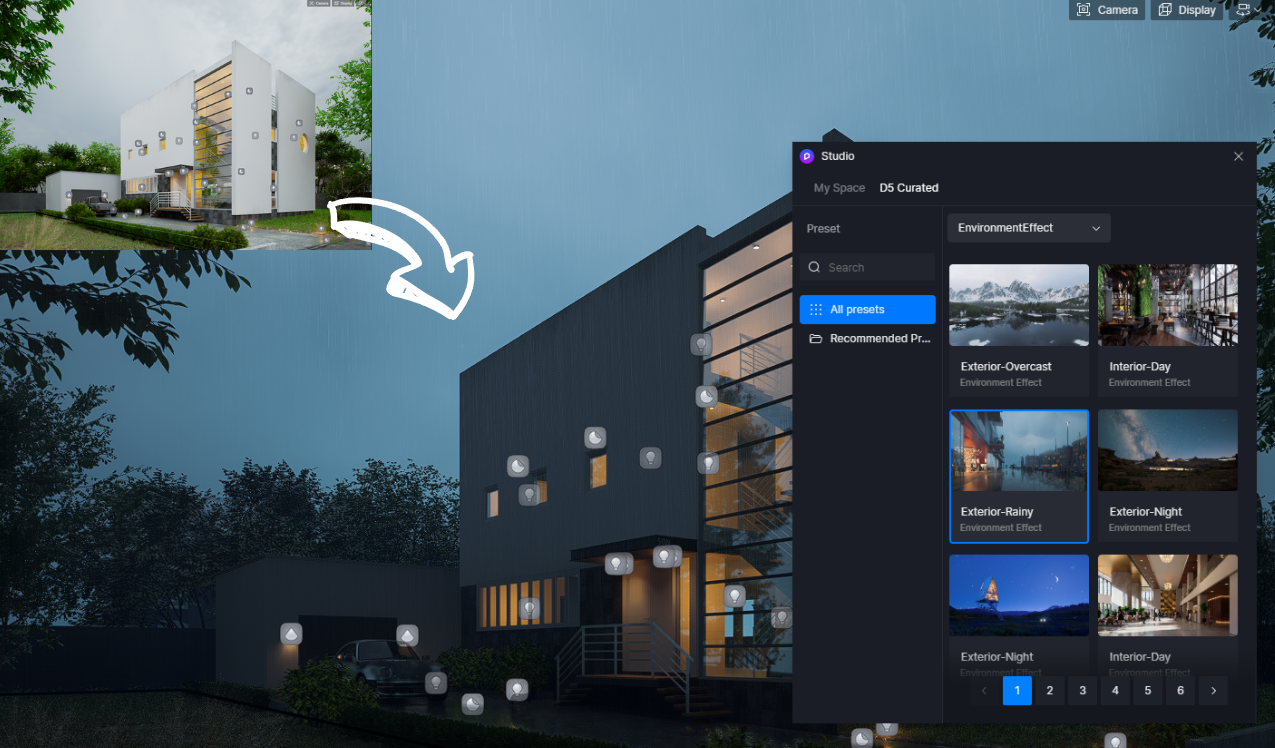
Many rendering programs are full of complicated settings that make architects feel more like technicians than designers. D5 Render changes this by offering a simple and clear interface. The workflow is natural: bring in your model, add materials, set the lighting and export the image. Even newcomers can get good results without weeks of training.
This ease of use means architects can spend more time designing and less time fighting with software. Drag-and-drop tools, ready-to-use presets and automatic features like exposure or white balance make the process quick and smooth. The result is professional-looking images created faster, helping architects focus on their creative vision.
3. Extensive Asset Library
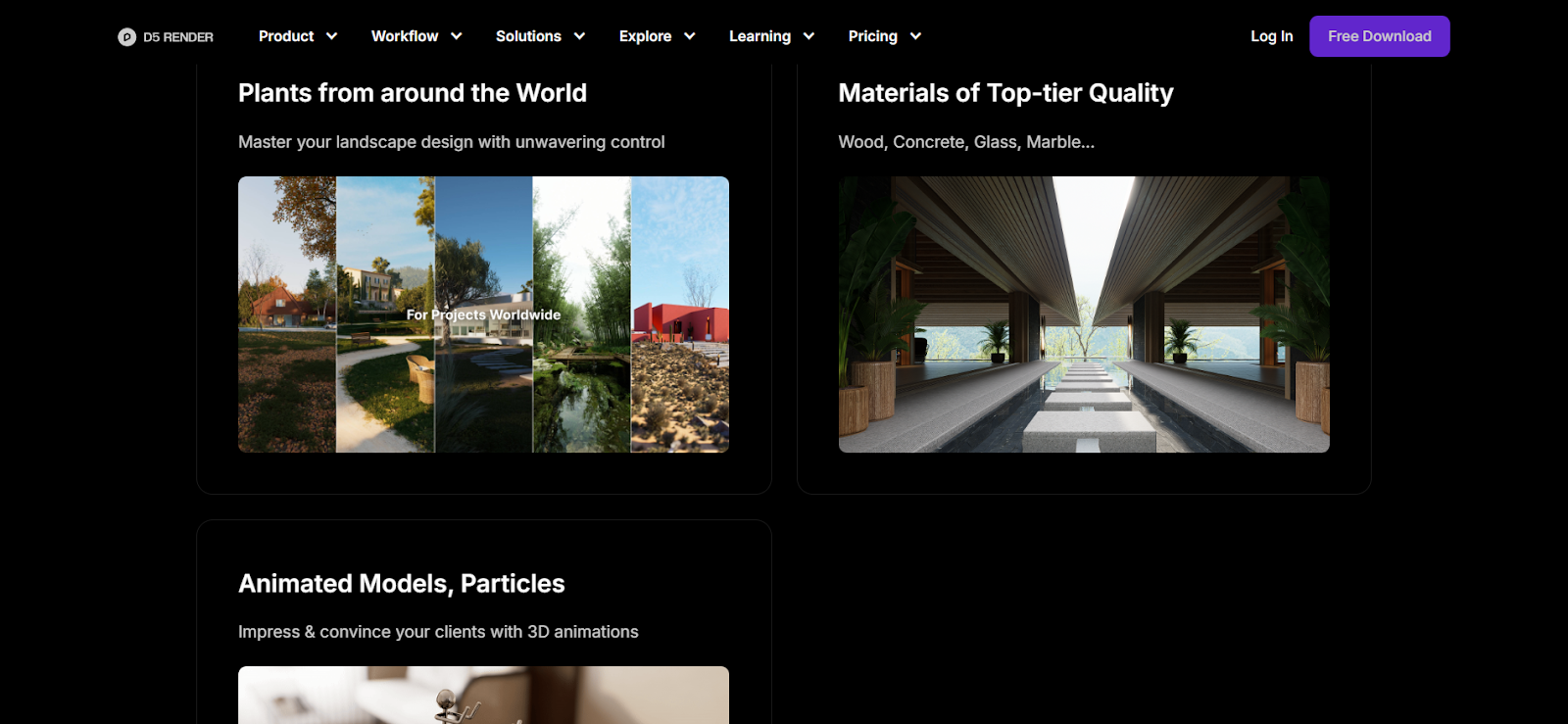
One of the biggest challenges in architectural rendering is spending hours searching for the right trees, people, or furniture to make a scene look real. D5 Render solves this with a built-in library of thousands of ready-to-use assets which range from plants and materials to furniture and lighting. Instead of downloading models from different sources, architects can find almost everything they need in one place.
This saves both time and effort, while also helping projects look more natural and alive. Imagine showing a client a design where people are walking, leaves are moving and interiors are filled with realistic furniture. All added in just a few clicks. With the asset library, architects can bring their ideas to life faster and present scenes that feel complete and convincing.
4. Seamless Integration
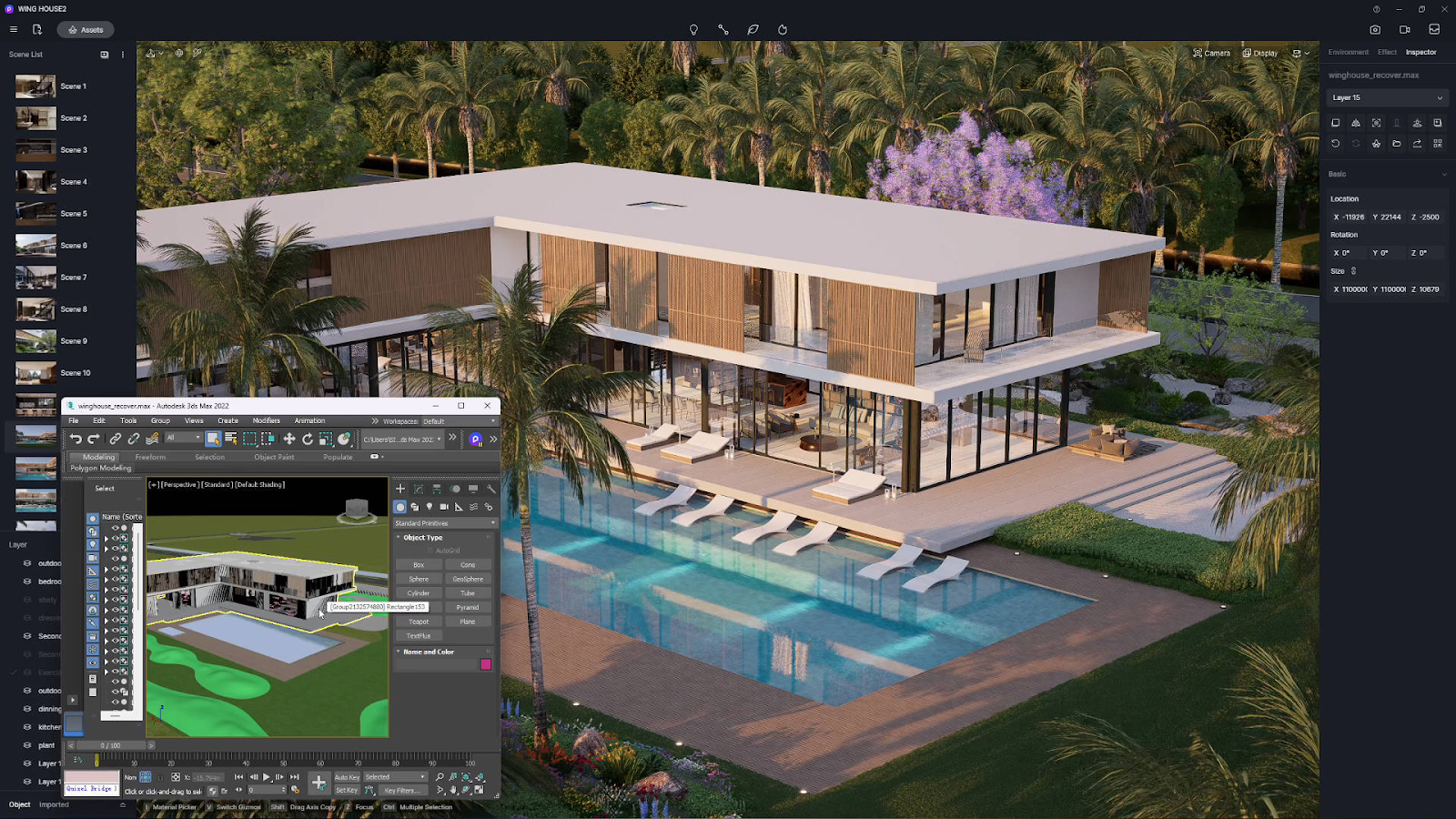
Switching back and forth between modeling and rendering software can waste a lot of time. With D5 Render, architects can connect directly to tools they already use, such as SketchUp, Revit, Rhino, or 3ds Max. Any change made in the model, such as moving a wall or adjusting a window, can appear instantly in D5 without the need for repeated exports.
This smooth connection makes the workflow much faster and less stressful. Architects can update their design and show the results in real time during client meetings, reducing mistakes and saving hours of extra work. It means less time worrying about file transfers and more time focusing on design ideas.
5. High-Quality Outputs
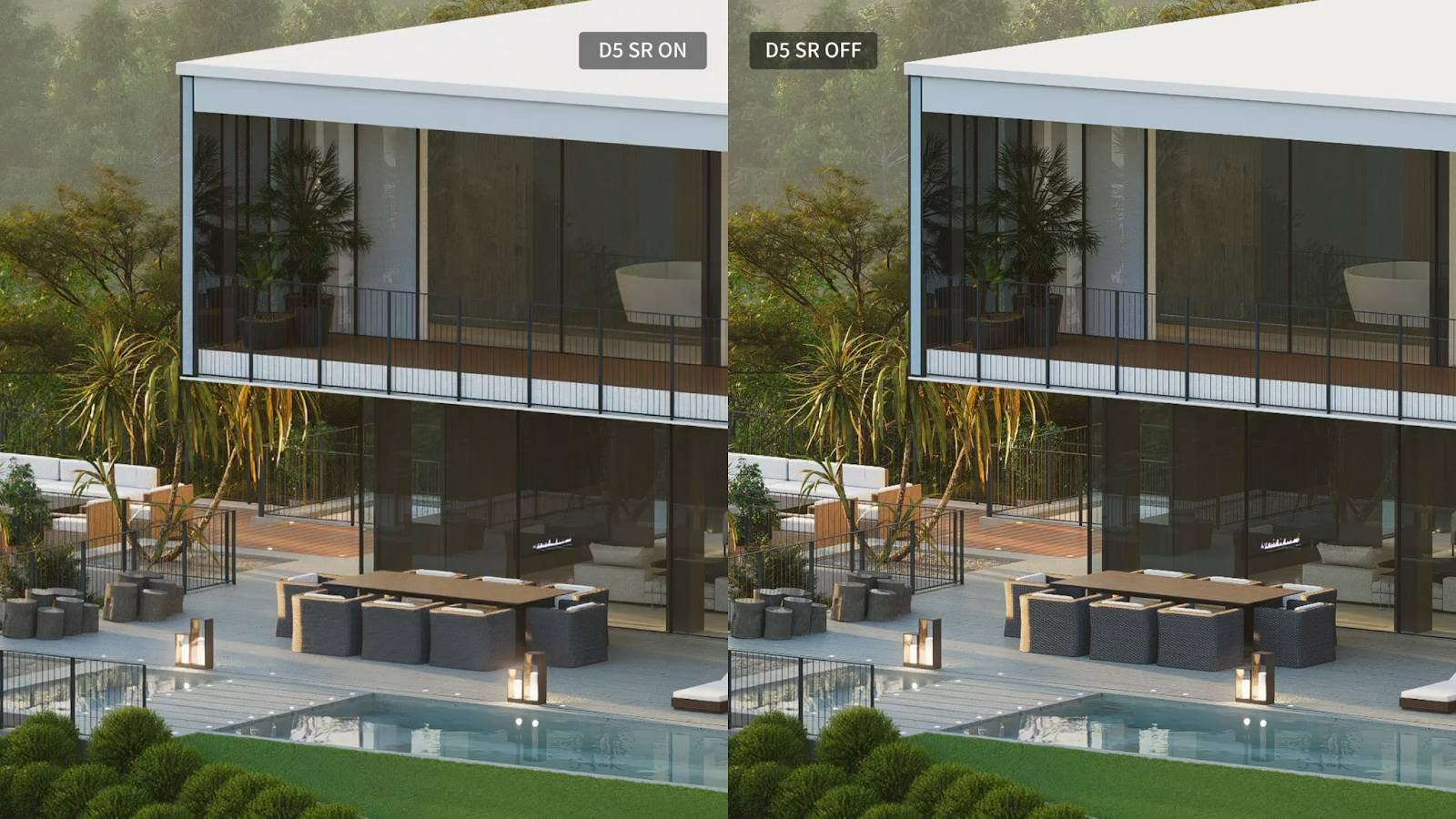
D5 Render is not only about speed, it also ensures that the final images and videos are polished and professional. Architects can export stills in ultra-high resolutions up to 8K, create cinematic animations at 4K/60fps, and even produce 360° panoramas for immersive project showcases. Along with realistic camera effects like depth of field and motion blur, these capabilities give architects versatile ways to present their work across client meetings, competitions, or marketing campaigns. Built-in post-processing tools such as tone mapping and color adjustments make it easy to fine-tune the look without leaving the software.
For architects, this means less time spent switching to Photoshop or After Effects and more time delivering results. Whether it’s a competition board, a client presentation, or marketing visuals, D5 gives outputs that look convincing and ready to publish. The combination of speed, resolution, and quality helps architects present their vision clearly and impressively, while also reducing the need for costly and time-consuming re-renders.
D5 Render on GPU or CPU?
D5 Render is a GPU-based rendering engine, meaning it fully relies on a single powerful graphics card rather than multiple GPUs or high-core CPUs for final renders. While the CPU still handles general system operations, it’s the GPU that drives real-time ray tracing, lighting, and animation playback inside D5.
For architects, this has two key implications:
- The stronger your single GPU, the smoother and faster your D5 workflow will be. A high-end card like the NVIDIA RTX 4090 (24GB vRAM) ensures complex scenes, detailed lighting, and large models can be handled in real time.
- A powerful CPU alone will not significantly improve D5 performance. What truly matters is investing in the best single GPU available, since D5 does not scale across multiple GPUs.
This is why D5 is considered a single-GPU renderer, making it ideal for architects who need instant feedback and photorealistic results without waiting for CPU-based rendering.
Conclusion
For architects, rendering is more than just creating images, it’s about communicating ideas clearly, winning client trust, and making faster design decisions. D5 Render brings all of these together with its real-time ray tracing, intuitive workflow, vast asset library, seamless integration, and high-quality outputs. Instead of waiting hours for a single render, you can now explore, present, and refine your designs instantly.
In a field where time is money and visuals make the difference, D5 Render stands out as a tool that helps architects deliver projects more efficiently and impressively. Whether you’re working on small interiors or large urban designs, D5 gives you the speed, flexibility, and quality you need to turn concepts into compelling realities.
iRender – Optimized Render Farm Solution for D5 Render
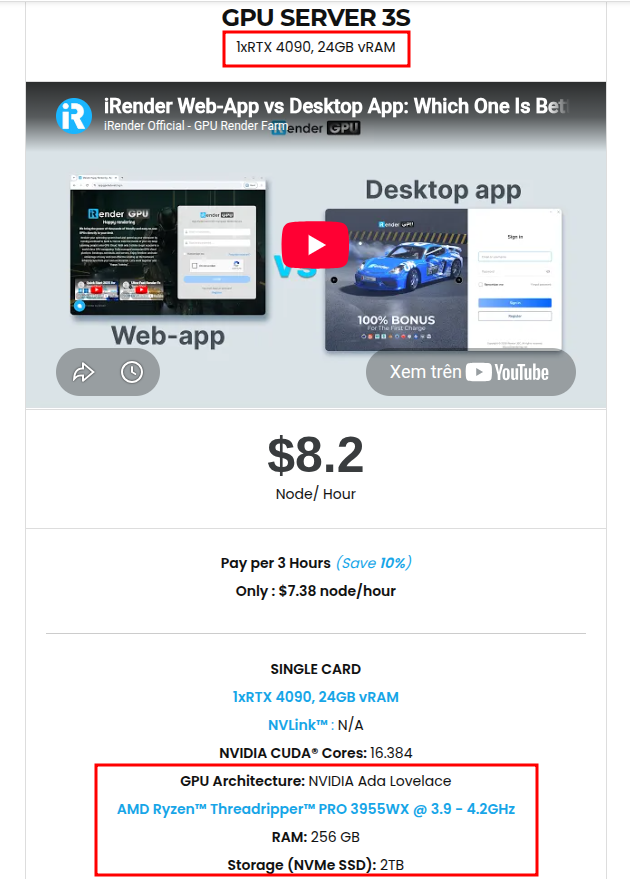
At iRender, you can install and run D5 Render smoothly on our high-performance remote servers. Since D5 relies on single-GPU rendering, our Server 3S with 1×RTX 4090 (24GB vRAM) is the perfect fit, delivering exceptional speed and stability for real-time workflows.
With this setup, architects can:
- Render real-time scenes faster without being limited by local hardware.
- Handle complex architectural projects seamlessly with stable interactivity.
- Enjoy the freedom to install D5, add licenses, and work just like on your own workstation but faster, more reliable, and scalable.
By combining D5’s real-time rendering capabilities with iRender’s optimized single-GPU server, you get a workflow that is efficient, cost-effective, and tailored specifically for architectural visualization.
Here is our Server 3S with detailed information:
Why choose iRender?
When projects become bigger and deadlines become tighter, finding a suitable and optimized renderer is no longer optional, it’s crucial. iRender’s mission is to help you make all your ideas become final products in a faster, stronger and more efficient way.
- Powerful performance: GPU RTX 4090 workstations, compatible with almost 3D/AI software. Moreover, iRender’s remote servers also provide CPU AMD Ryzen Threadripper Pro 3955WX @ 3.90GHz – 4.2GHz and AMD Ryzen™ Threadripper™ PRO 5975WX @ 3.6 – 4.5GHz, RAM 256GB and 2TB SSD NVMe Storage
- Flexible usage: Use the remote server anytime you want
- Secure & Privacy: Guarantee for your data safety and privacy
- Fast support: A customer support team ready to assist 24/7
- Cost-effective: Pay-as-you-go, pay for the time used
If you are still wondering, register now to get a free trial and receive a 100% iRender bonus points for your first transaction within 24 hours of registration.
🎁 iRender Promotion – Full Moon, Full Bonus
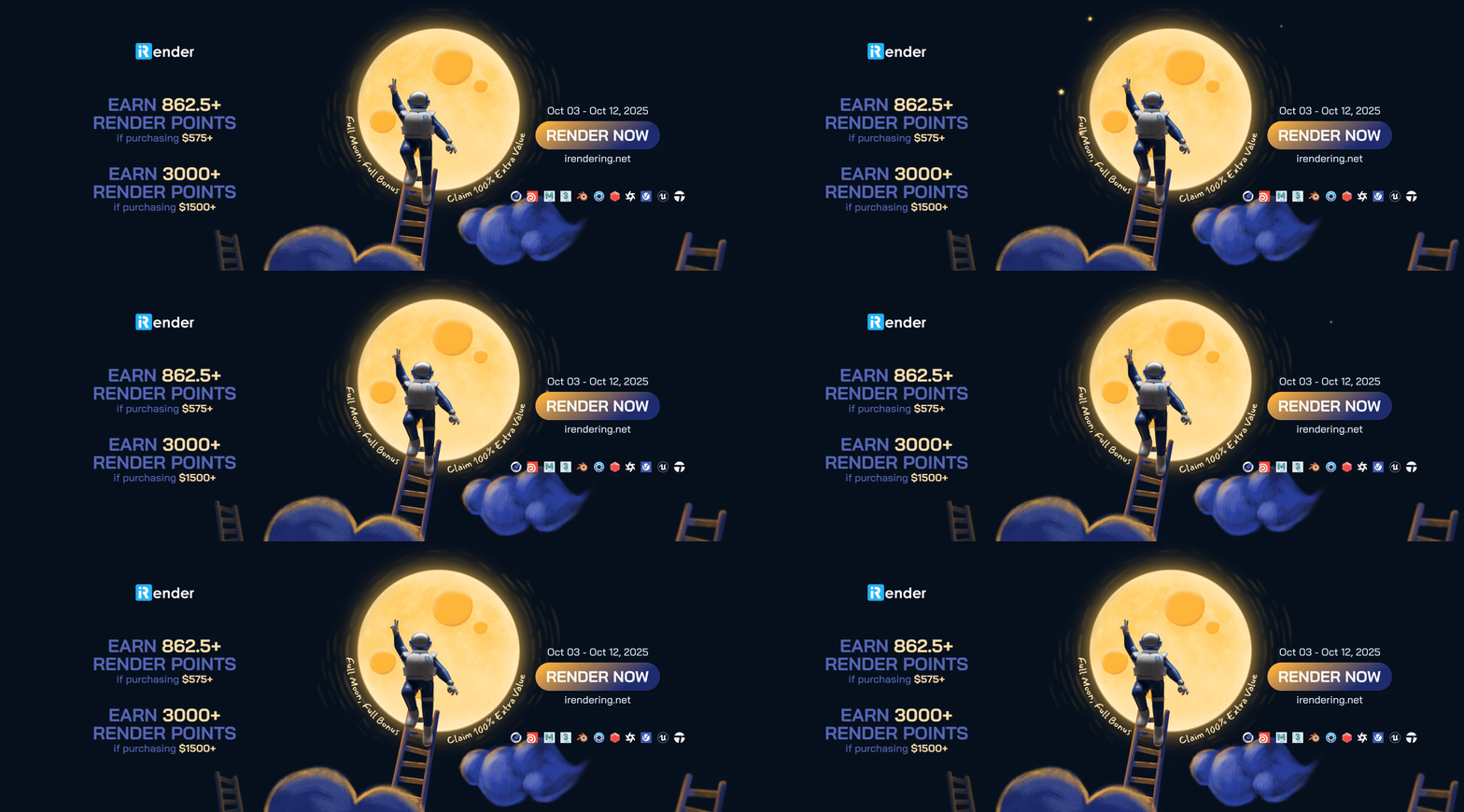
From October 3rd to October 12th, 2025, iRender is offering a special Full Moon bonus to give you even more value for your projects:
- 🌕 Purchase $575+ → Earn 862.5+ Render Points
- 🌕 Purchase $1500+ → Earn 3000+ Render Points
Don’t miss out on this limited-time offer to claim 100% extra value and bring your designs to life faster and more cost-effectively.
For more detailed information, please contact us via Live chat or WhatsApp: +(84) 962 868 890 or Email: [email protected].
iRender – Happy Rendering!





