
Solaris and USD for Houdini Artists: What Changes in Your Render Workflow
Solaris confuses a lot of experienced Houdini artists the first time they open it. Solaris is not a new toolset sitting next to the one you already know. It is a different way of thinking about how you build a scene for render, and that difference is what actually trips people up.
Solaris is Houdini’s USD-based scene building context, built around a network of LOP nodes instead of the traditional Object-level workflow, with Karma as its native renderer. You do not have to switch to it to keep working. Karma can still render a traditional Object-level scene directly, or you can bring that scene into USD through the Scene Import LOP. Solaris earns its place when you are managing multiple scene variants, separating lighting from scene building, or handing data off to other software through USD. If none of that describes your current project, staying on the old workflow costs you nothing.
Let’s dive in!
What is Solaris and do you need it?
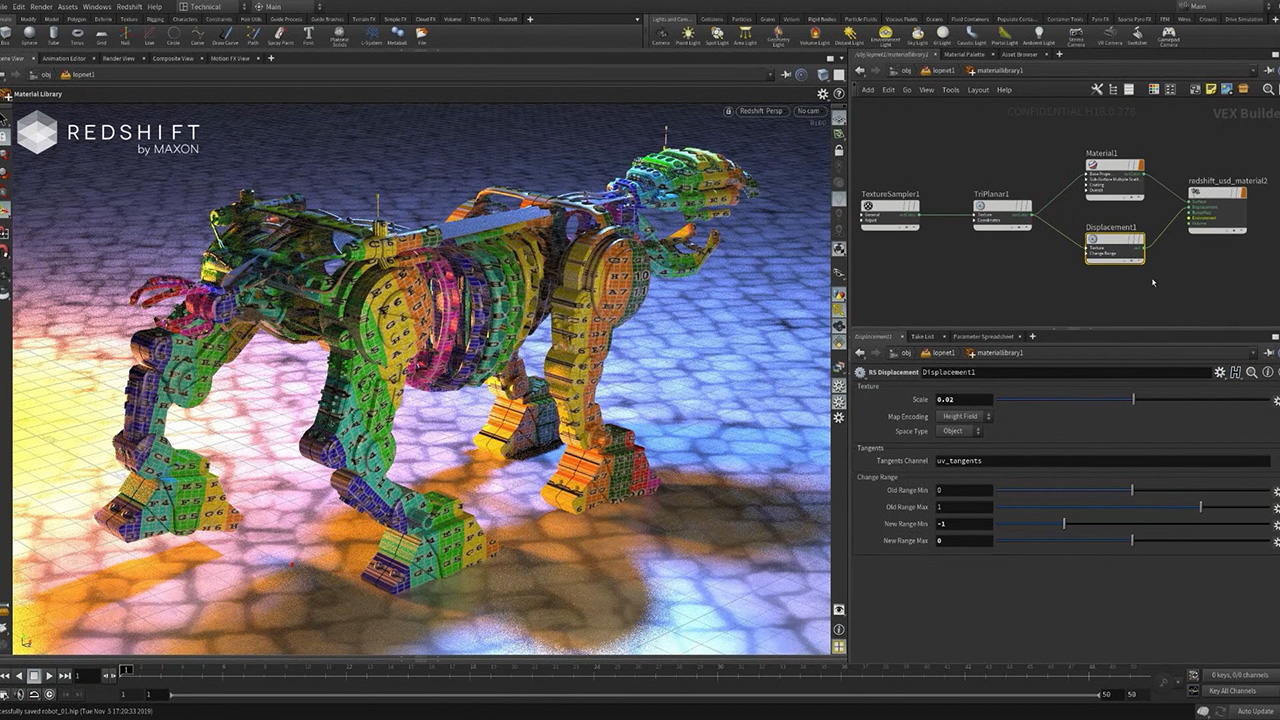
Image Source: Side FX
Solaris is Houdini’s context for building scenes on top of USD, Pixar’s Universal Scene Description format. Instead of the object network you already know, you work in a network of LOP nodes, each one describing an operation on the scene stage rather than an object in a scene. Karma is the renderer built to sit inside this context, using USD as its own scene description and acting as a Hydra render delegate.
Do you need it? Not yet. Karma renders a traditional Object-level Houdini scene using the Principled shader just fine, either directly through the Karma render node or by bringing that scene into USD with the Scene Import LOP. Solaris is worth the switch when your work involves things the old workflow makes clumsy: several variants of the same shot, lighting that needs to change independently of the geometry underneath it, or handing a scene to another package without losing structure along the way.
The mental shift: layers instead of one scene
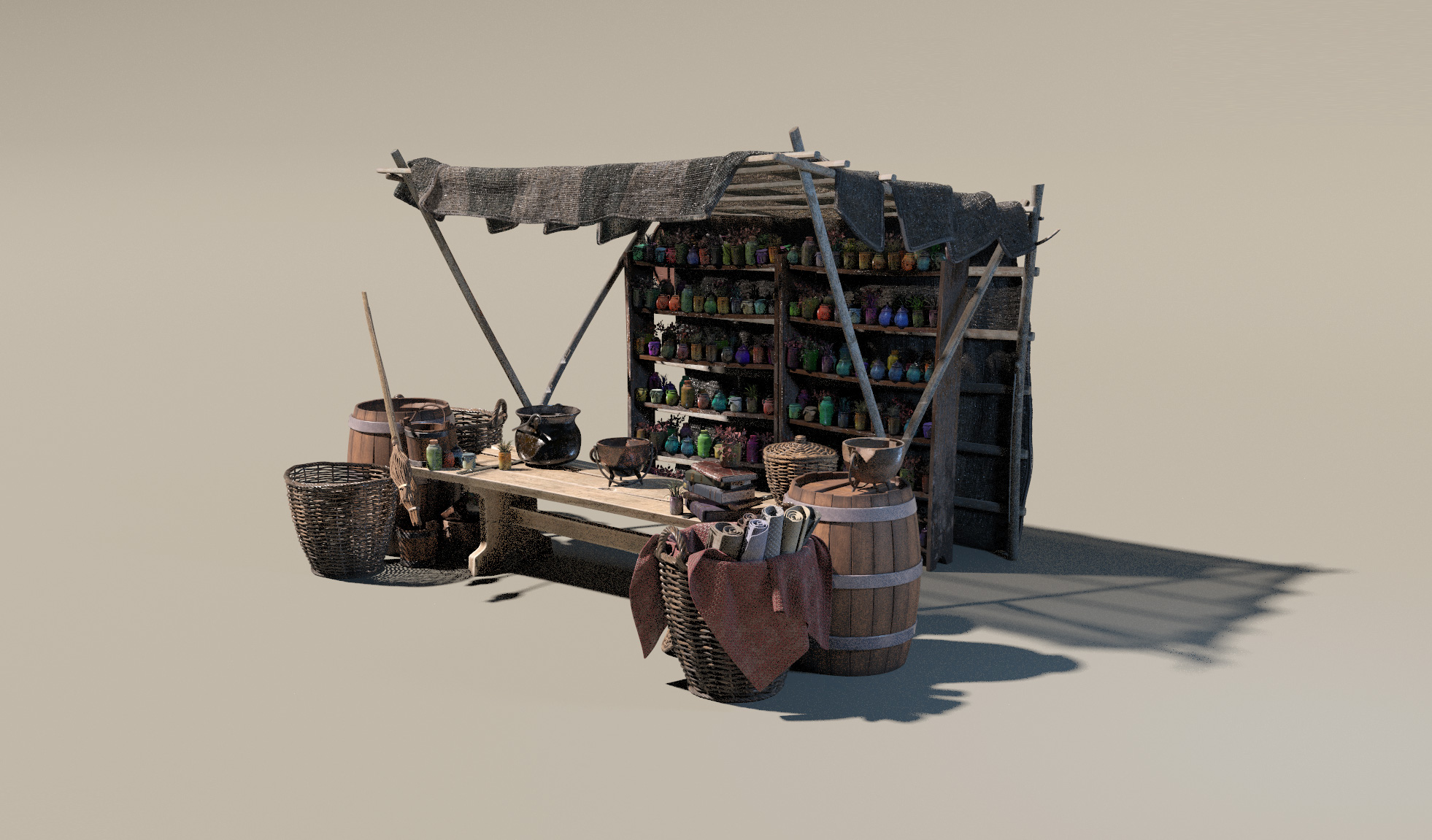
Solaris: Working with USD | Side FX
In the Object-level workflow, you build a scene by editing it directly. You add a light, you move it, the scene now has that light in that position. There is one version of the truth and you keep modifying it.
USD does not work that way. It works in layers and references. Instead of editing a single scene directly, you describe a stack of changes layered on top of each other: a base layer with your geometry, a lighting layer on top of it, maybe a layout variant layer above that. The final result is what you get when all those layers are composed together, but no single layer is “the scene” on its own. You stop editing a scene. You start describing changes to one.
What changes in your day to day
Scene building moves from direct edits to layer composition. You are still placing geometry and setting up a layout, but you are doing it as a layer that can be swapped, disabled, or referenced elsewhere, rather than as a permanent change baked into one file.
Managing variants gets noticeably easier. In the old workflow, a different version of a shot usually meant duplicating the scene and diverging from there, which gets messy fast once you have five or six versions floating around. In Solaris, a variant is often just another layer you can toggle, so switching between “daytime lighting” and “dusk lighting” for the same shot does not require two separate scene files that slowly drift apart.
Lighting stops being tied directly to the scene it illuminates. It becomes its own layer, which means a lighting artist can iterate without touching layout, and a layout change does not force you to redo the lighting setup from scratch. Exchanging data with other software changes shape too. Instead of routing everything through an intermediate format that loses some structure along the way, USD becomes the shared format itself, since it was built specifically for that kind of interchange across DCCs.
Bringing old scenes in
Karma renders traditional Object-level scenes directly, using the Principled shader, without any USD conversion at all. If you do want to bring an older scene into the USD side, the path is the Scene Import LOP, which pulls an Object-level scene into your LOP network.
Geometry, cameras and straightforward transforms generally come across in a usable state. Anything that depended heavily on Object-level scripting or a highly custom scene setup is more likely to need rebuilding rather than a clean import. Because the underlying structure of a USD stage is different enough from an Object-level scene graph that not everything maps one to one.
What this means when you render on a farm
A USD scene commonly references multiple layer files and external assets rather than containing everything inline. That referencing is exactly what makes the layer workflow powerful, but it also adds a new kind of dependency that the old workflow did not have in the same way. If a render machine cannot find one of those referenced files, the result is often not a clear error message. It is a render that comes back looking wrong, missing an asset or a lighting layer, with nothing obviously broken in the log to point you at the cause.
This connects directly to something that already matters for any render farm job: making sure every asset and cache your scene depends on actually travels with it.
Should you switch now?
Switching makes sense when your work already has the shape Solaris was built for. If you are managing several variants of the same shot, if lighting needs to change independently from layout on a regular basis, or if you are regularly handing scenes to other software or other artists through USD, the layer workflow is solving a problem you already have.
Waiting makes just as much sense in the opposite cases. If your project is a single scene with no variants, if one person owns both layout and lighting from start to finish, or if nothing downstream of Houdini expects USD, the Object-level workflow is not costing you anything by staying as it is.
If you are on the fence, the practical move is a pilot project rather than a full migration. Take one contained shot, build it in Solaris end to end, and see how the layer workflow actually feels on real work before deciding whether to move anything larger.
| Task | Old workflow at the Object level | In Solaris with USD
|
|---|---|---|
| Building a scene for render | Edit the scene directly | Stack layers and references |
| Managing variants | Usually duplicate the scene | Use layers, toggle variants on or off |
| Lighting | Tied directly to the scene | Split out into its own layer |
| Exchanging data with other software | Through an intermediate format | USD as the shared format |
| Risk when sending a job to render | Missing an asset or a cache | Added risk of a missing referenced layer file |
Scaling Houdini Workflow on iRender’s RTX 5090 Workstations
iRender currently offers both an RTX 4090 (24GB GDDR6X) and an RTX 5090 (32GB GDDR7), so this is a decision you can actually test rather than guess at. If your volume work regularly pushes close to the ceiling on 24GB, that is a concrete reason to reach for the bigger card. iRender give you a full control of machine via Remote Desktop app. When you rent an entire machine, you can open the actual scene on it and check it visually before you commit to running a full sequence, rather than submitting a job blind and finding out later that a layer reference did not resolve. You also install the exact Houdini build and plugin versions your project depends on, so the reference structure behaves the same way it does on your own workstation instead of running into a mismatch you cannot see from the outside. And because Solaris and Karma ship as part of Houdini itself, you only need your own Houdini license to use them. There is no separate third-party renderer license to add on top.
We are having promotion: you will receive 100% bonus if you recharge within 24hours of registration. Check it out now!
Check out Quick Start for Houdini at iRender:

FAQ
Q1: Do I have to use Solaris to render in Houdini?
No. Karma renders traditional Houdini scenes at the Object level, using the Principled shader, without requiring any USD conversion. Plenty of projects run well entirely on the old workflow. Solaris becomes worth the switch when you need to manage several scene variants, keep lighting separate from scene building, or exchange data with other software through USD.
Q2: What is the biggest difference when working in Solaris?
The way you think about the scene. USD works in layers and references, so you describe changes stacked on top of each other instead of editing one scene directly. That feels unfamiliar to anyone used to the old workflow, but it makes managing variants and coordinating multiple people on the same shot considerably easier once it clicks.
Q3: What should I watch out for when rendering USD scenes on a farm?
A USD scene commonly references several layer files and external assets rather than containing everything inline. If a render machine cannot find one of those references, the result can be a scene that renders with something quietly missing rather than a clear error message. Normalize your file paths, send every referenced layer along with the job, and open the scene to check it before running a full sequence.
Maximum Speed – Absolute Freedom






