
Cheapest Way to Render 3D on a Freelancer Budget (2026)
If you’re a freelance 3D artist, you’ve probably faced this dilemma before. A client sends over a project with a tight deadline, but your workstation estimates it will take two or three days to finish rendering. Upgrading your hardware isn’t cheap, and renting a render farm can feel expensive at first glance. So what’s actually the cheapest way to render 3D in 2026?
Let’s explore more in our article today!
What Does “Cheap” Really Mean?
When freelancers look for an affordable rendering solution, the first thing they usually compare is the hourly price. Low-cost render farms are often very attractive to freelancers. Some artists compare the price per GPU, while others focus on the cost per rendered frame.
In reality, rendering expenses go far beyond the advertised hourly rate. A low-cost GPU server may require hours of setup before you can even begin rendering. Installing software, configuring drivers, transferring large project files, troubleshooting compatibility issues, and testing render settings all consume time. If a render fails halfway through or a scene needs to be uploaded again, the overall cost increases even further. Even rendering on your own workstation has hidden expenses, including electricity consumption, hardware wear, and the opportunity cost of having your computer tied up for hours or even days.
This is why experienced freelancers rarely choose a rendering solution based solely on price. Instead, they evaluate the total cost of finishing a project from start to finish. A cloud workstation that costs $3 per hour but finishes a job in one hour may actually be more economical than a DIY GPU server that costs only $0.50 per hour but requires several hours of setup and significantly longer render times. Similarly, paying a little extra for a machine with pre-installed configuration and software, along with technical support, is considered a worthwhile investment.
4 Cheapest Ways to Render 3D in 2026
1. Render on your own PC
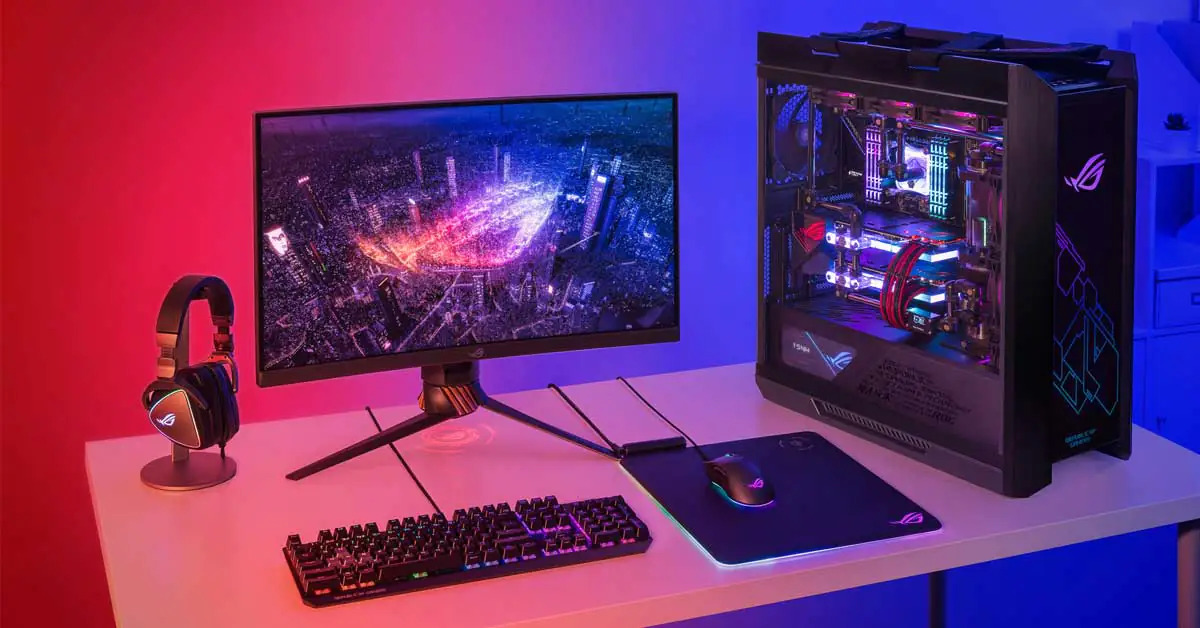
For many freelancers, rendering on a local workstation is the most affordable place to start because it doesn’t require any additional rental costs. IIf you’ve invested in a truly worthwhile graphics card, you won’t have to worry too much about the cost of using your machine every time you render. This approach works particularly well for students, hobbyists, or artists who only complete a few client projects each month.
However, the hidden costs become obvious as projects grow larger. Long render times mean your workstation is unavailable for modeling, texturing, or animation while frames are being processed. Large animation sequences may take several days to complete, and every extra hour also adds electricity costs and hardware wear. If your deadlines become tighter or your workload increases, relying solely on a local PC quickly becomes a bottleneck rather than a money saver.
2. Rent Raw GPU Servers
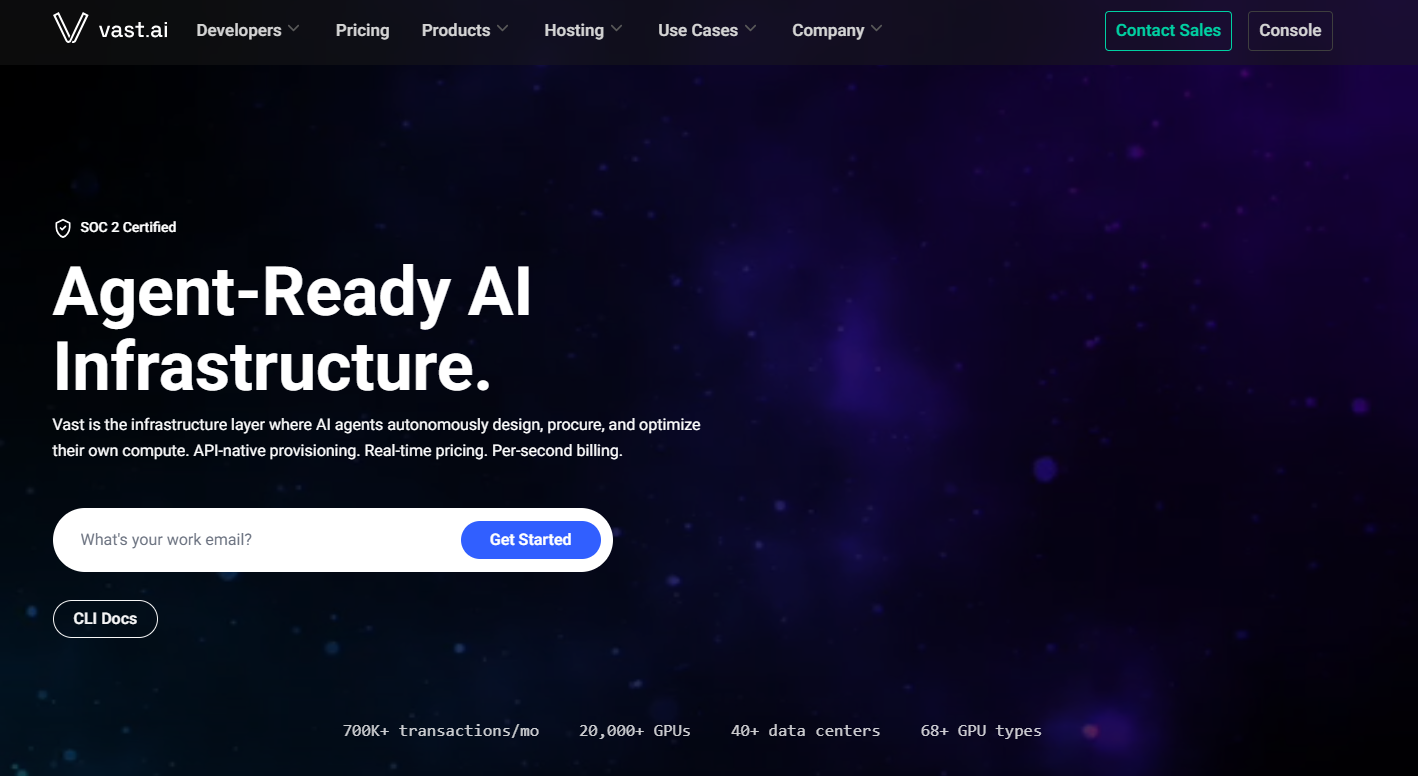
DIY GPU marketplaces such as Vast.ai and RunPod have become increasingly popular for advertising extremely low hourly rates. In some cases, renting an RTX 4090 GPU costs less than a dollar per hour. This can be considered a relatively low figure in the current market.
Before you can begin rendering, you’ll usually need to install Blender or Maya, configure GPU drivers, activate render engine licenses, copy assets, and troubleshoot compatibility issues. For experienced technical users, these steps are manageable. For many freelance artists, though, the time spent setting up the environment often outweighs the savings from the lower rental price. A server that costs half as much per hour isn’t necessarily cheaper if you lose several hours preparing it for rendering.
3. Use a Professional Cloud Workstation
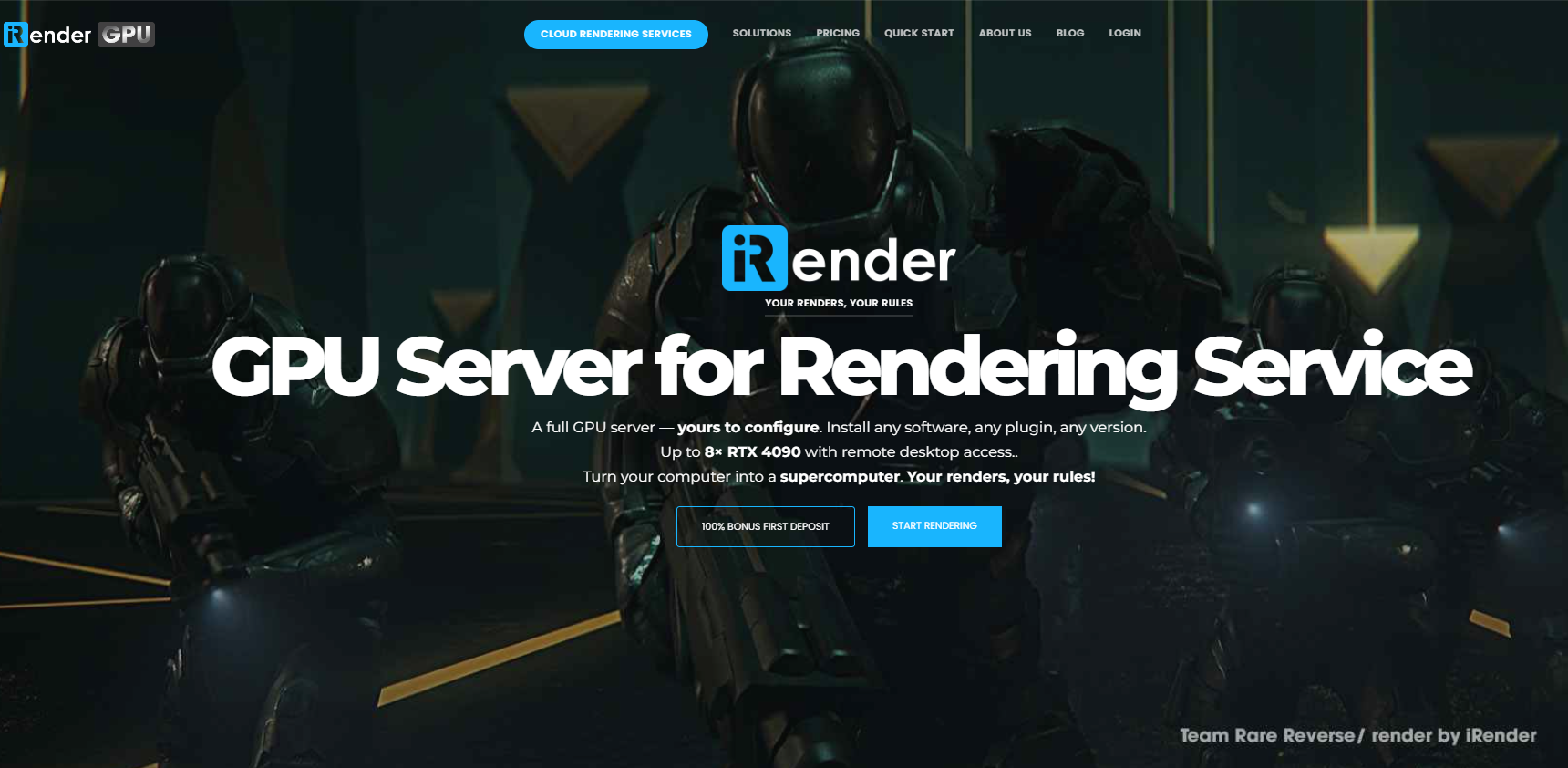
A professional cloud workstation takes a different approach by giving you access to a dedicated remote machine with high-performance hardware, allowing you to work almost exactly as you would on your own computer. Instead of submitting jobs to a render queue, you have full control over the workstation, making it suitable not only for rendering but also for modeling, simulation, lighting, and scene preparation.
Services like iRender provide dedicated RTX 4090-powered workstations that can be accessed remotely from anywhere. Unlike traditional SaaS render farms, you’re renting the hardware itself rather than a rendering service. This means you have administrator access and can install the software, plugins, or custom tools required for your workflow. To help users get started quickly, iRender also offers templates with several popular applications, such as Blender, Cinema 4D, Redshift, and Stable Diffusion, already installed, reducing the time needed for initial setup.
Although cloud workstations generally have a higher hourly rate than DIY GPU marketplaces, they often deliver better value over the course of a project. Dedicated hardware provides consistent performance without sharing resources with other users, and you avoid many of the interruptions or configuration issues that can occur on unmanaged cloud platforms. More importantly, you can continue working, testing scenes, running simulations, or rendering animations on a familiar desktop environment instead of adapting your workflow to a queue-based rendering system.
For freelancers handling complex projects or tight deadlines, the ability to use a powerful remote workstation exactly like a local PC can significantly improve productivity. Rather than spending hours configuring cloud infrastructure or waiting for render jobs to complete, you can focus on creating, iterating, and delivering your work more efficiently.
4. Traditional Render Farms
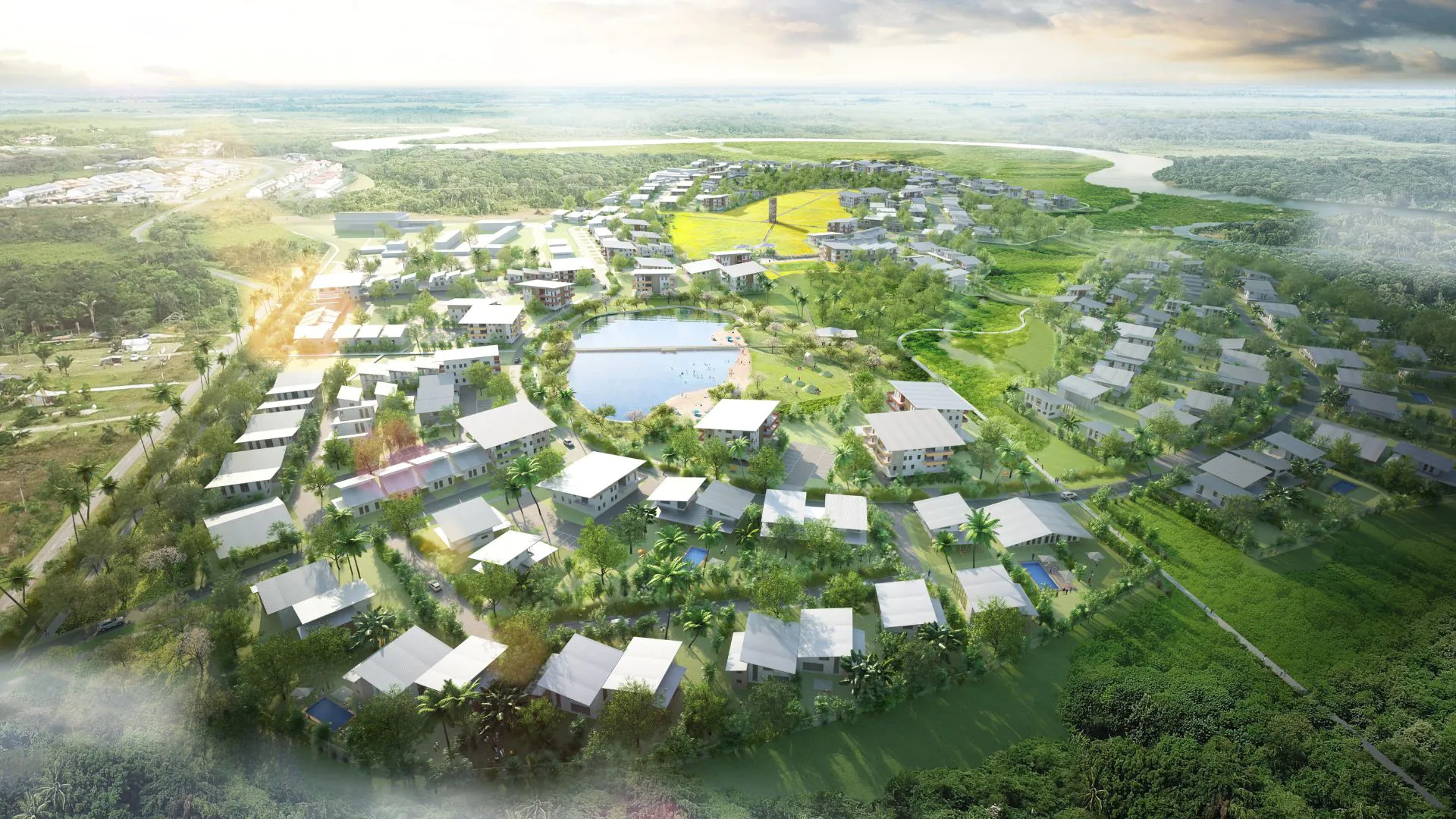
Traditional render farms remain a popular solution for artists who only need final-frame rendering. Their workflow is straightforward: upload your project, wait while the render farm processes it, and download the completed images once the job finishes.
This model works especially well for supported render engines such as V-Ray, Corona, Arnold, and Redshift. The simplicity is attractive because users don’t need to manage servers or install software. However, traditional render farms also provide less flexibility. If a scene requires adjustments, you’ll often need to upload the project again and restart the rendering process. For complex productions that require constant testing and iteration, this workflow can become less efficient than using a cloud workstation.
Which Rendering Option Should You Choose?
The answer depends on your workload.
If you’re just starting out, rendering on your own PC is usually enough. If you’re comfortable managing Linux environments and cloud infrastructure, DIY GPU marketplaces offer extremely low hourly pricing. If you’re a professional freelancer working with tight deadlines, a dedicated cloud workstation provides one of the best balances between performance, convenience, and cost. And if your workflow is based around supported render engines with straightforward projects, a traditional render farm remains an excellent option. The cheapest rendering solution isn’t the one with the lowest advertised price; it’s the one that helps you finish projects faster while keeping your total production cost low.
Final Thoughts
Rendering is one of the biggest expenses for freelance 3D artists. By comparing total project costs instead of hourly rates, optimizing your scenes, and choosing the right rendering workflow, you can significantly reduce expenses while meeting deadlines more consistently. For many freelancers in 2026, cloud workstations strike the best balance between speed, flexibility, and real-world cost efficiency especially for complex Blender, Maya, Houdini, Unreal Engine, and ArchViz projects.
I hope after reading this article, you can find the best one suitable for your own workflow. Thanks for reading!
Frequently Asked Questions
- What is the cheapest way to render 3D?
For occasional projects, rendering on your own PC is usually the cheapest. For professional workloads, a cloud workstation often provides a lower overall project cost thanks to faster rendering and reduced setup time.
- Is a render farm cheaper than buying a new GPU?
If you only render occasionally, renting cloud GPUs is generally more cost-effective than purchasing expensive hardware that sits idle most of the time.
- What is the difference between a cloud workstation and a render farm?
A cloud workstation gives you a complete remote desktop environment where you work just like on your local PC, while a traditional render farm typically requires you to upload your project and wait for the rendered output.
iRender – Your Renders, Your Rules





