
Top 9 Blender Camera Add-ons to Improve Your Renders in 2025
Blender is a powerful tool for 3D modeling, animation, and rendering. However, it can be challenging to master camera work, especially when you want to create complex cinematic or animated scenes. Fortunately, the Blender community has created many camera add-ons to simplify complex tasks, improve rendering quality, and save valuable time. Check out the top 9 Blender camera add-ons that will improve your workflow in this article!
View Keeper
- Price: One-time pricing
- Lite Package: Free
- Pro Package: $50
- Studio Package: Customize Price
- Supported Blender versions: Blender 4.2, 4.3, 4.4, 4.5
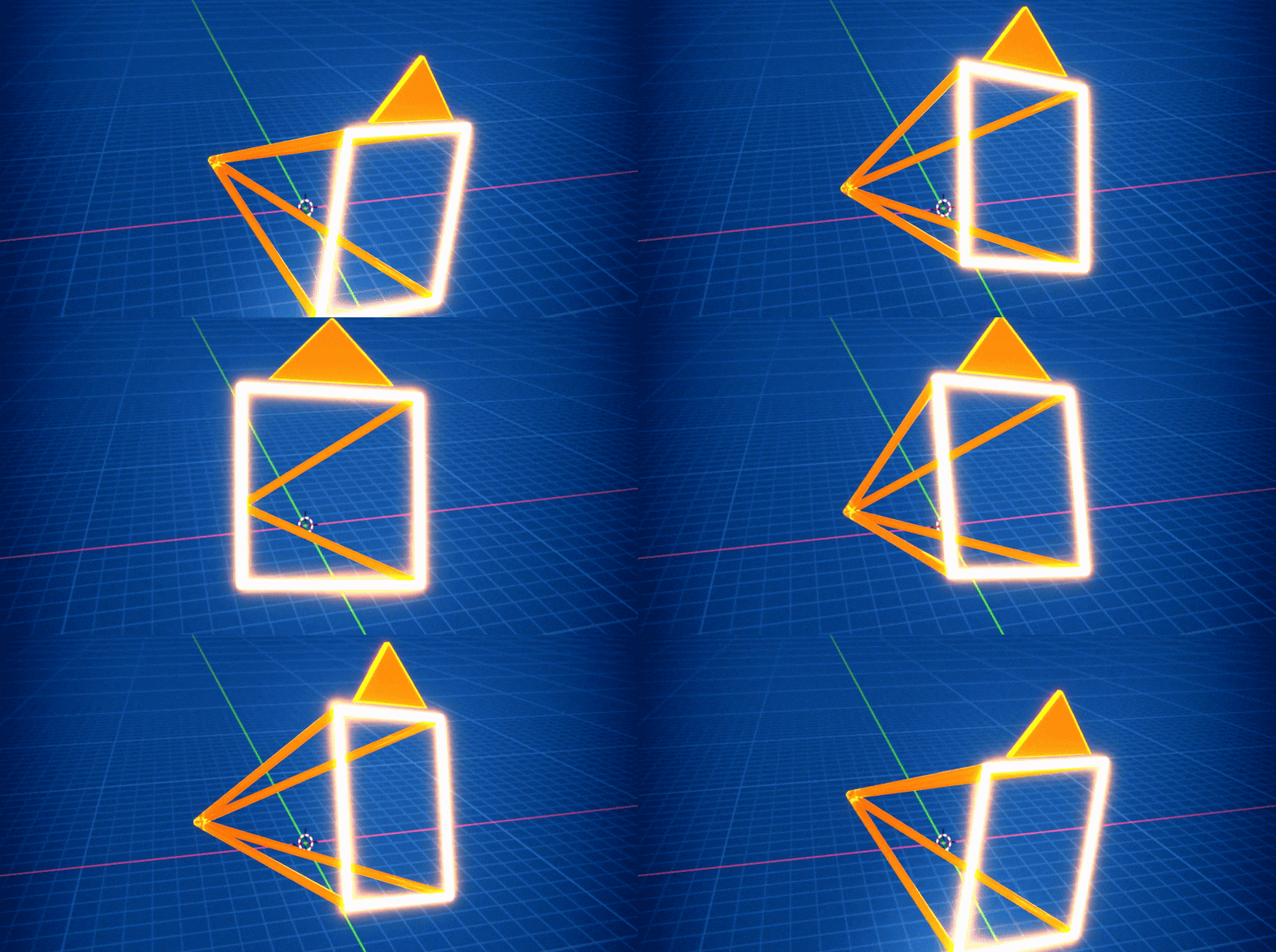
View Keeper is a powerful camera management add-on designed to simplify handling multiple shots and views in Blender. Instead of cluttering your scene with duplicate cameras, you can now store multiple camera views, or ‘records’, in a single camera. Each saved view can include its own position, angle, focal length, and depth of field. View Keeper also provides instant previews of saved camera views so you can compare and fine-tune your shots before rendering. You can also batch render multiple saved camera views in one operation, each with its own settings.
View Keeper is great for any 3D artists, freelancers, studios, and agencies who do multi-view product renderings, quickly switching between different camera views to create a comprehensive product presentation. Or cinematic animations that seamlessly transition between different angles within a scene, ensuring every important moment is captured perfectly. Or social media content where you want to display multiple formats like 16:9, 1:1, 9:16 from a single scene for multiple platforms.
Photographer
- Price:
-
- Single-person license: $24
- Multi-seat studio licenses: Contact support
- Supported Blender versions: Blender 3.x, 4.x, 5
Photographer is an advanced camera add-on that turns Blender’s camera and lighting capabilities into a quality virtual photography studio. It adds realistic physical properties to cameras, so they can function like DSLRs or movie cameras. Photographer really bridges the gap between CGI and photography, giving users a more intuitive and professional approach to lighting and camera settings.
The add-on features physical camera properties such as controlling settings like ISO, aperture (f-stop), and shutter speed, which affect exposure and depth of field. It also provides lens effects and Bokeh textures, optical lighting, and Render Queue and Batch tools. Photographer is perfect for high-end visualization projects, animated films, or educational projects that explore camera settings and realistic lighting principles right in Blender.
Camera Shakify
- Price: Free
- Supported Blender versions: Blender 4.4 and newer
Camera Shakify is a completely free, open-source Blender camera addon. It brings realistic camera shake effects to your Blender projects. It automates the process of adding dynamic, lifelike motion to static footage. Camera Shakify comes with a library of pre-recorded camera shake profiles that simulate the natural movements of a handheld camera. Settings range from mild to strong. You can also take advantage of a layering effect that allows you to stack multiple camera shake effects, adjusting the intensity of each layer for fine control over the overall motion. The addon is considered easy to use as it is integrated into the camera properties panel, providing an intuitive interface.
With the ability to increase realism by adding organic motion that simulates a real camera in a dynamic environment, Camera Shakify is ideal for dynamic animation projects in fight scenes, chases, and explosions. Or narrative sequences to convey tension and drama with subtle camera shake. Especially in Live-action integration, combining CG elements with live footage, realistic vibration effects can help bridge the gap and make the image more realistic.
Shot Manager
- Price: License GPL
-
- Shot Manager 2.0 Lite: Free
- Shot Manager Pro 0.7 Legacy: $15
- Shot Manager 2.0 Pro: $40
- Supported Blender versions: 4.4, 4.3, 4.2, 4.1, 4.0, 3.6, 3.5, 3.4, 3.3, 3.2, 3.1, 3.0, 2.93, 2.92, 2.91, 2.9, 2.83, 2.82, 2.81, 2.8
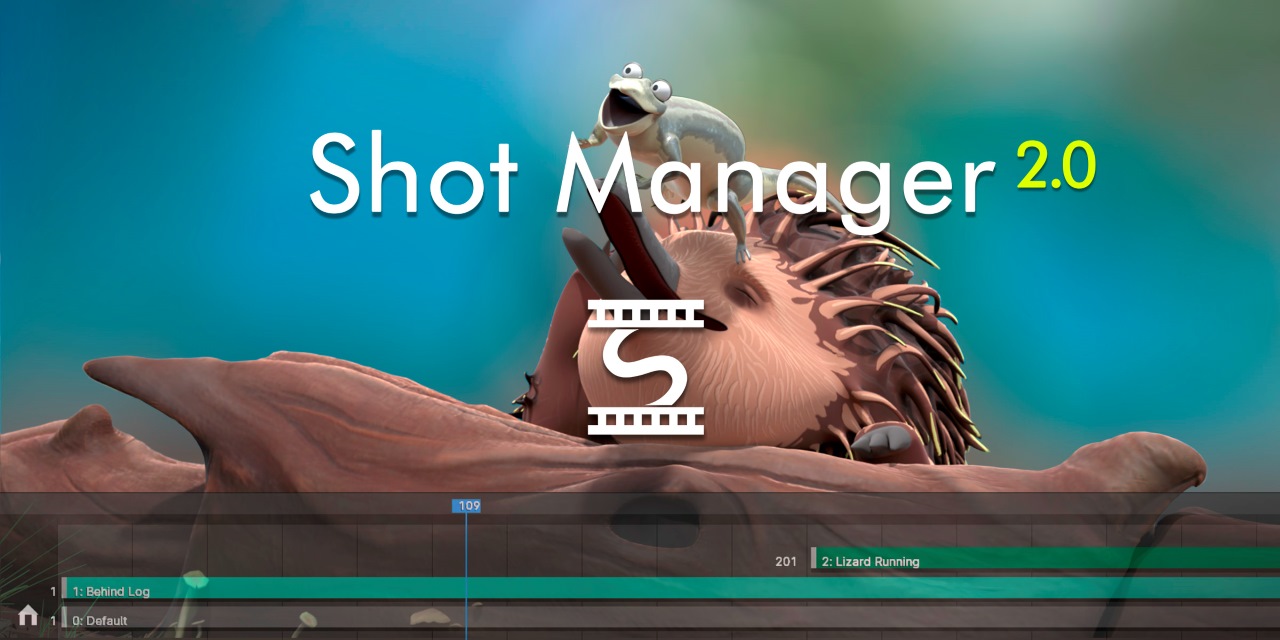
Shot Manager is an add-on designed for people working on complex projects with multiple cameras and render setups. With this addon, you can save frame ranges, render cameras, view layers, and output paths. Shot Manager identifies and labels individual shots in a single timeline, making it easier to manage. Although Shot Manager focuses on organizing shots, it also integrates with Blender’s rendering pipeline. You can set up different shots with separate render settings and batch render them. This is useful for multi-camera projects.
Although Shot Manager was originally created for a specific project, the developers have developed it into a versatile tool for managing multi-camera setups, suitable for medium to large-scale projects. The addon is suitable for short films and animation projects, pre-visualization, or presentations for clients.
Shot List
- Price: $33.22
- Supported Blender versions: 4.4, 4.3, 4.2, 4.1, 4.0, 3.6, 3.5, 3.4, 3.3, 3.2, 3.1, 3.0, 2.93, 2.92, 2.91, 2.9, 2.83, 2.82, 2.81, 2.8
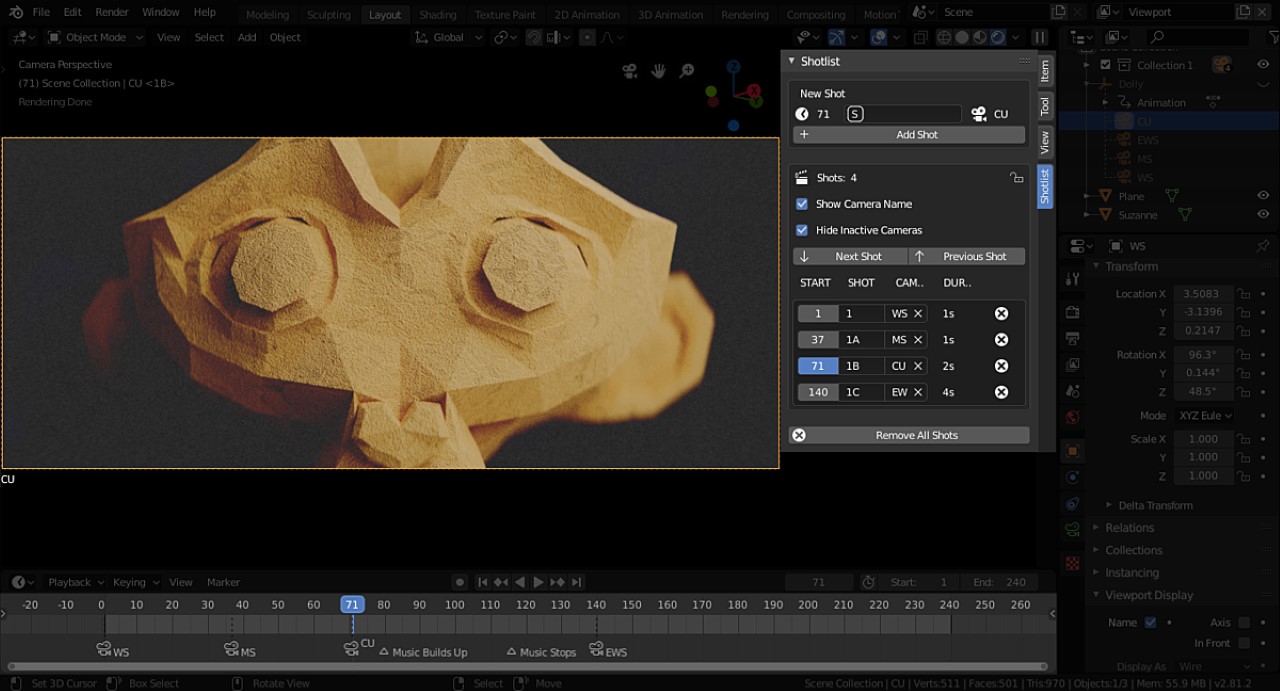
Shot List is a Blender camera addon created to simplify the management of camera footage in Blender. You can create, manage, and navigate camera footage quickly and efficiently. If you need to add a new shot or jump to a specific shot, Shot List can help you do it easily. This addon is indispensable for those who often work with multiple cameras and need to keep a close eye on their footage.
Camera Manager
- Price: $8
- Supported Blender versions: 3.0 – 4.5
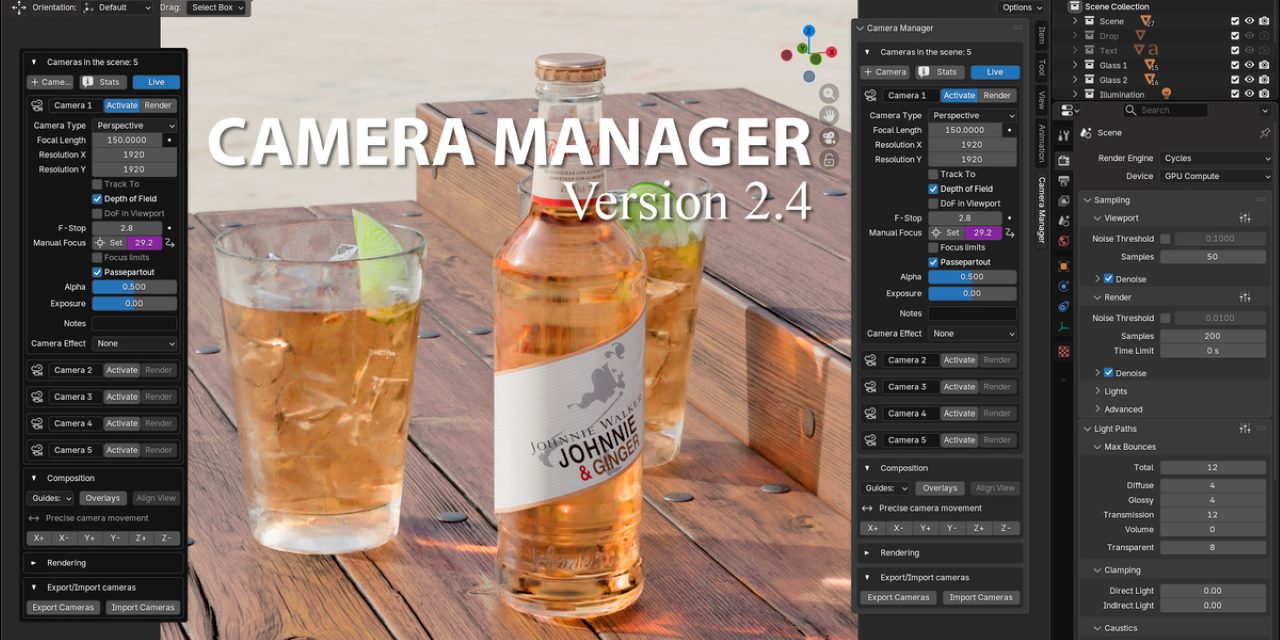
Camera Manager is a versatile add-on that allows you to manage cameras and their markers on the timeline. It provides features such as aligning the camera to the object, tracking the camera to the object, and creating camera markers for animation. If you are working on an animation project with multiple cameras, Camera Manager can save you a lot of time.
Cable Cam
- Price: $15
- Supported Blender versions: 3.6, 3.5, 3.4, 3.3, 3.2, 3.1, 3.0, 2.93, 2.92, 2.91, 2.9, 2.83, 2.82, 2.81, 2.8, 2.7x, 2.79, 2.77
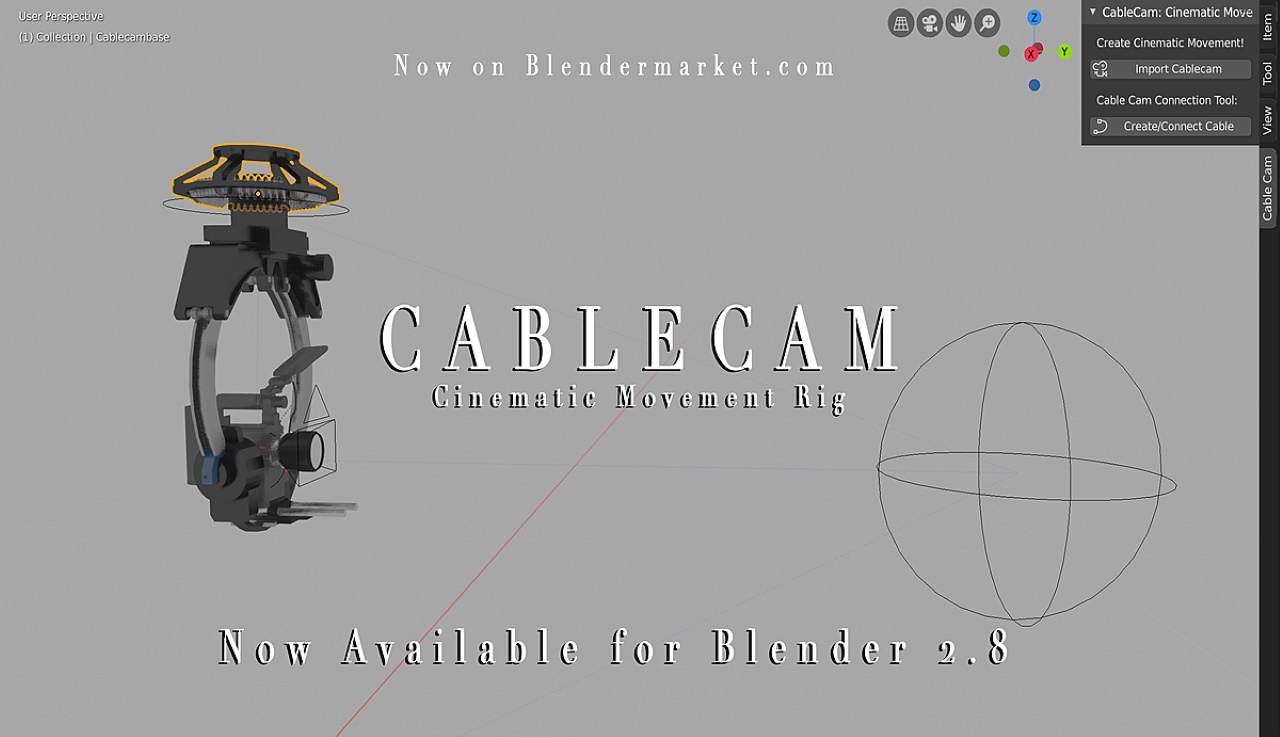
Cable Cam is a dedicated camera add-on that brings cinematic camera movements to Blender. Inspired by the cable-mounted camera systems used in sports and action cinematography, you can create powerful, sweeping camera movements with minimal keyframes. The add-on features a 3-axis controller that controls the camera position along a defined path and its focal point. You can easily create and edit ‘cable’ paths for camera movement in both straight and curved lines. Cable Cam also automates many aspects of camera movement, minimizing manual keyframing.
Cable Cam is great for landscape shots to create dramatic fly-throughs or panoramic views. Or capture products from multiple angles in one smooth, continuous shot in product demonstrations. And for dynamic cinematic animations, Cable Cam simulates the movement of cranes or carts in image sequences, adding a smooth, polished look.
Quick Shot
- Price: $18
- Supported Blender versions: 4.0, 3.6, 3.5, 3.4, 3.3, 3.2, 3.1, 3.0, 2.93, 2.92, 2.91, 2.9, 2.83, 2.82
Quick Shot addon is one of the fastest and most efficient Blender add-ons for creating cinematic footage. It is designed for product presentations and is used to create smooth camera movements and angles. With Quick Shot, you can easily switch between camera angles and control the speed of the footage. It supports both linear and spline interpolation, so you can customize the camera movement. Quick Shot is ideal for product presentations and cinematic animation projects.
AutoCam
- Price: Free
- Supported Blender versions: Blender 4.0+ (Windows / macOS / Linux)
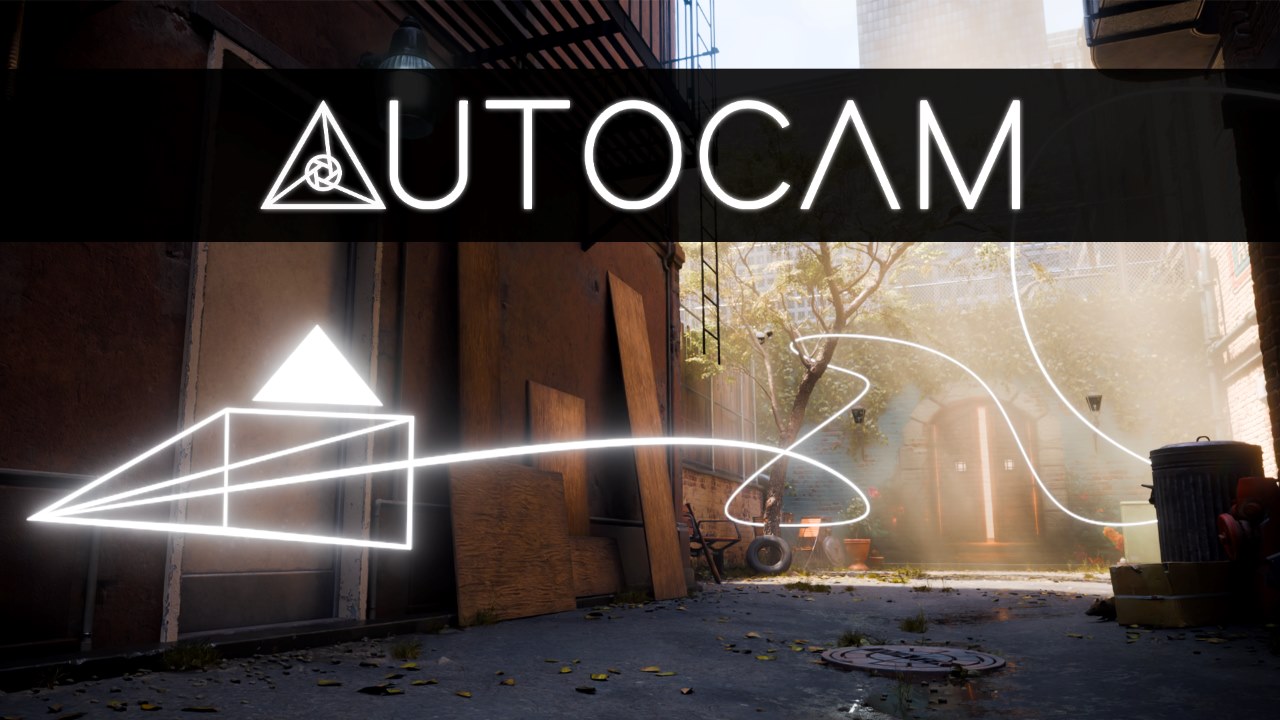
AutoCam is a free Blender add-on that simplifies camera animation creation. Users can record first-person footage using the familiar WASD controls and convert it into clean curves and create fully-fledged cameras in Blender.
The add-on offers features such as real-time POV camera recording, extracting camera paths into editable curves, and creating camera frames with just one click. There are also timing and motion alignment tools to adjust speed and pacing, as well as easy cleanup options. AutoCam is suitable for 3D artists, architectural visualization creators, independent animators, and motion designers looking for an efficient camera animation workflow.
Final Thoughts
We hope that the Blender camera addons listed above will greatly improve your workflow and help you achieve professional results. Which add-on would you like to try? Let us know in the comments below!
If you are looking for a render farm to speed up the rendering of your complex, high-quality camera images, check out iRender!
iRender - The best render farm for Blender
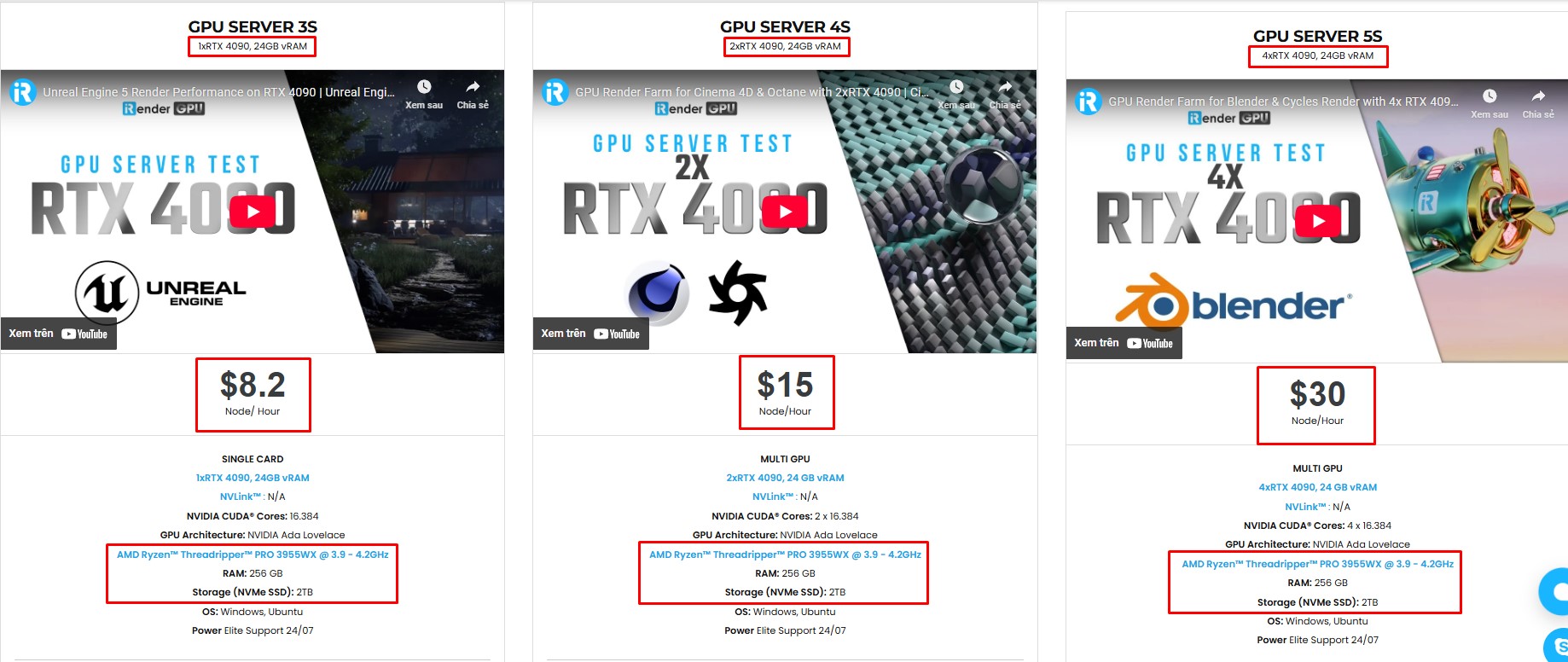
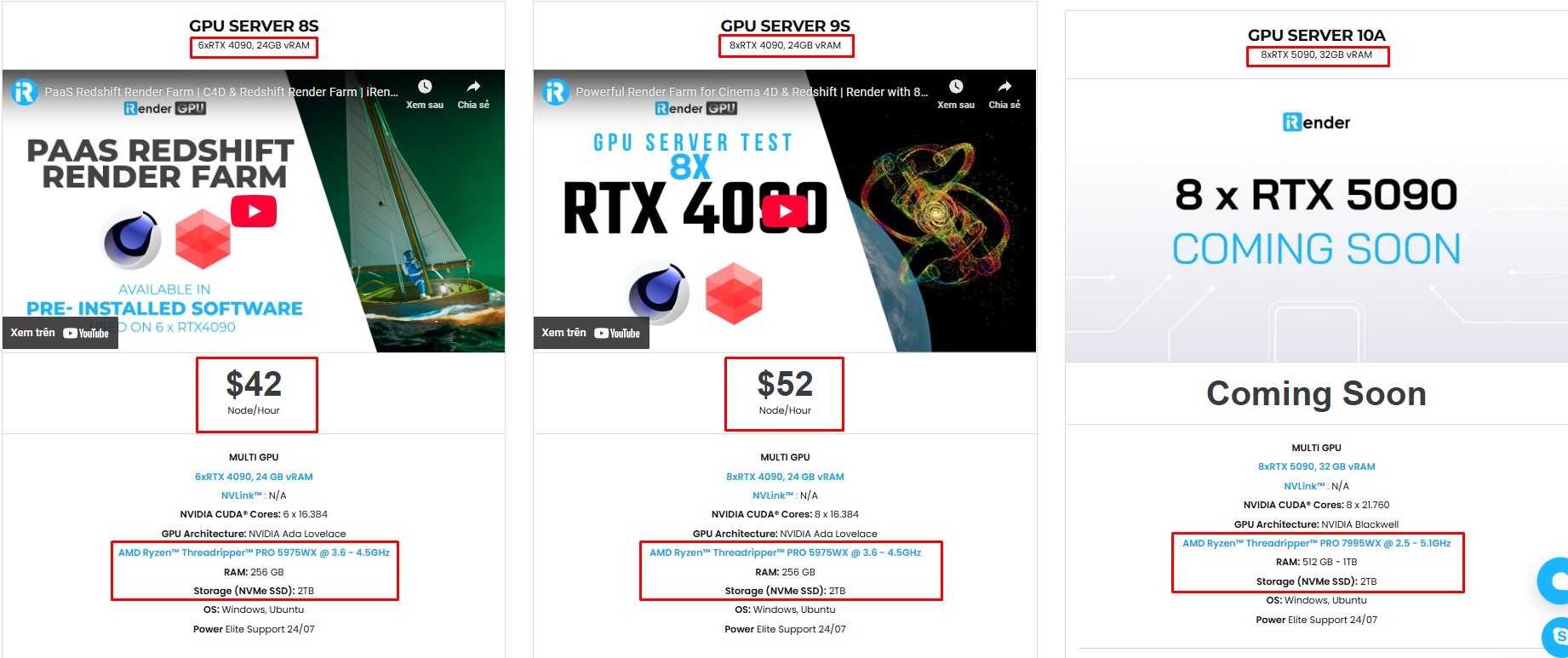
iRender is the best render farm for Blender with support for all Blender versions, and any render engines or plugins needed. We give you access to high-performance GPUs, so you can render faster and more efficiently, no need to upgrade your own hardware. All servers are equipped with:
- AMD Ryzen™ Threadripper™ PRO 3955WX (3.9-4.2GHz) or
- AMD Ryzen™ Threadripper™ PRO 5975WX (3.6-4.5GHz)
- 1/2/4/6/8x – RTX 4090
- 256GB RAM
- 2TB NVMe SSDs
Simple Your Workflow with Blender Preinstalled
Our servers have Blender latest version preinstalled. You just need to transfer your files, connect to the remote machine. Then you can render yourself like the way you do on your local PC. Setting up ONCE and your working environment will be saved and ready to use at any time.
Why choose iRender?
Unlike other services, iRender lets you upload and download files without starting the server, saving you both time and money. We offer a Desktop app for Windows with a full feature set and a simple Drive app for macOS for easy file transfers. Here’s why iRender is a top choice for your rendering needs:
- 100% Software Support: We support all 3D software, their plugins, and render engines.
- Full Control: Our service will give you full control over the servers you rent. Therefore, you are free to create your own working environment.
- Go Green: We are committed to using 100% solar renewable energy towards environmental sustainability.
- Real-human 24/7 Support: Our professional support agents and technicians guarantee to bring you the best rendering experience.
Let’s see our latest performance test for Blender Cycles on our servers! The results will surprise you!
If you still wonder if this is the right place for your project, REGISTER NOW to get a trial and receive a 100% bonus promotion for your first transaction with us.

For more detailed information, please contact us via Live chat 24/7 or WhatsApp: +(84) 912-785-500 or Email: [email protected].
iRender – Happy Rendering!
References: gachoki.com, yelzkizi.org
Related Posts
The latest creative news from Blender Cloud Rendering.





