
Top Hardware and GPU Render Engines to Supercharge Blender in 2026
Blender continues to evolve rapidly in 2025, offering professional-grade tools for modeling, animation, and rendering — all within a free and open-source platform. But to truly unlock Blender’s potential, you need to pair it with the right hardware and rendering engine. In this post, we’ll break down the top-performing CPUs, GPUs, and GPU-based render engines for Blender in 2025, with insights on what works best depending on your workflow. Let’s explore in this blog with iRender.
1. Top GPU Render Engines for Blender in 2026
🔹 Cycles X
Cycles X remains Blender’s default GPU render engine and continues to improve in 2025 with stable Light Tree and Path Guiding features. It supports NVIDIA (CUDA/OptiX), AMD (HIP), and Apple Silicon (Metal), offering excellent real-time viewport feedback and production-quality results. Ideal for general-purpose work across animation, architecture, and product design.
🔹 OctaneRender
OctaneRender is renowned for its unparalleled photorealism and spectral rendering capabilities. In 2025, the new Octane Kernel 5 significantly boosts performance, and AI-powered materials bring increased realism to the Blender integration. It supports only NVIDIA GPUs and is a top choice for VFX, cinematic lighting, and product visualization where visual fidelity is key.
🔹 Redshift
Redshift offers fast, biased GPU rendering optimized for speed and flexibility. Now accessible in Blender via Hydra/USD, it supports NVIDIA and Apple Metal, with Redshift RT entering beta this year. Great for motion graphics, advertising, and any scenario where quick iterations and fast delivery are essential.
🔹 LuxCoreRender
LuxCoreRender is an open-source, physically accurate renderer that excels at realism and scientific precision. In 2025, it introduces Path Guiding 2.0 and Photon Caching for better caustics and lighting accuracy. It supports CUDA, HIP, and OpenCL, making it a great free alternative for artists who value control and transparency.
🔹 Karma XPU
Karma XPU, originally from Houdini, is now accessible in Blender through the USD Hydra delegate. It leverages both CPU and GPU for hybrid rendering and is ideal for studios working with USD pipelines. New 2025 features include MaterialX shader support and advanced adaptive sampling, making it a powerful option for large production environments.
2. Best CPUs for Blender
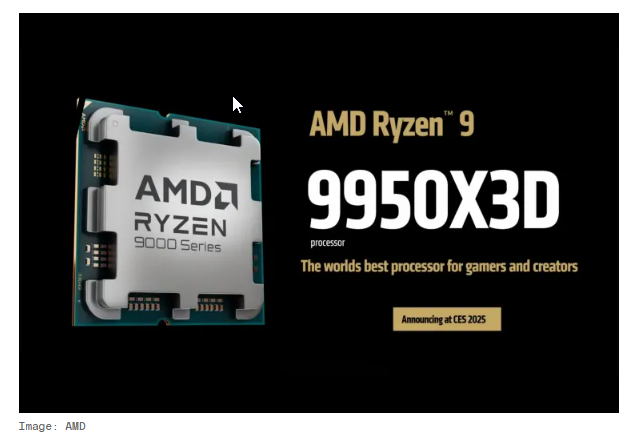
🔹 AMD Ryzen 9 9950X3D
- Key Specs: 16 cores, 32 threads, up to 5.7GHz boost clock, 144MB total cache.
- Strengths: Exceptional performance in both creative workloads and gaming, thanks to 2nd-gen 3D V-Cache.
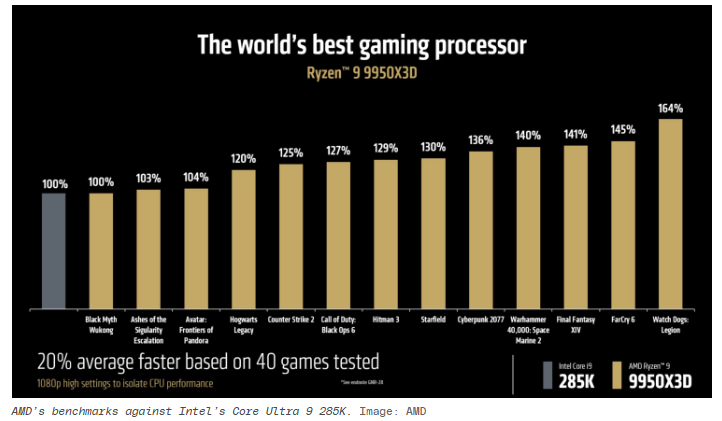
- Performance: Outperforms Intel’s Core i9-14900K and Core Ultra 9 285K in most benchmarks.
- Reference: The Verge – Ryzen 9 9950X3D Review
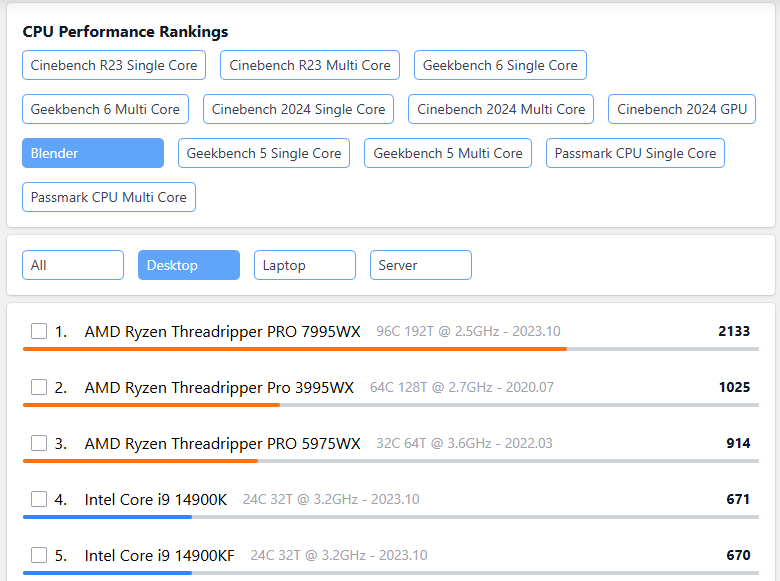
🔹 AMD Ryzen Threadripper PRO 7995WX
- Key Specs: 16 cores, 32 threads, up to 5.7GHz boost clock, 144MB total cache.
- Strengths: Exceptional performance in both creative workloads and gaming, thanks to 2nd-gen 3D V-Cache.
- Performance: Outperforms Intel’s Core i9-14900K and Core Ultra 9 285K in most benchmarks.
- Reference: The Verge – Ryzen 9 9950X3D Review
3. Best GPUs for Blender
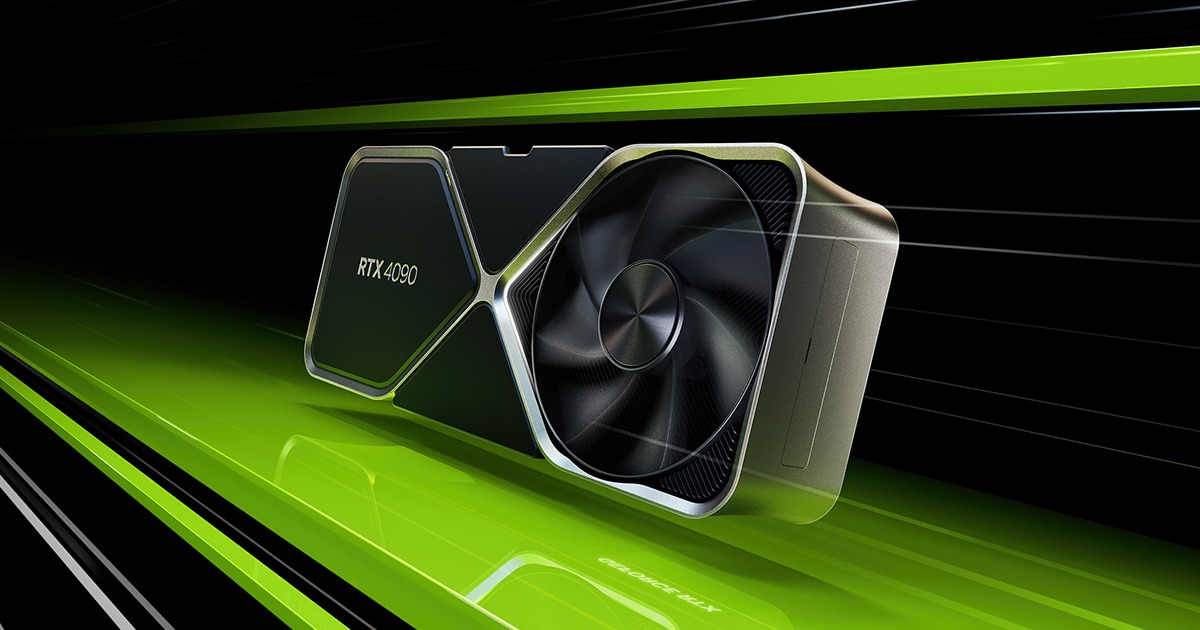
🔹 NVIDIA GeForce RTX 4090 – The Ultimate Performer
- Performance: The RTX 4090 stands out as Blender’s most powerful consumer GPU, delivering exceptional performance in Cycles and Eevee rendering engines. It boasts 16,384 CUDA cores and 24GB of GDDR6X VRAM, ensuring smooth handling of complex scenes and high-resolution textures.
- Use Case: Ideal for professionals and studios requiring top-tier rendering capabilities.
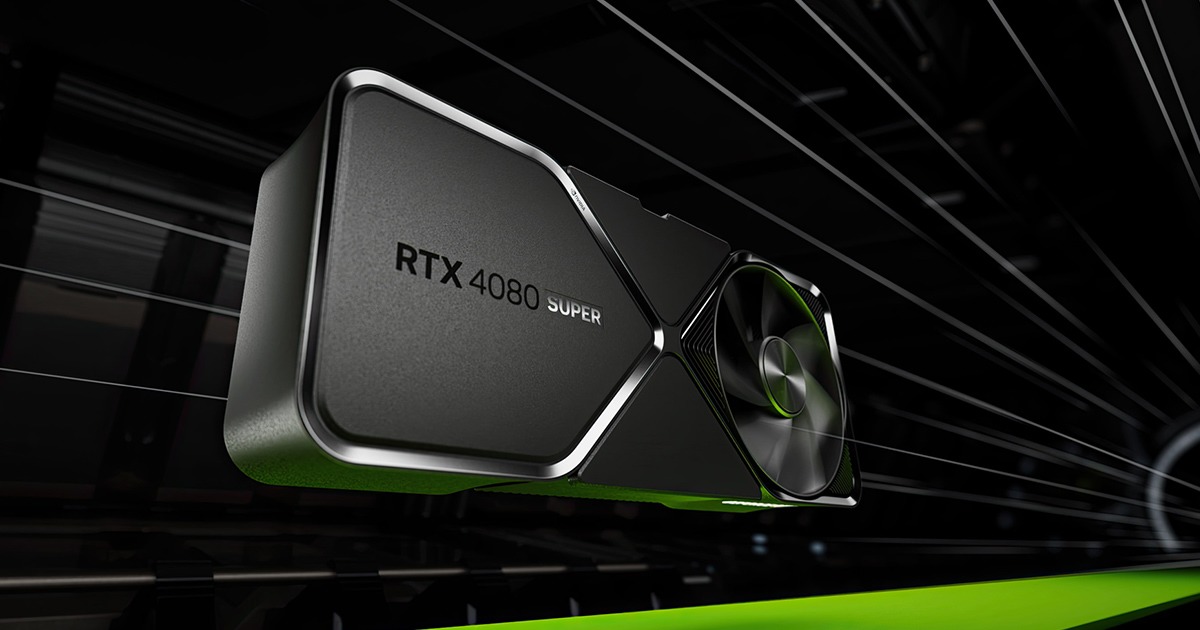
🔹NVIDIA GeForce RTX 4080 – High-End Efficiency
- Performance:
The RTX 4080 offers a balanced mix of performance and efficiency, featuring 9,728 CUDA cores and 16GB of GDDR6X VRAM. It’s well-suited for demanding rendering tasks while consuming less power than the RTX 4090.
The RTX 4080 offers a balanced blend of performance and cost-efficiency. Equipped with 16GB of VRAM, it provides robust rendering capabilities suitable for most professional workflows. While it trails the RTX 4090 by about 24% in performance, its more accessible price point makes it an attractive option for many users.
- Use Case: Suitable for artists seeking high performance without the premium price tag of the RTX 4090.
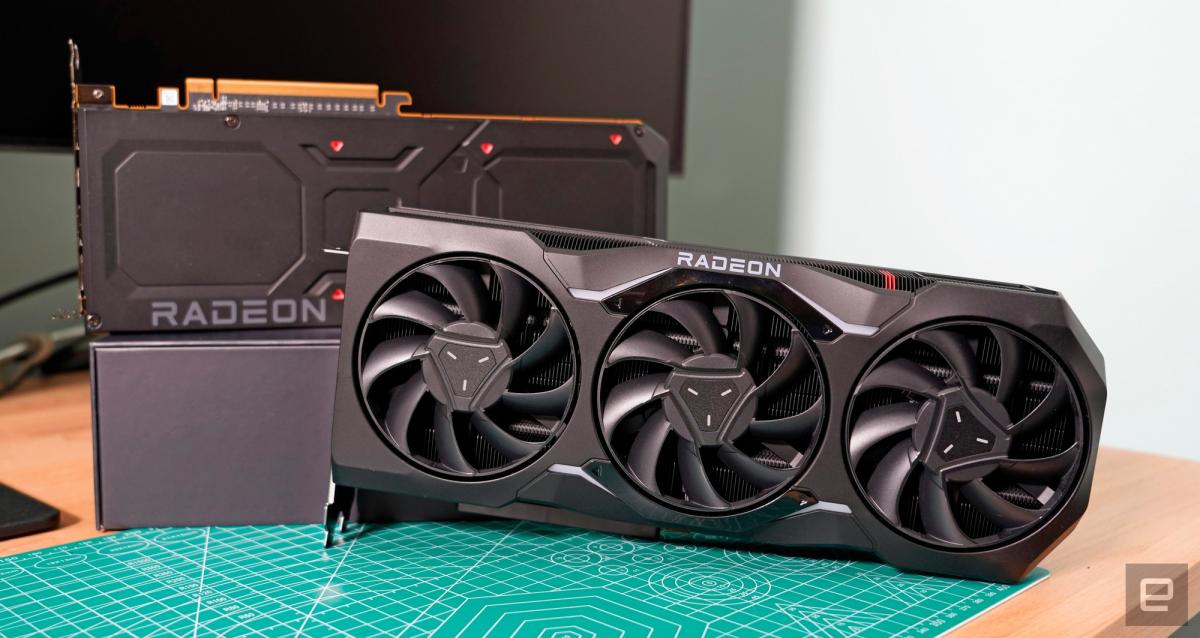
🔹 AMD Radeon RX 7900 XTX – Competitive Alternative
- Performance: AMD’s RX 7900 XTX is a strong contender, offering 20GB of GDDR6 VRAM and leveraging FidelityFX Super Resolution (FSR) technology to enhance rendering performance.
- Use Case: A cost-effective choice for users who prefer AMD’s ecosystem and seek solid rendering performance.
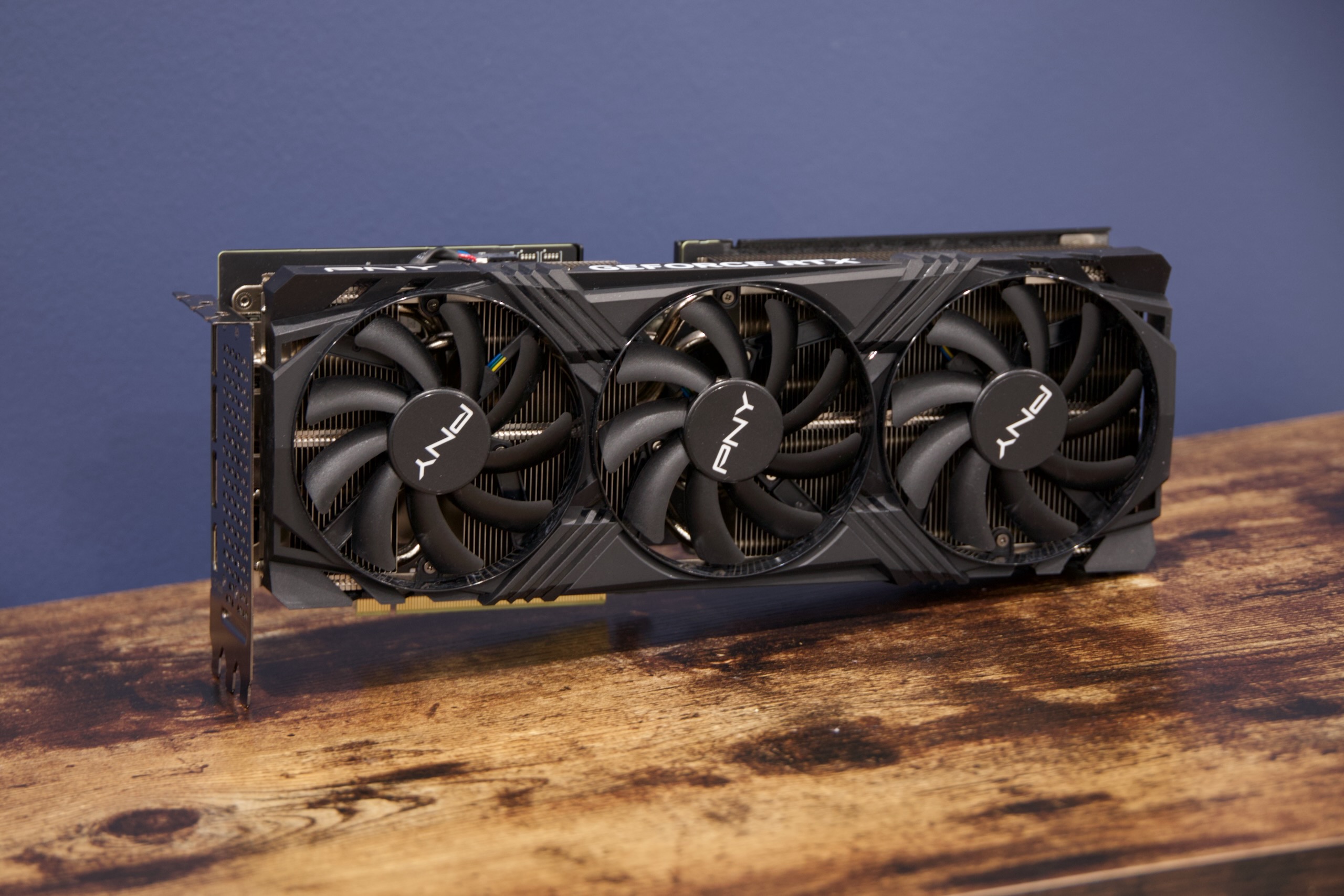
🔹 NVIDIA GeForce RTX 4070 Ti Super – Best Value
- Performance: With 16GB of GDDR6X VRAM, the RTX 4070 Ti Super delivers excellent performance for its price point, making it a favorite among budget-conscious creators.
- Use Case: Ideal for freelancers and hobbyists seeking high performance without a hefty investment.
Conclusion
As Blender continues to push the boundaries of 3D creation in 2025, having the right combination of CPU, GPU, and render engine is essential for staying competitive. Whether you’re creating complex simulations, photorealistic product renders, or high-resolution animations, the hardware you choose can make or break your efficiency.
But even the best local setup has its limits — and that’s where iRender comes in.
iRender - The Best Cloud Rendering For Blender
iRender is proud to be one of the best GPU service providers on the market. We provide you with high-configuration models with advanced specifications such as AMD Ryzen™ Threadripper™ PRO 3955WX @ 3.9 – 4.2GHz, 256GB RAM, 2TB NVMe SSD storage.
Under the IaaS (Infrastructure as a Service) model you will have full control over the machine via a remote desktop app, similar to Teamviewer but more stable. You will be able to proactively install the software and use it on the server just like using a personal computer. You can find many server packages with high-end configurations that are extremely suitable for complex projects. Our machines have preinstalled Blender, you can choose to create the machine at first then connect and render yourself
We’re always happy to help you with any questions. If you have any problems or questions, don’t hesitate to contact our support team. Or via WhatsApp: 0912 785 500 for free advice and support.
Right now iRender has a SPECIAL PROMOTION program with a 100% bonus for the first transaction within 24 hours of your registration. It means you can get 100% of the money you recharged the first time. And points never expire so you can use them at any time.
Sign up for an account today to experience and enjoy our services.
Thank you & Happy Rendering!
Source and image:renderjuice.com, pcguide.com, toxigon.com

Related Posts
The latest creative news from Blender Cloud Rendering





