
Why iRender's IaaS Model Outperforms Traditional SaaS Render Farms?
If you have ever compared cloud rendering services, you have probably noticed that not all of them work the same way. Some let you upload a scene, click render, and simply wait for the output. Others hand you a full remote workstation and let you work exactly as you would on your own PC, just with far more horsepower under the hood. That difference is not cosmetic. It comes down to two fundamentally different cloud models: SaaS (Software as a Service) and IaaS (Infrastructure as a Service). For GPU-driven render engines like Redshift, Octane, Blender Cycles, and V-Ray GPU, that difference decides whether a deadline gets hit or a scene gets stuck.
This is exactly where iRender comes in. Rather than forcing GPU rendering into a generic cloud template, iRender’s IaaS model is shaped around how render engines like Redshift, Octane, Blender Cycles, and V-Ray GPU actually perform in real production work. The four advantages below show exactly why that distinction matters in practice.
IaaS vs SaaS: A Quick Review for 3D Artists
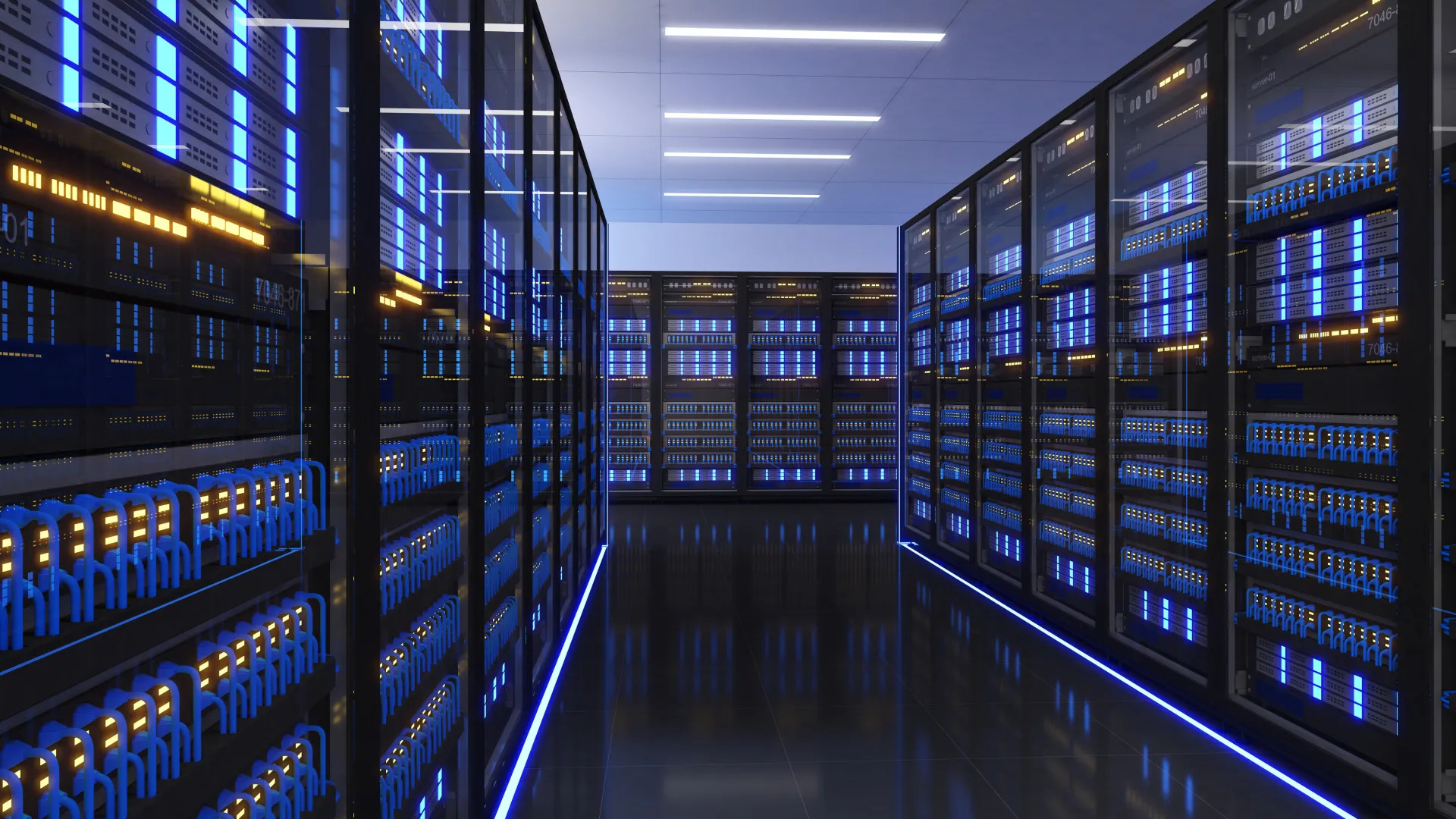
Before getting into the technical points, it helps to be clear on what separates the two models:
- SaaS render farms give you access to a pre-configured rendering service. You submit a job, the platform processes it on its own terms, and you get a result back. The environment, software versions, and available plugins are decided by the provider.
- IaaS render farms, such as iRender, rent you the actual machine: a dedicated server with GPU, CPU, RAM, and storage that you access directly, usually through Remote Desktop App. You install what you need, configure it your way, and interact with it in real time, just like a local workstation, except far more powerful.
That distinction is the reason IaaS ends up being the better fit for professional GPU rendering pipelines, and it plays out in four specific ways.
1. Linear Multi-GPU Scaling: Built for How Modern Render Engines Actually Work
Modern GPU render engines are designed to scale almost linearly with the number of graphics cards thrown at them. Redshift, Octane, Blender Cycles, and V-Ray GPU do not just tolerate multiple GPUs, they are built around the assumption that more cards mean proportionally faster renders.
The problem is that most workstations, and most SaaS platforms, cap out at one or two GPUs per instance. That ceiling means artists never see the real scaling potential of the render engine they are using.
iRender addresses this directly by offering dedicated servers equipped with up to 4x RTX 4090 GPUs on a single motherboard. Instead of splitting a job across multiple limited instances or accepting a fixed per-GPU rate, artists get one machine where the render engine’s native multi-GPU scaling can actually be used to its full extent, cutting render times down dramatically compared to a standard single-GPU setup.
2. Eliminating VRAM and Out-of-Core Bottlenecks
A single RTX 4090 carries 24GB of VRAM, which sounds like a lot until a production scene loads in with 8K textures, dense geometry, volumetrics, and multiple AOVs. It does not take much for a heavy shot to exceed that limit.
When that happens, two things can occur: the render crashes outright, or the software falls back to “out-of-core” rendering, streaming data between system RAM and GPU memory on the fly. Out-of-core mode keeps the render alive, but it is dramatically slower, since the GPU is now waiting on data instead of processing it at full speed.
iRender’s approach is to pair its multi-GPU configurations with system memory in the 256GB to 512GB range, backed by high-tier AMD Ryzen Threadripper Pro CPUs. That combination means even when a scene pushes past single-card VRAM limits, there is enough system memory and CPU bandwidth behind it to keep data flowing smoothly instead of grinding to a crawl.
3. Absolute Custom Pipeline and Plugin Support
Studios and freelancers rely on specific software versions, proprietary scripts, and third-party plugins such as X-Particles, Phoenix FD, or custom in-house shaders. A pipeline that works perfectly on a local machine can completely fall apart if the render environment does not support the exact same setup.
This is where SaaS platforms tend to show their limits. Because they run on a shared, pre-installed environment, users are restricted to whatever software versions and plugin list the provider has chosen to support. If your pipeline depends on something outside that list, you are simply out of luck.
iRender’s IaaS model sidesteps this problem entirely by granting full administrative Remote Desktop access to the server. Artists can install their exact software versions, load their own plugins, run custom scripts, and configure the machine exactly like a local workstation. There is no “supported plugin list” to check against, because the artist controls the environment directly.
4. Real-Time Troubleshooting and Live Previewing
On a traditional SaaS farm, you submit a job and only find out the result at the end. If a texture is missing, a shader is set up wrong, or a light is off, you usually do not know until the render has already failed, after hours of cloud time and with the deadline even closer.
With iRender, artists can open their DCC software directly on the cloud server and use real-time interactive renderers such as Octane Live Viewer or Redshift RenderView. This means bugs can be spotted and assets patched on the fly, in real time, instead of waiting for a failed job to reveal the problem after the fact. For anyone working against a tight project deadline, that immediate feedback loop alone can be the difference between shipping on time and missing the deadline entirely.
Conclusion
Modern GPU render engines like Redshift, Octane, Blender Cycles, and V-Ray GPU require immense hardware scaling, heavy memory bandwidth, and complete software flexibility to perform at their peak. Traditional SaaS render farms often restrict artists with fixed environments, whereas an IaaS model provides the exact freedom these engines demand. By offering dedicated multi GPU servers, abundant system memory, full admin rights, and real time viewport previews, iRender delivers a GPU Cloud Workstation for complex 3D production. For studios and freelance creators who need raw GPU horsepower, custom pipeline integration, and direct control over their rendering process, iRender’s IaaS platform stands out as the ultimate, practical solution.
Let’s check out the rendering performance on RTX 4090 servers.

iRender – Happy Rendering!
Frequently Asked Questions
What is the main architectural difference between IaaS and SaaS render farms?
Does adding more GPUs always speed up rendering on a SaaS farm the way it does on iRender?
Can I preview my render live and fix problems as they happen?
Related Posts
The latest creative news from Blender Cloud rendering.





