
D5 Render 3.0 & The AI Era: How AI Is Reshaping the Entire Arch Viz Workflow
As we move into 2026, the architectural visualization (ArchViz) industry is undergoing an unprecedented transformation. With the release of D5 Render 3.0, artificial intelligence is no longer a supporting feature, it has become the core of the entire creative workflow, from early concept development to final presentation and publication.
According to D5 Render’s official announcement, version 3.0 is not simply a feature update. It represents a shift toward a fully AI-driven workflow, where the software doesn’t just execute commands, but actively supports and enhances the designer’s creative thinking at every stage of the process.
In this article, iRender will explore:
- The key AI technologies inside D5 Render 3.0
- How they are transforming traditional ArchViz workflows
- And what kind of hardware do you need to unlock the power of this new generation of rendering fully
1. D5 Render 3.0: From a Render Tool to a Creative Platform
In traditional workflows, artists often have to jump between modeling software, rendering engines, and post-production tools. This process is not only time-consuming, but it also disrupts creative momentum.
With D5 Render 3.0, the entire pipeline is unified into a single ecosystem:
- Scene building and layout
- Lighting, material, and environment setup
- Rendering still images, animations, and panoramas
- Publishing and sharing interactive content
The biggest difference lies in integrating more than 15 AI-powered tools directly into the workflow, automating tasks that previously required hours of manual fine-tuning.
D5 Works: A Creative Hub for Artists & Studios
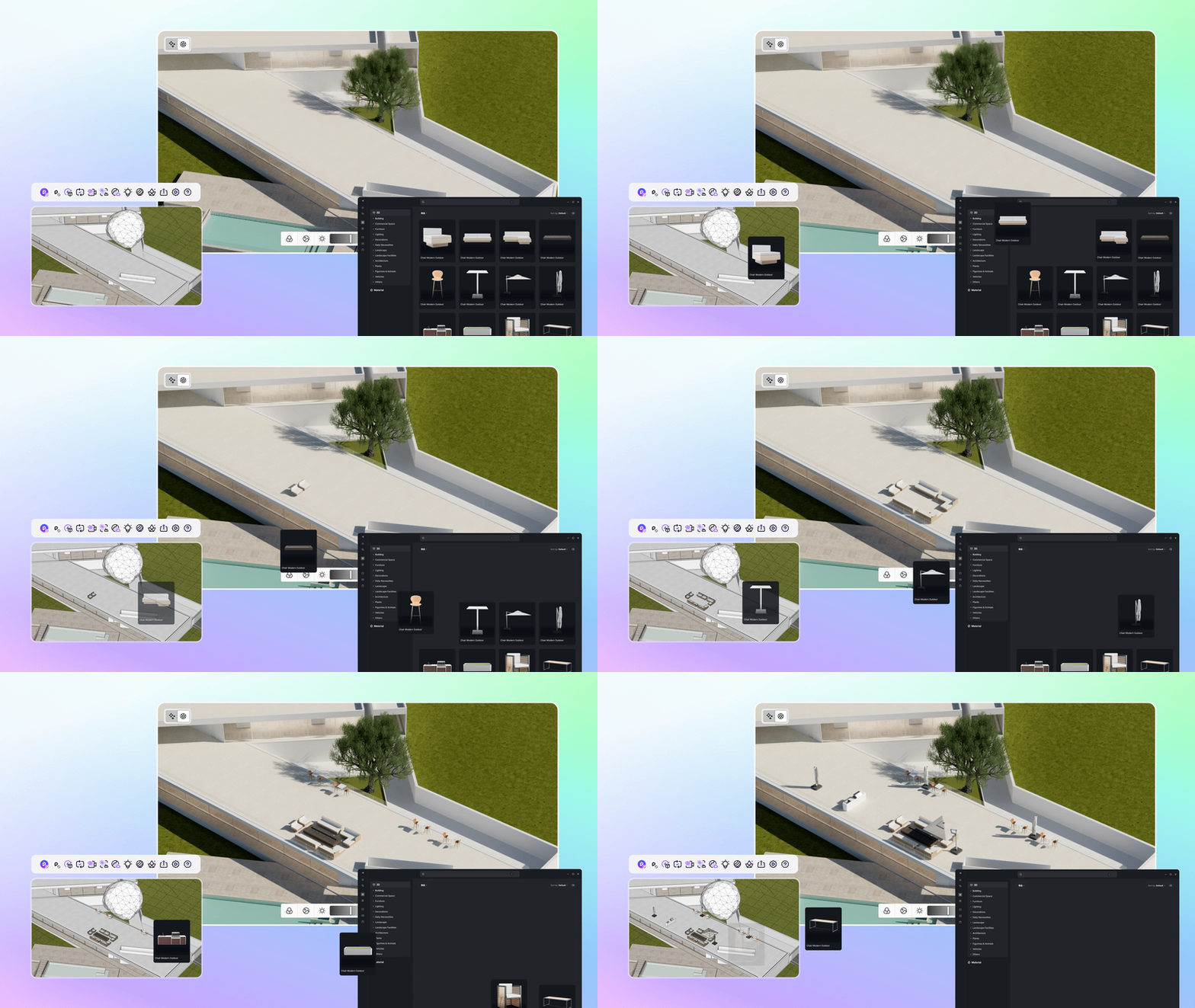
D5 Render 3.0 includes D5 Works, a premium asset library built directly into the software:
- AEC-ready assets optimized for architectural visualization
- Search and download without leaving the application
- Centralized asset management for teams and studios
This keeps the entire workflow inside a single, streamlined ecosystem and minimizes the need to switch between multiple platforms.
2. AI Atmosphere & Scene Match: “Painting” the Sky with Words
Lighting and atmosphere setup have always been one of the most challenging parts of architectural visualization. A small change in color temperature or sun angle can completely alter the emotional impact of a scene.
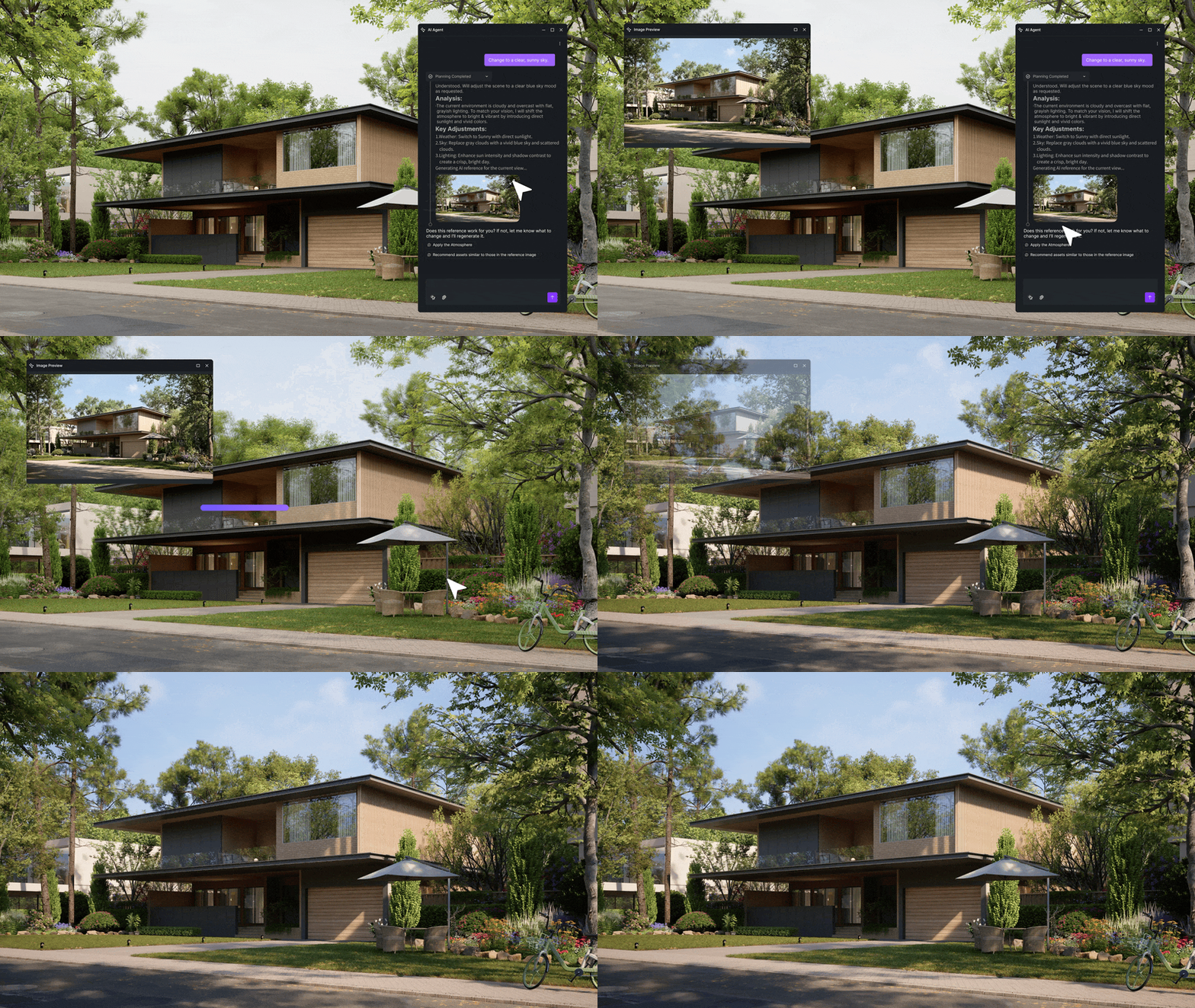
With AI Atmosphere and AI Scene Match, D5 Render 3.0 allows you to describe your environment using natural language, for example:
“A coastal city at sunset, with soft golden sunlight, light fog, and low-hanging clouds.”
The AI automatically analyzes and sets up:
- Sun direction and intensity
- Light color temperature
- Fog and cloud density
- Atmospheric scattering
The result is a physically accurate sky and lighting system that can be created in seconds rather than minutes of manual adjustment.
3. AI Material & Texture: From a Photo to Full PBR Materials
One of the biggest pain points for artists is finding complete PBR texture sets (Base Color, Normal, Roughness, and Displacement).
D5 Render 3.0 solves this with the AI PBR Material Enhancer:
- Upload a single flat surface photo, even one taken on your phone
- The AI automatically generates:
- Normal Maps
- Roughness Maps
- Displacement Maps
- Applies seamless tiling to eliminate visible repetition
- Upscales textures to 4K or even 8K resolution
This is especially valuable for architectural and interior projects, where materials like wood, stone, concrete, and fabric need great detail to truly convince clients.
4. AI Smart Scatter: Intelligent Environment Population
Instead of randomly placing trees, people, and vehicles, AI Smart Scatter in D5 Render 3.0 understands spatial context:
- Shrubs are placed naturally beneath larger trees
- People and vehicles follow sidewalks and traffic flow
- Automatic variation in scale, color, and shape to avoid repetition
For large-scale urban planning or residential projects, this can save hours of manual setup and deliver a far more natural, believable result.
5. AI Super Resolution: 4K Quality at 1080p Speed
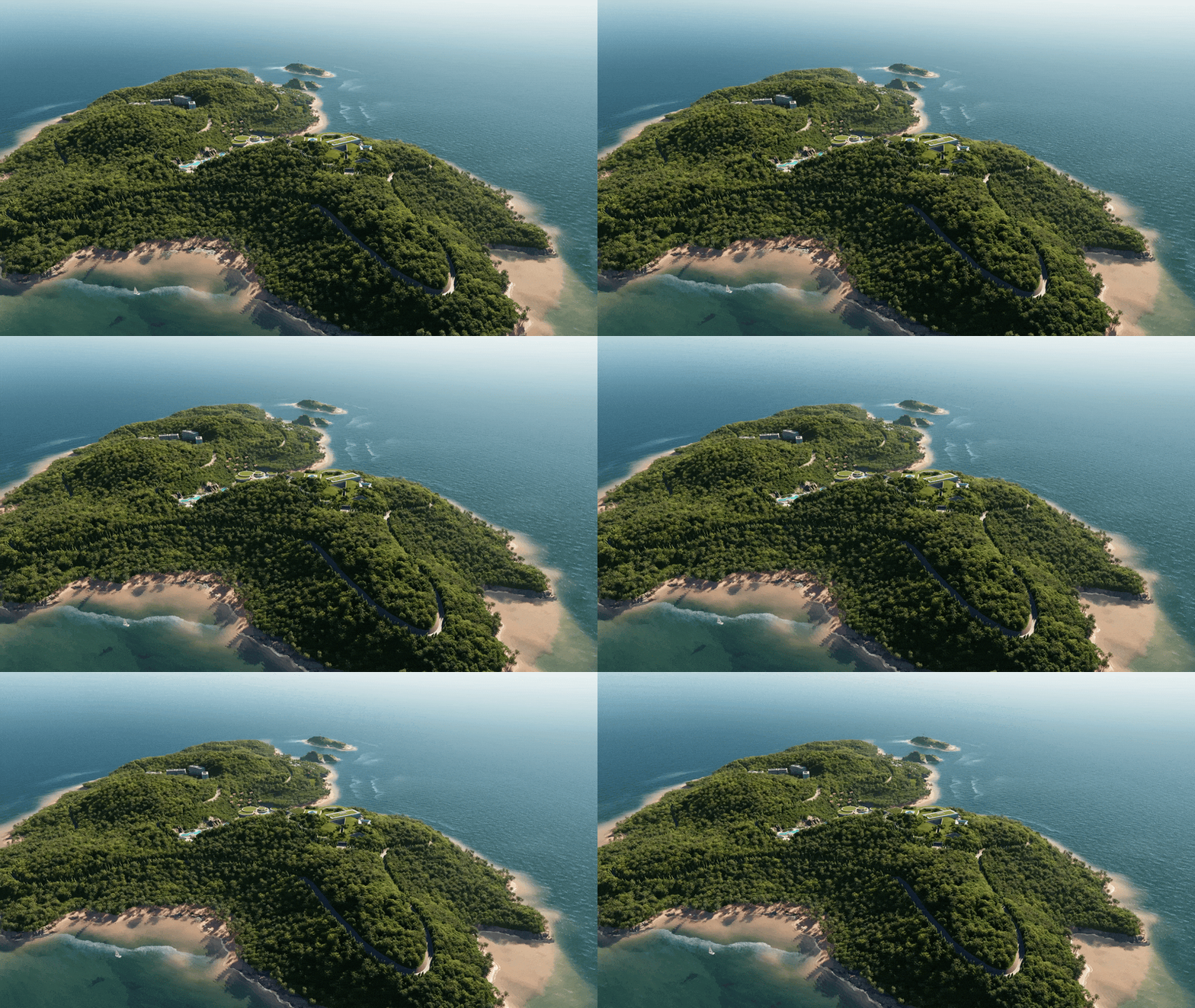
D5 Render 3.0 leverages Tensor Cores on NVIDIA RTX GPUs to power AI Super Resolution:
- Render at a lower resolution to maintain performance
- Let AI reconstruct details and upscale to 4K or 8K
According to D5 Render, this approach can reduce animation render times by 60–70%, while maintaining sharpness and visual fidelity.
This is a game-changer for studios producing architectural walkthroughs, cinematic fly-throughs, and real estate marketing videos.
6. Next-Generation Environments & Urban Systems
D5 Render 3.0 expands world-building capabilities with advanced environmental tools:
- Ocean & Water System: Create realistic waves, caustics, and natural shorelines in just a few steps
- Volumetric Clouds & Fog: Sculpt clouds and fog by height, density, and color to achieve cinematic depth
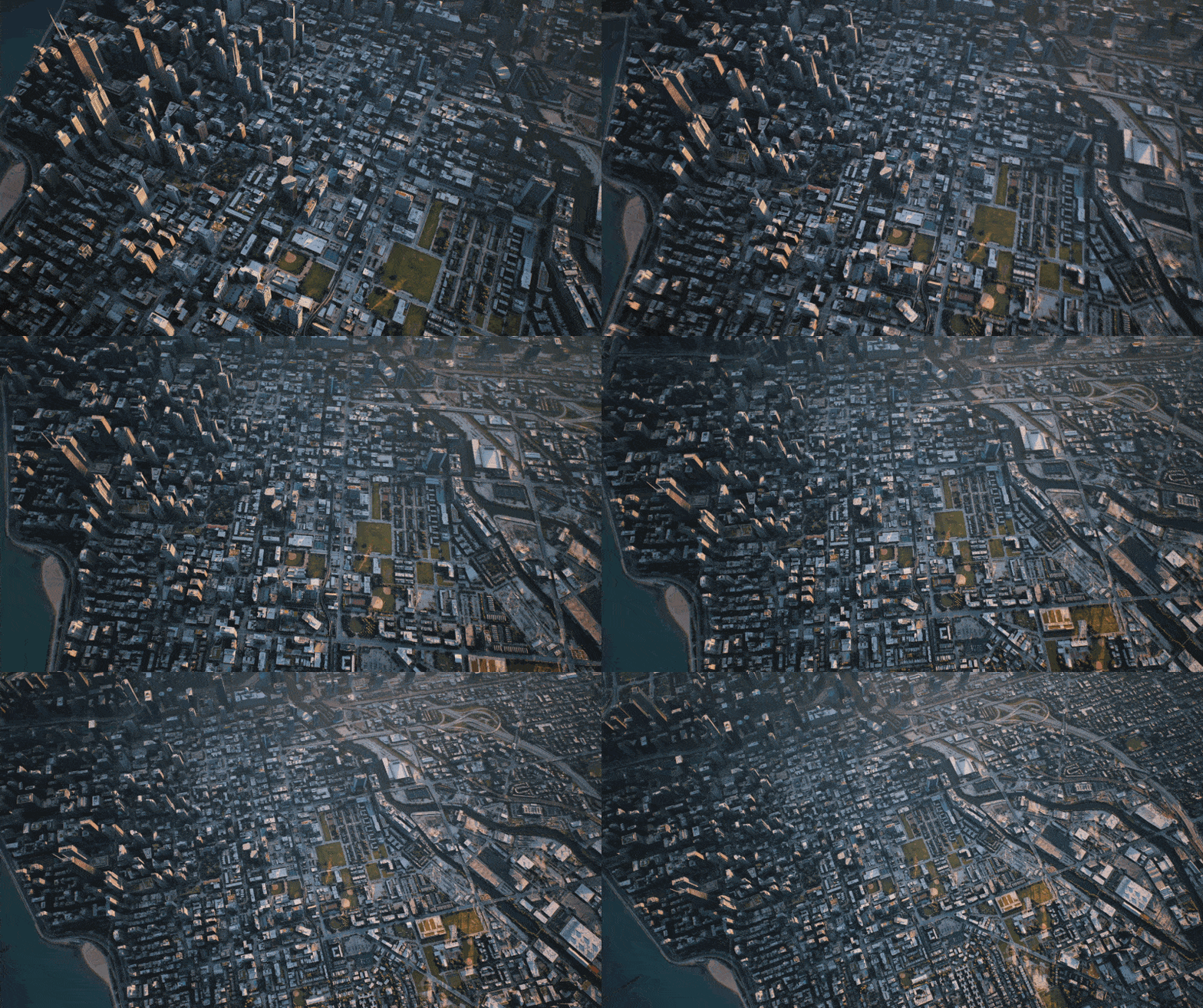
- Procedural City Generator: Quickly generate city blocks, building rows, and skylines for large-scale planning and visualization
Conclusion: AI Doesn’t Replace Artists — It Frees Them
D5 Render 3.0 is more than a rendering engine. It represents a broader shift in ArchViz: AI takes over repetitive technical tasks, allowing artists to focus on creativity and design thinking.
However, these AI-driven features rely heavily on:
- RTX Tensor Cores
- Large VRAM capacity for handling 8K textures and AI upscaling
In practice, GPUs with 8–12GB of VRAM can easily run into performance limits or crashes when all AI features are enabled. Meanwhile, investing in a high-end workstation or multi-GPU setup can cost thousands of dollars.
This is where Render Farms and Cloud GPUs become a strategic advantage. By combining the AI power of D5 Render 3.0 with high-performance GPU infrastructure from iRender, you can accelerate production, scale on demand, and build a future-ready ArchViz workflow without the upfront hardware investment.
Render Faster and Smarter with D5 Render on iRender
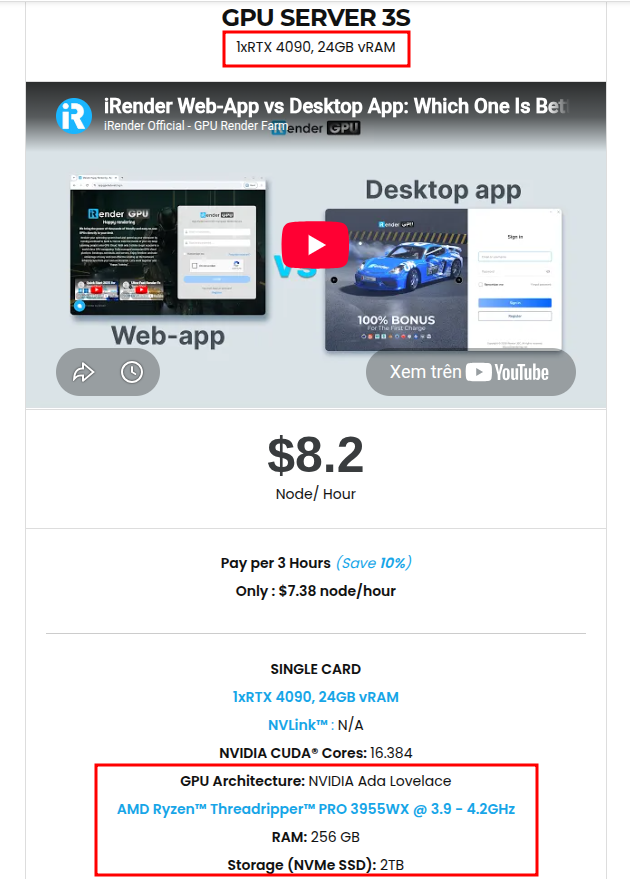
iRender is proud to be one of the best GPU service providers on the market. We provide you with high-configuration models with advanced specifications such as AMD Ryzen™ Threadripper™ PRO 3955WX @ 3.9 – 4.2GHz or AMD Ryzen™ Threadripper™ PRO 5975WX @ 3.6 – 4, 5GHz, 256GB RAM, 2TB NVMe SSD storage.
Under the IaaS (Infrastructure as a Service) model you will have full control over the machine via a remote desktop app, similar to Teamviewer but more stable. You will be able to proactively install the software and use it on the server just like using a personal computer. You can find many server packages with high-end configurations that are extremely suitable for complex projects.
With D5 render, our famous single RTX4090 package is one of the most powerful and reasonable packages
We’re always happy to help you with any questions. If you have any problems or questions, don’t hesitate to contact our support team. Or via Whatsapp: 0912 785 500 for free advice and support.
iRender is currently offering a SPECIAL PROMOTION: enjoy a 100% bonus on your first top-up within 24 hrs of registration. This means your first deposit will be doubled, and your points never expire, allowing you to use them whenever you need.
Sign up for an account today to experience and enjoy our services.
Happy Rendering!
Source and image: d5render.com

Related Posts
The latest creative news from D5 Render Cloud Rendering






