
System Requirements and Recommended PC for CLO3D 2025
If you are working in fashion design or apparel visualization, there’s a good chance you’ve heard of CLO3D. With the latest update of CLO3D 2025, users are looking to upgrade their systems to meet the demands of the software and unleash its full potential. In this article, we will learn what CLO3D is, system requirements, and most importantly, a stable computer configuration that can handle any complex design on CLO3D 2025.
What is CLO3D?
CLO3D, created by CLO Virtual Fashion in 2009, is an advanced 3D fashion design software. It helps designers create garment patterns intuitively and accurately in the digital space. CLO3D combines realistic physical simulation and CAD (Computer-Aided Design) technology to support the design, prototyping, and manufacturing of fashion products.
With CLO3D, users can:
- Create 3D models of garments from 2D designs.
- Use virtual avatars to experiment and adjust garments to real-life sizes and shapes.
- Choose materials, color, and patterns, with options to simulate precise drape, stretch, and shading.
- Export files in formats compatible with traditional manufacturing tools.
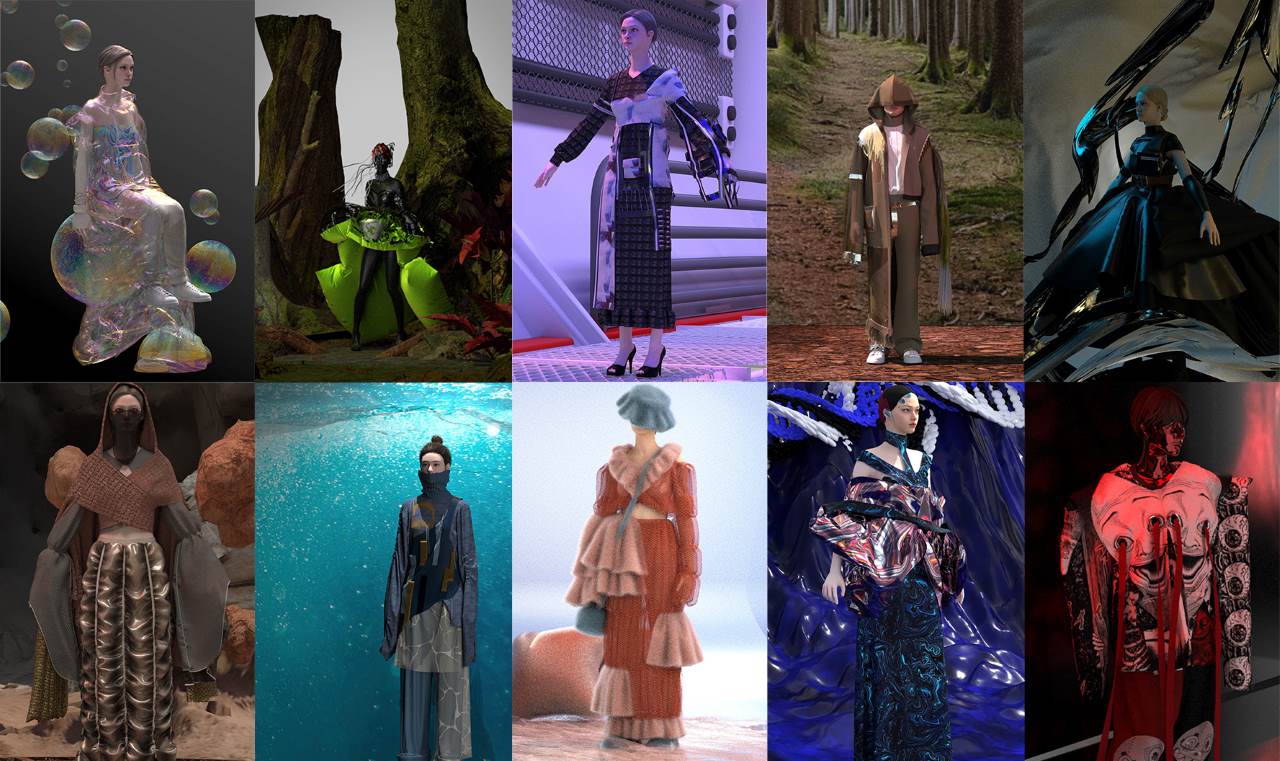
Image source: clo3d
Pricing
CLO3D offers three different license types: CLO for Individual, CLO for Business, and CLO for Academic Institution, with different pricing levels to suit the needs of freelancers, small to large businesses. The software license includes the installer, tutorials, support portals, and CLOset.
- Individual License: $50/month or $450/year
- Individual License with Student Discount: $25/month or $225/year
- Business and Academic Institution License: You can get a customized quote from the business development team in your area. Contact CLO3D for a quote.
Features
Here are some of CLO3D’s standout features:
- Modular Design Features: CLO3D comes with sewing blocks, modular pattern files, block components, and a configurator to edit the components mentioned above.
- 3D Simulation: Real-time simulation, wind movement of garments, pattern creation, sewing layers, seam folding, and many more features. Along with the simulator, CLO3D also has editing tools for 3D line creation, pattern flattening, icing, glue cutting, mesh selection (single and multiple), etc.
- 3D Arrangement: Arrange fabric pieces, folds, and other components to create a final pattern or piece. It also allows for overlap, smart arrangement, live positioning, and other advanced tools.
- 2D Pattern Maker: CLO3D also supports 2D pattern making with AI curve tools, symmetry design tools, graphics, reference lines, symbols, notches, folds, and more. This feature enables you to create and edit patterns.
- Sewing Tools: CLO3D sewing tools allow you to piece together fabric pieces using segmented sewing, freehand sewing, or other tools. You can track the sewing results on your avatar or garment.
- Fabric: Create designs by rendering fabric. You can edit colors, add physical properties, set thickness, and perform non-linear simulations. CLO3D software also comes with a fabric kit.
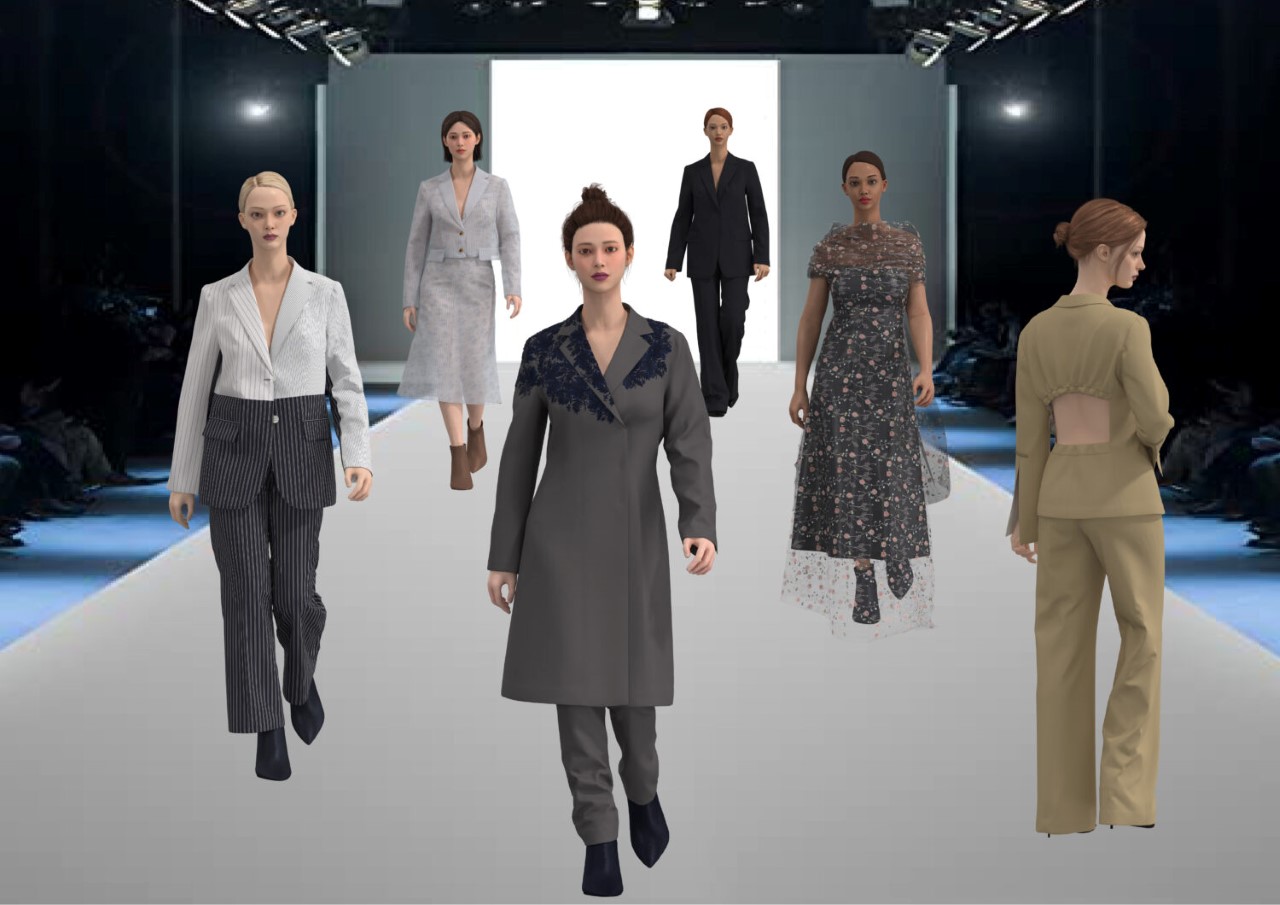
Image source: beckmans.se
- Hardware: A dress is more than just fabric, and CLO3D allows you to add additional elements such as zippers, elastic, custom hems, scaled hems, buttons, buttonholes, and more.
- Refine: You can add the finishing touch to your garment with the refine tool, which allows you to press, iron, and more.
- Avatar: You can edit the avatar style and size. If you want a different perspective, CLO3D also allows you to change the avatar pose, skin offset, and measurements.
- Check Fit: Measure 2D fabric pieces, 3D fabric, seam length, and more.
- Print and Render: Print your final designs and prototypes. You can add lighting or other rendering attributes to achieve a high-quality product. To collaborate with other users and teams, CLO3D offers upload and sharing options and online communication tools.
- Color Scheme: You can create color schemes, edit textures, and change 3D environment elements such as 3D backgrounds, lighting and wind settings, camera settings, etc.
- Compatibility: CLO3D can create files in various formats for easy sharing. You can use and create CLO software design files in DXF-ASTM/AAMA, OBJ, ACO, Alembic, animation, OpenCollada, and other formats.
Application
CLO3D is an advanced 3D fashion design software that brings many outstanding utilities to the fashion industry, from product simulation to design process optimization. With sharp 3D simulation capabilities, it helps designers easily visualize the final product, from size, color to fabric material. Next, it reduces dependence on actual samples. With the ability to quickly test designs, designers can quickly change colors, patterns and fabrics, saving time and costs. Also, it allows exporting data into formats suitable for direct production, from cutting and sewing patterns to product specifications. Thus, designers can create virtual showrooms or experience products online. And customers visualize and interact with products before buying. Overall, CLO3D helps save time and improve efficiency, towards sustainable development in the fashion industry.
System Requirements for CLO3D 2025
To run CLO3D 2025, you need a good computer with a balance of CPU and GPU performance. CLO3D uses the CPU for cloth simulation and the GPU for high-quality rendering. Here are the official system requirements.
Windows
| Category | Minimum | Recommended |
| OS | Windows 10 64-bit (1903 or later) | Windows 10 64-bit (22H2)
Windows 11 64-bit (24H2) |
| Processor | AMD® Ryzen™ 5 1500X
Intel® Core-i5 6400 |
AMD® Ryzen™ 7/9 7000 series or higher
Intel® Core-i7/i9 14th Gen or higher |
| Memory | 8GB | 32GB or more |
| Graphics Card | AMD, Intel, Nvidia GPUs supporting OpenGL 1.6 or higher | NVIDIA® GeForce RTX series or
NVIDIA® Quadro RTX, RTX A, RTX Ada series |
| STorage | HDD 10GB or more | SSD 20GB or more |
| Screen | 1920×1080(FHD) | 2560×1440 (QHD), 3840×2160 (UHD, 4K) |
MacOS
| Category | Minimum | Recommended |
| OS | All Macs released after 2015 | Intel-chip Macs released after 2018 2)
Apple Silicon Macs: M1, M2, M3, M4 |
| Processor | Monterey 12 | Ventura 13, Sonoma 14, Sequoia 15 |
| Memory | Intel® Core-i5 4cores | Apple Silicon Chip |
| Graphics Card | 8GB | 24GB or more |
| STorage | HDD 10GB or more | SSD 20GB or more |
| Screen | 1280×800 | Retina 4K, Retina 5K supported |
CLO3D comes with a significant increase in system requirements, especially for users who want to work with layered materials or render photorealistic images. While the minimum specs allow for basic performance, the recommended configuration includes the highest-end Ryzen 7000 or Intel 14th Gen CPUs. It also recommends RTX GPUs as essential for smooth cloth simulation and GPU-based rendering. With CLO3D now supporting higher resolutions and more complex workflows, investing in a powerful workstation is not just a luxury, but a necessity for professional use.
Note: CLO3D does not support multi-GPU rendering. A powerful GPU will be more efficient than multiple low-end graphics cards.
Recommended PC for CLO3D 2025
Here is a solid PC build that can handle even the most complex designs in CLO3D 2025, but at a very reasonable price. If you need a reliable build to run smoothly in CLO, this is a great option to consider.
- Mainboard: Asus Prime B760M-K DDR4 – Good price mainboard, full of features, good support for modern components, economical choice for a stable system.
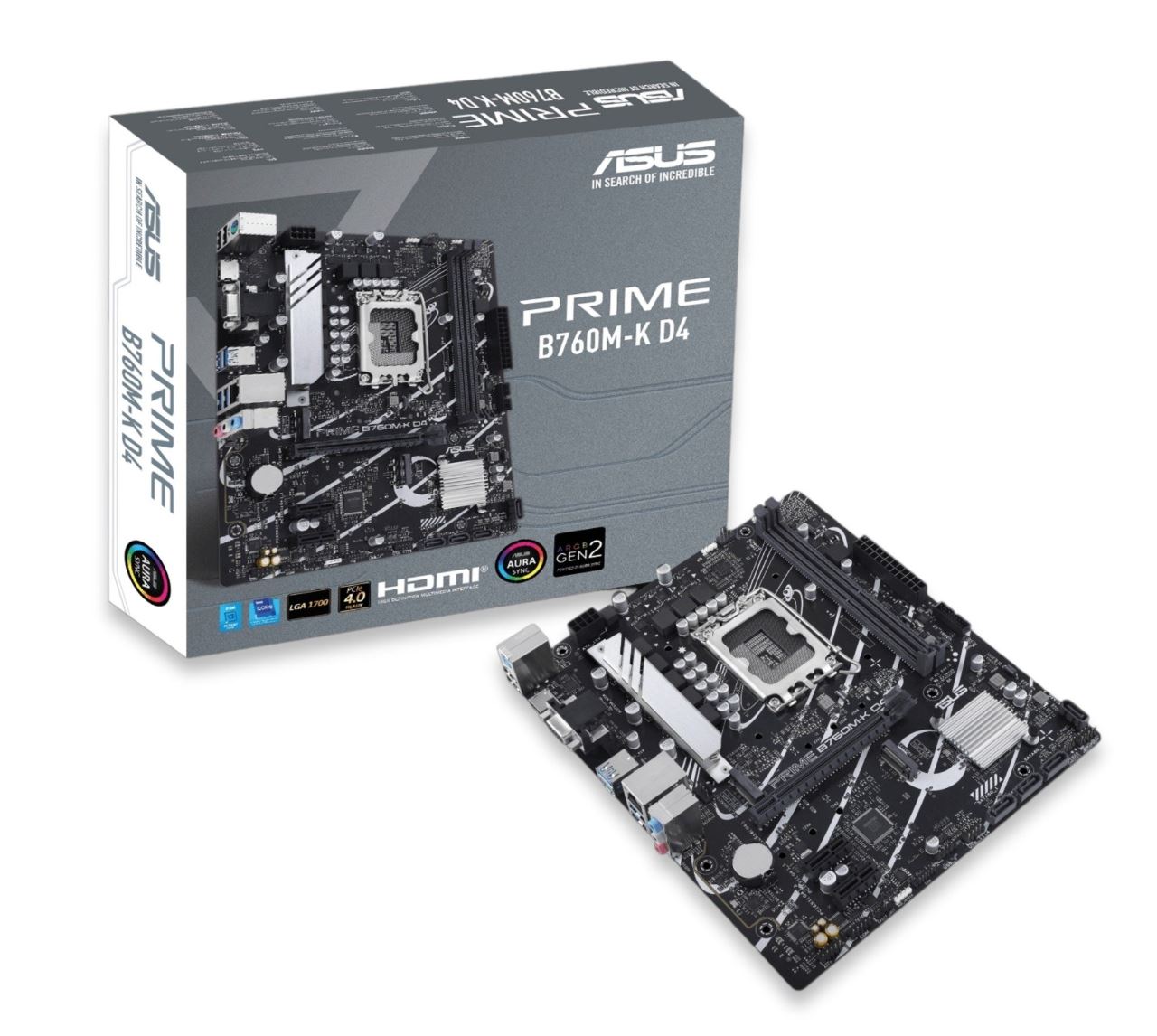
Image source: ASUS
- CPU: Intel Core i7 12700KF – Superior processing, handling all heavy tasks such as rendering and 3D simulation in CLO3D at a reasonable price.
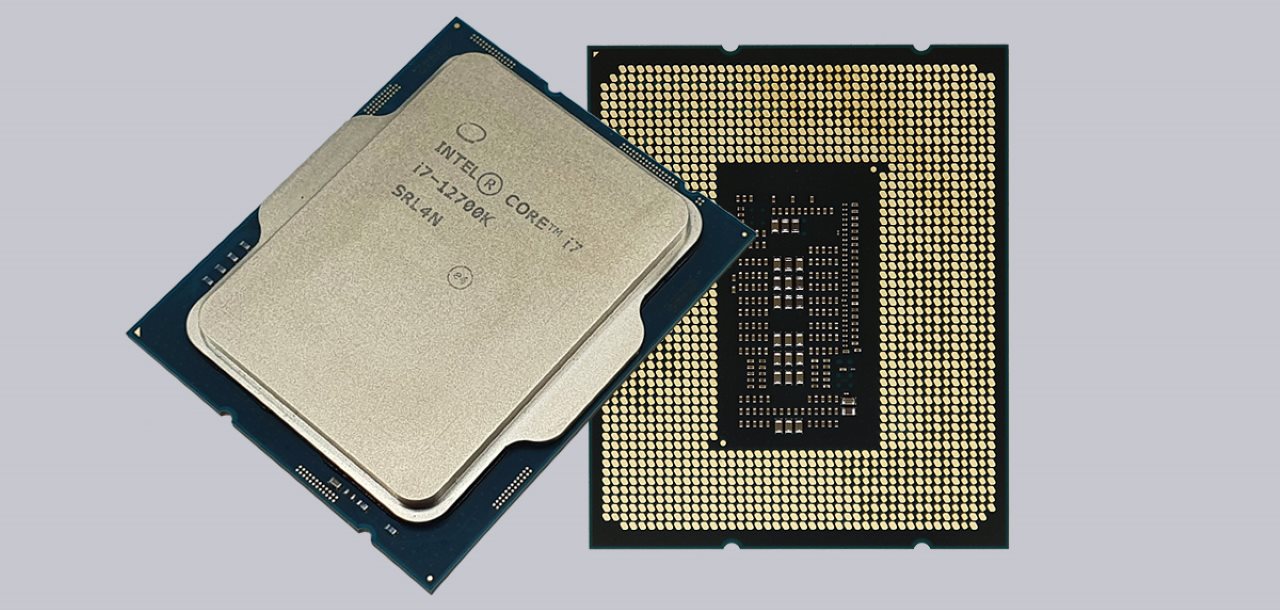
Image source: Intel
- RAM: DDR4 Kingston Fury Beast 16GB 3200MHz – 16GB capacity, upgrade to 32GB if needed, ensuring smooth operation of CLO3D. Prestigious Kingston brand, highly stable.
- Hard Drive: SSD Patriot P400 Lite 1TB (M.2 NVMe PCIe 4.0) – High speed, 1TB capacity, fast software startup, comfortable storage.
- Graphics Card: NVIDIA GeForce RTX 4090 24GB GDDR6X – Ideal choice for rendering complex designs on CLO3D. Powerful performance, large VRAM memory.
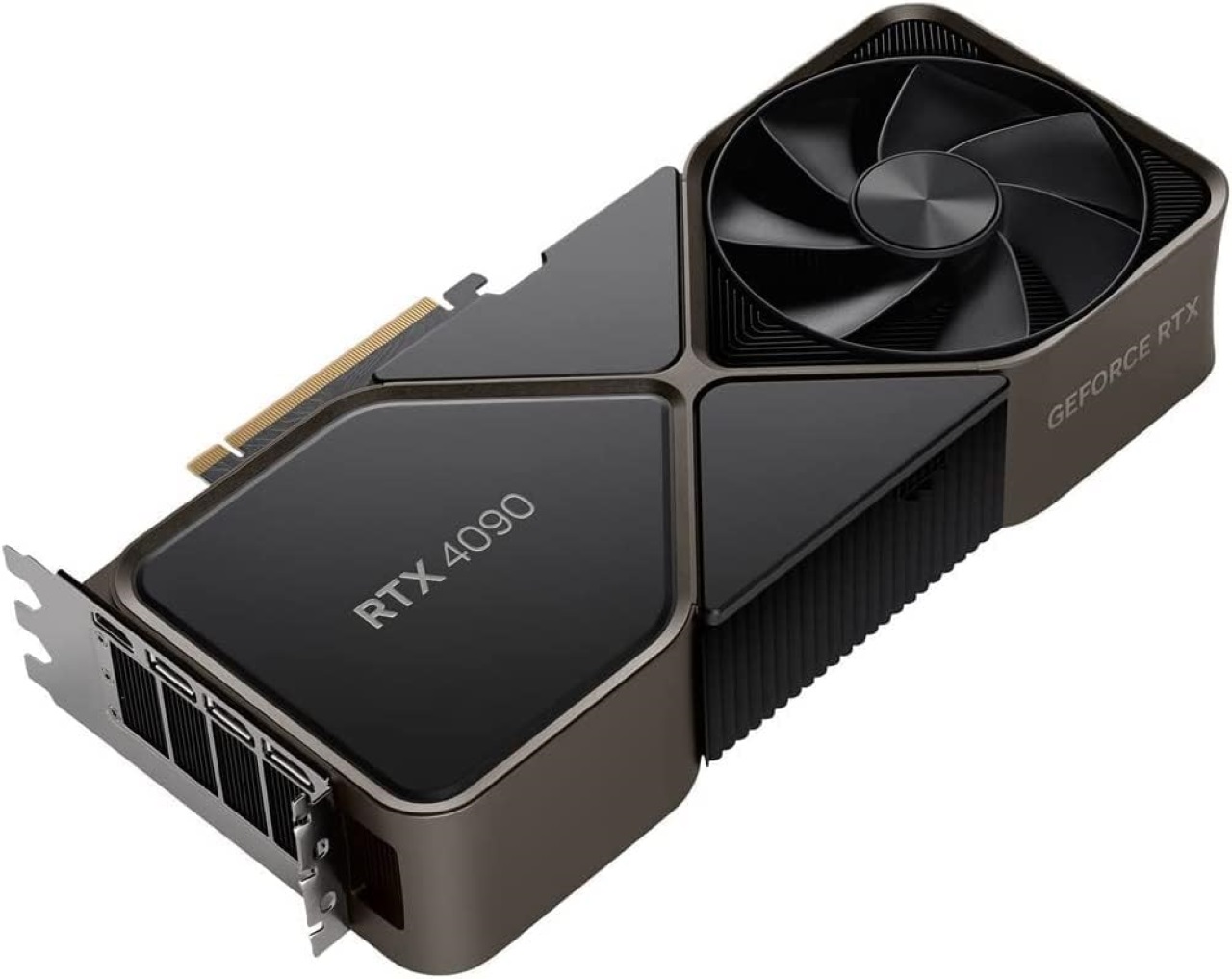
Image source: NVIDIA
- Power: Xigmatek X-Pro – 750W – High capacity, stable power supply for CPU and VGA to operate at maximum.
- Resistance: Thermalright Aqua Elite 360 V3 – 360mm water cooling, 3 fans, ensuring CPU is cool and stable under heavy loads.
- Case: XIGMATEK ANUBIS PRO 4FX E ATX Case – Spacious, 4 ARGB fans, beautiful, airy.
Complete your PC with peripherals:
- Monitor: Samsung LS27C310EAEXXV (27 inches) – Large screen, thin bezel, Full HD resolution, comfortable working experience.
- Keyboard: Dell KB216 – Soft, durable office keyboard, suitable for design.
- Mouse: Fuhlen G90 ProX Gaming – Accurate, solid gaming mouse, reasonably priced, ideal for graphic design.
Upgrade Suggestions
For future purposes, you can upgrade RAM to 32GB for smoother multitasking. And use a second SSD to store large data, increasing access speed if your project is too large. In addition, upgrade to an RTX 5090 graphics card if you need faster rendering. But overall, the configuration mentioned above is powerful enough to handle most complex projects.
Final Thoughts
CLO3D 2025 brings new features and more demanding requirements, but with the right hardware, you’ll get a smooth and responsive experience. Whether you’re building a PC from scratch or looking to upgrade, focusing on a powerful CPU for simulation and a powerful GPU for rendering will yield the best results.
If you’re working with large collections, rendering at high resolutions, or simply want faster performance, investing in a well-balanced system will save you time and frustration in the long run.
iRender - The Best Cloud Rendering Service for CLO3D
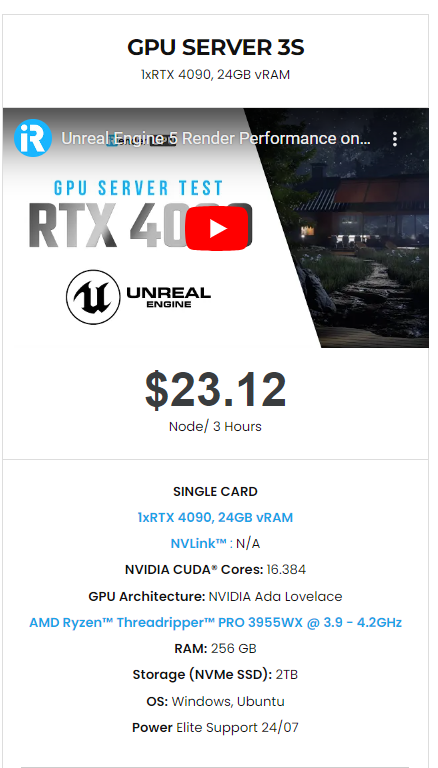
If your current PC isn’t powerful enough to handle heavy simulations or high-quality rendering in CLO3D, don’t worry, you don’t need to upgrade your entire setup. iRender is the best cloud rendering service for CLO3D, offering powerful RTX GPU servers that let you work faster and more efficiently, from anywhere. All servers are equipped with:
- AMD Ryzen™ Threadripper™ PRO 3955WX (3.9-4.2GHz) or
- AMD Ryzen™ Threadripper™ PRO 5975WX (3.6-4.5GHz)
- (1/2/4/6/8x) – RTX 3090/4090
- 256GB RAM
- 2TB NVMe SSDs
With CLO3D, a 3S (1xRTX 4090) server is the best choice with the most affordable price. You have full control over a powerful remote machine, with support for CLO3D and all its plugins, so you can render faster, scale larger, and focus on being creative.
Why choose iRender?
Unlike other services, iRender lets you upload and download files without starting the server, saving you both time and money. We offer a Desktop app for Windows with a full feature set and a simple Drive app for macOS for easy file transfers. Here’s why iRender is a top choice for your rendering needs:
- 100% Software Support: We support all 3D software, their plugins, and render engines.
- Full Control: Our service will give you full control over the servers you rent. Therefore, you are free to create your own working environment.
- Go Green: We are committed to using 100% solar renewable energy towards environmental sustainability.
- Real-human 24/7 Support: Our professional support agents and technicians guarantee to bring you the best rendering experience.
Check out our fast and simple quick start!

If you still wonder if this is the right place for your project, REGISTER NOW to get a trial and receive a 100% bonus promotion for your first transaction within 24 hours of registration with us.
For more detailed information, please contact us via Live chat 24/7 or WhatsApp: +(84) 912-785-500 or Email: [email protected]
iRender – Happy Rendering!
References: clo3d.com, softwaresuggest.com
Related Posts
The latest creative news from Cinema 4D Cloud Rendering , Blender Cloud Rendering, Redshift Cloud Rendering, Houdini Cloud Rendering , Octane Cloud Rendering, 3D VFX Plugins & Cloud Rendering.





