
Lumion, Enscape, Twinmotion and D5 Running Slow? The GPU Fix Explained
These tools run slow because they are real-time viewers: your GPU has to draw the whole scene many times a second while you move, so the fix is a stronger single GPU, not more of them. Lumion, Enscape, Twinmotion, and D5 all lean on one card for the live viewport, and adding cards does not make that smoother. Get the GPU right, match your quality and resolution settings to it, and the lag clears. When your own card cannot keep up, you can run these apps on a remote machine with a powerful RTX 4090, since they need a real desktop with a GPU to run at all.
The confusion with these tools starts because they feel like renderers, but they behave like games. A batch renderer takes your scene and grinds out finished frames, and it happily uses every card you throw at it. A real-time viewer has to paint the scene fresh every time you orbit, pan, or change the sun, dozens of times a second, so it lives and dies on how fast a single GPU can draw one frame. That difference is why the usual advice about stacking GPUs does nothing here, and why people buy a second card expecting smoothness and get none.
| Tool | What it leans on | Does multi GPU help? | Cloud option |
|---|---|---|---|
| Lumion | One strong GPU, VRAM for big scenes | No, real-time uses one card | Run live on a remote GPU machine |
| Enscape | One GPU, tied to your CAD app | No for the live view | Live on remote GPU, VR headset stays local |
| Twinmotion | One GPU for real-time | Only the Path Tracer, not the live view | Run live on a remote GPU machine |
| D5 Render | One RTX GPU, ray tracing and DLSS | No, single card real-time | Run live on a remote RTX machine |
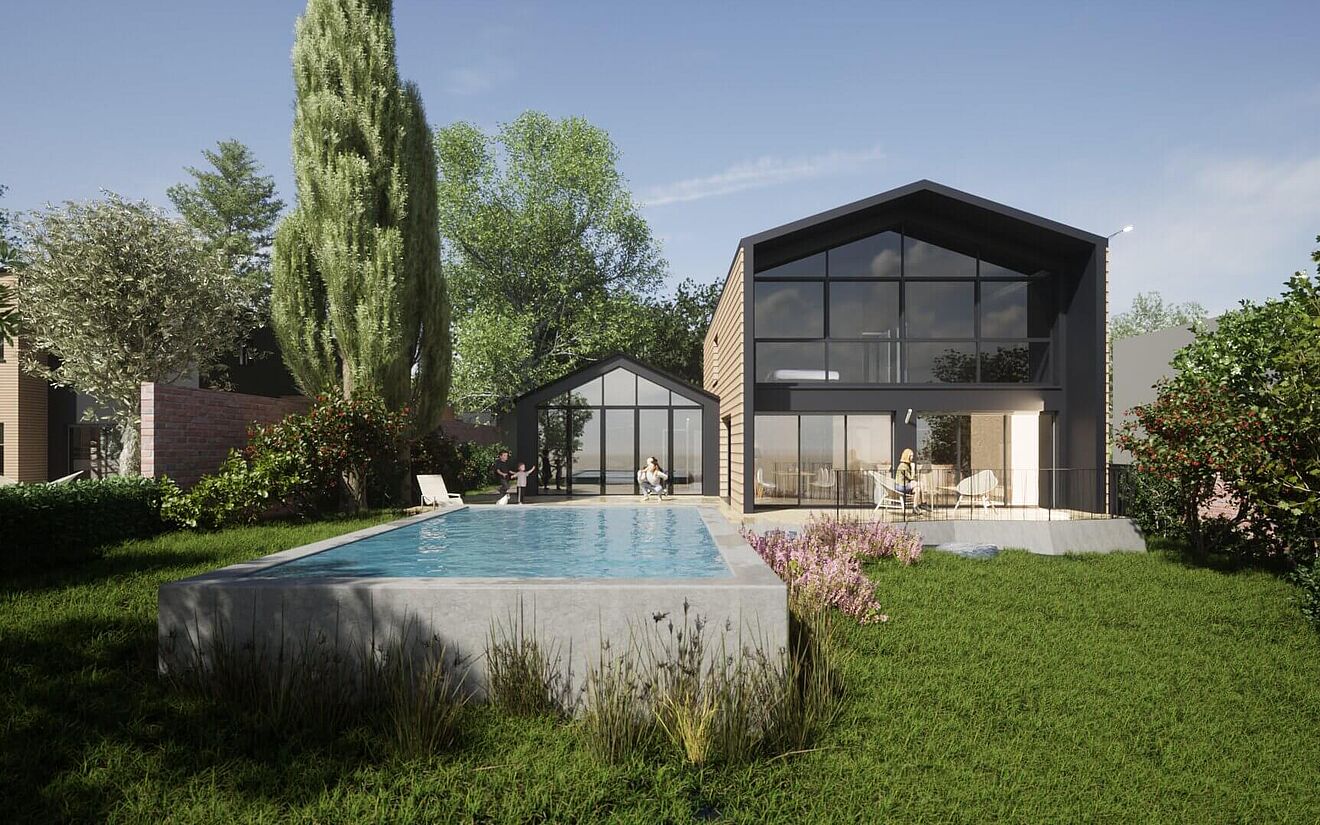
Why these tools choke, and what a stronger GPU actually fixes
When the viewport stutters in Lumion or gets choppy in Enscape, the card is being asked to draw more than it can in the time between frames. Higher output resolution, heavy real-time effects like reflections, global illumination, and detailed shadows, dense vegetation, and large textures all raise the cost of every single frame. A stronger GPU draws each frame faster, so you get more frames per second at the same quality, which is exactly what smoothness is.
This is why the fix is the card and the settings together. Match the editor quality and preview resolution to what your GPU can sustain, and reach for a faster card when you need higher quality without the stutter. A current top card like the RTX 4090 gives a large jump in real-time frame rate over an older or mid card, and it carries 24GB of VRAM so big scenes with heavy textures do not fall off a cliff.
The multi GPU myth, and the one exception
Buying a second GPU to smooth a real-time viewport is the most common wasted upgrade in this space. The live view runs on one card, so the second one sits idle while you work. Twinmotion is the single exception worth knowing: its offline Path Tracer can use more than one GPU for final images, but even there the picture is not simple, because NVLink was removed from the RTX 40 series, so a single strong RTX 4090 is the practical recommendation rather than a pair. For the real-time part of any of these tools, one fast card is the whole game.
Where the cloud fits, and the part most people get wrong
Here is the detail that trips people up. A managed SaaS render farm cannot run Lumion, Enscape, Twinmotion, or D5. Those services take a scene file and return finished frames, and a real-time viewer is not a scene file, it is a live application you interact with. Running it needs a real desktop machine with a GPU that you can open the app on and drive yourself. That is why the cloud answer for these tools is a full remote machine, not a render queue.
This is exactly what iRender provides. You connect to a remote machine with a powerful RTX 4090 and 24GB of VRAM, install Lumion, Enscape, Twinmotion, or D5 yourself, and run it live as if the card were in your own tower, which is what “your renders, your rules” means for real-time work. Two things to keep in mind before you rent. Real-time viewers lean on one GPU, so more cards do not make Lumion or D5 smoother, a single strong RTX 4090 is the target. And the meter starts when the machine boots rather than when you open the app, so shutting it down after a session keeps the bill tied to the time you actually worked. One limit worth stating for Enscape users: live tethered VR still needs a card in your own machine, since the headset connects locally, so the cloud helps with heavy scene work and rendering rather than the live headset session.





