
Can’t Afford an RTX 4090? Your Options Without Buying One
I have rendered plenty of paying work without the latest card in my own machine, and most of the people asking this question already have everything they need except the raw horsepower for a few heavy jobs. So the real goal is getting access to that power for those jobs, not putting a 4090 in your tower. There are a handful of ways to do it, each with a different cost and a different amount of control.
| Option | Upfront cost | Pay when you use | Control over the setup |
|---|---|---|---|
| Optimize your current card | Free | None | Full, but capped by your VRAM and speed |
| Buy a used or lower-tier card | Lower one-time | None | Full, modest power |
| Rent a cloud GPU (IaaS) | None | Per hour | Full, you install your own software |
| Use a SaaS render farm | None | Per frame | Limited, automated pipeline |
| Free community Blender farm | None | Free, but slow and queued | Minimal |
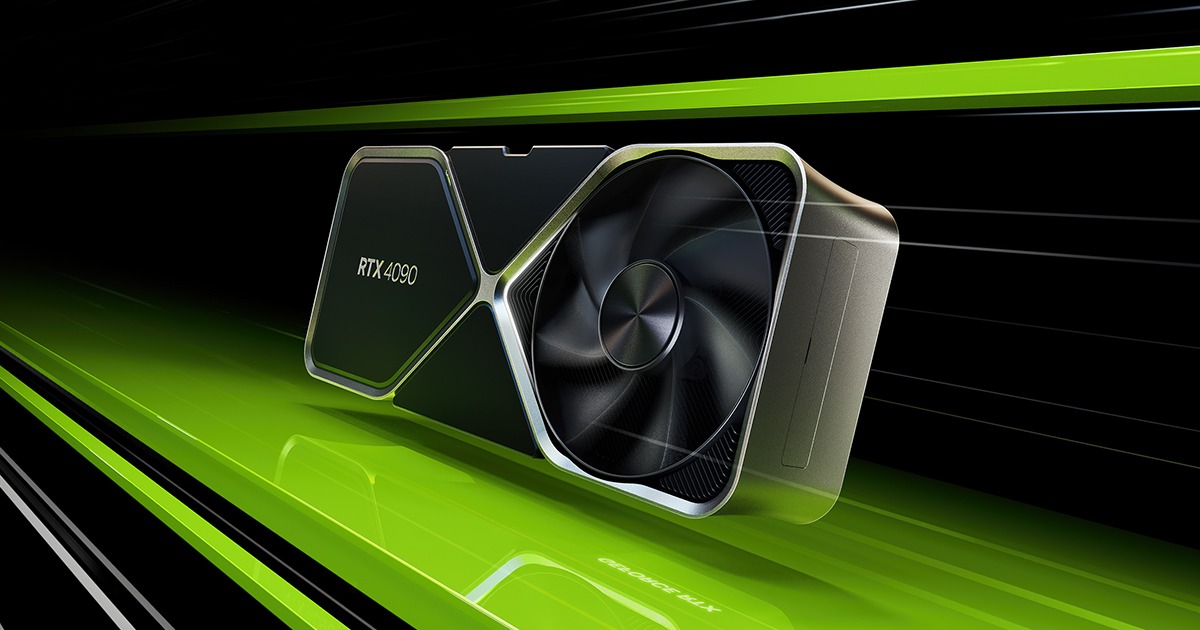
Squeeze your current card first
Before spending anything, get the most out of what you have. A lot of “I need a 4090” moments are really “my scene is heavier than it needs to be” moments. Cap your texture sizes, control subdivision and displacement, turn on adaptive sampling so you are not over-rendering clean areas, and enable out of core so a slightly oversized scene streams from system RAM instead of crashing. On an older card I have taken renders that felt impossible back into the realm of usable just by trimming the scene properly. It will not match a 4090, but it might be enough to finish the job in front of you.
A used or lower-tier card is the next step if you need a permanent bump and have a little to spend. You give up some speed and some VRAM compared to the top card, but you keep full control of your own machine and you avoid the flagship price. For steady, moderate work this is often all you need.
Rent the power for the jobs that actually need it
For the occasional heavy job, renting a cloud GPU gets you 4090-class power without the 4090-class purchase. You pay per hour only while you render, so a project that would never justify buying a flagship card costs you a handful of hours of rental instead. This is where the math turns clearly in favor of renting for anyone whose heavy work is spiky rather than constant.
There are simpler and cheaper routes worth knowing too. A SaaS render farm lets you upload a scene and pay per frame with no setup, which suits straightforward batch jobs. Free community Blender render farms exist as well, trading speed and queue time for zero cost, which can be fine for personal projects with no deadline. Each of these gives up some control or speed in exchange for the lower price, so match the option to how much the job matters.
Where iRender fits, and what to watch
iRender sits in the rent-a-real-machine category. You get a full RTX 4090 workstation with 256GB of system RAM, and you install your own software and versions, so the render comes out exactly as it would if you owned the card, because you set the environment up yourself. That is the meaning of “your renders, your rules,” and it is what separates renting a machine you control from handing a file to an automated farm. For someone who cannot justify buying a 4090 but occasionally needs one, this is access to the exact hardware on demand.
A rented machine has its own rules to learn. You are charged from power on rather than first frame, an idle server costs the same as a busy one, and the initial install eats a little time before your saved image speeds up later sessions. Set auto-shutdown and prepare your scene locally so you are not paying to sit and wait. If you would rather not manage a machine at all and only need batch frames, a SaaS render farm is the lower-effort path.





