
iRender Review 2026: What Real Users Say After 6 Months of Rendering
iRender is a GPU cloud render farm offering dedicated RTX 4090 servers (1–8 GPUs, 24GB VRAM each, 256GB RAM) at ~$8.20/hour per GPU. After 6 months of daily use across Blender, Houdini, Cinema 4D, and Maya projects, the strengths are clear: fast GPU performance, multi-GPU scaling up to 8×, full software freedom (IaaS model), and a Credit Back system returning 10–20% per session. The weaknesses are equally real: manual server management, a 15–30 minute first-time setup, and a billing timer that runs even when idle — forgetting to disconnect can cost $40–65 overnight. iRender isn’t the easiest farm to use, but it’s one of the most powerful for GPU-heavy workflows. If you want fire-and-forget simplicity, GarageFarm or RebusFarm are better choices.
What’s the Real Day-to-Day Experience Like on iRender?
Let’s be honest upfront: we’re the iRender team writing this review. Obviously biased. But here’s why we’re publishing it anyway — we’d rather you read our honest assessment (with real numbers and real complaints) than a generic “5 stars, great service” review that helps nobody.
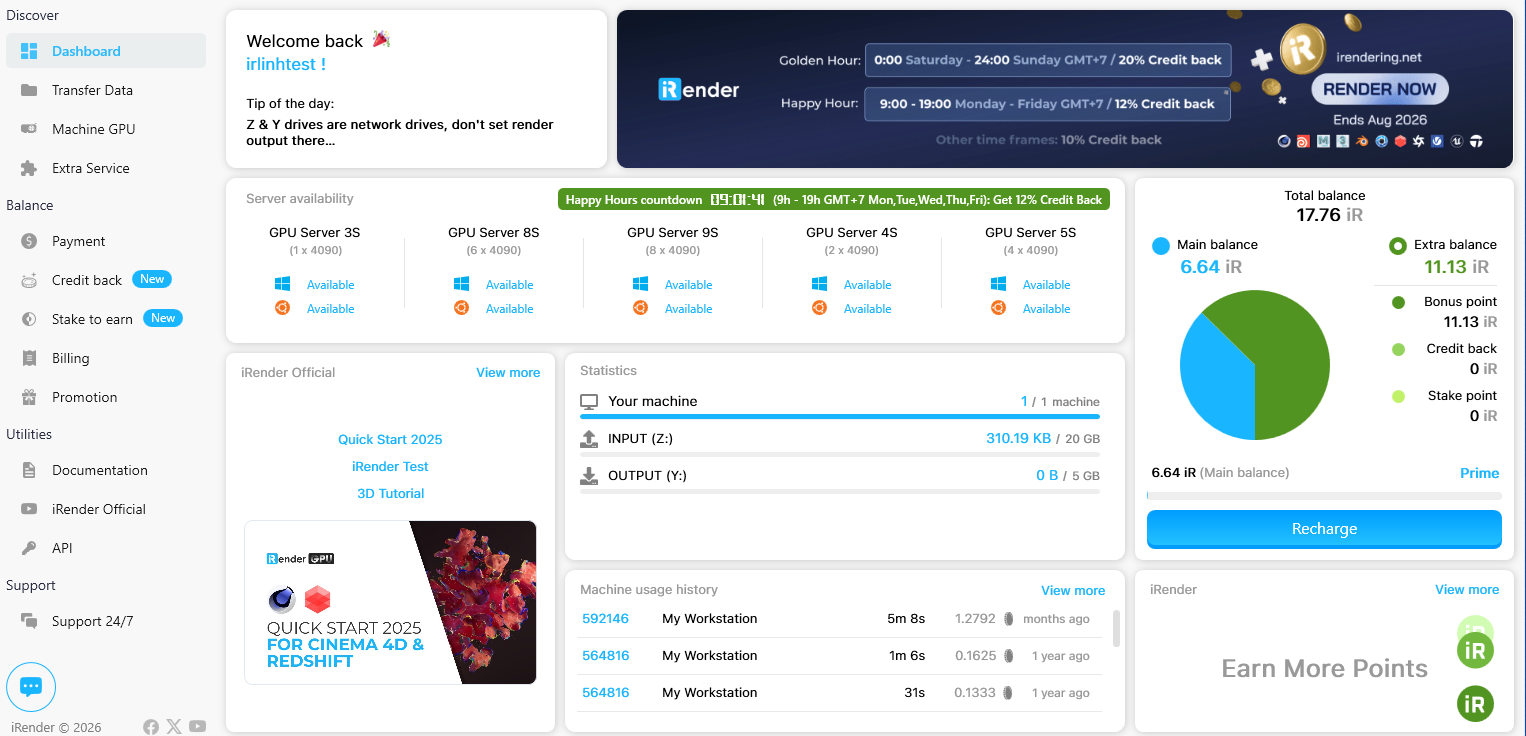
The first session is the hardest. You create an account, pick a server configuration, connect via remote desktop (Parsec or built-in RDP), and install your software. It takes 15–30 minutes. After that, your setup is saved — reconnecting takes about 90 seconds. That’s genuinely fast. But that first half-hour can be frustrating if you’ve never used a remote desktop before.
Once you’re in, it just feels like a powerful PC. Blender opens. Houdini loads. Redshift renders. The RTX 4090 handles scenes that would choke a local RTX 3060. We’ve pushed 8-GPU Redshift renders with 300+ frames and seen 92% linear scaling. That performance is real — it’s not theoretical, it’s what the machine actually does.
The billing issue is the thing that trips people up most. iRender charges for the time the server is running, not just render time. Finish rendering at midnight, forget to shut down, wake up to a $65 bill for 8 hours of nothing. It’s happened to members of our own team. The fix: set a phone alarm, or write a simple script that monitors render completion and alerts you.
When Should You Skip iRender and Use Something Else?
We’re going to say something that might sound strange coming from us: iRender isn’t for everyone.
If you use CPU-only render engines — Arnold CPU, Mantra, Corona — a SaaS farm like GarageFarm or RebusFarm will serve you better. They have large CPU node pools, automated job management, and you never have to touch a remote desktop. For those workflows, iRender’s IaaS model adds complexity without benefit.
If you’re completely non-technical and just want to click “render” without thinking about servers, SaaS farms are the right call. iRender asks more of you. You need to be comfortable with remote desktop, software installation, and basic troubleshooting.
Where iRender truly shines: GPU rendering with multi-GPU scaling, real-time applications (Lumion, Enscape, Twinmotion, D5 Render, UE5), and custom pipelines where you need full control over the environment. If those describe your workflow, there’s honestly not a better option at this price point. The Credit Back (10–20%) and 100% first-deposit bonus make it even more cost-competitive — effective cost around $3.50–4.00/hour when you stack everything.





