
Hidden Costs of Cloud Rendering: What the Price Page Doesn’t Tell You
“The rate said eight dollars an hour, my render took six hours, so why was my bill noticeably higher than 48 dollars?”
I have answered that question enough times to know it almost always comes down to time you were billed for but did not think of as rendering. The hourly rate on a price page is accurate, but a render session includes more than the render itself: the server booting, your files uploading, the setup, and sometimes a machine left running after the job finished. None of that is a trick, it is just the part of the meter people forget is ticking. Once you can see those pieces, the bill stops surprising you and starts being something you control.
| Hidden cost | Why it happens | How to keep it off your bill |
|---|---|---|
| Boot to first frame | Billing starts when the server powers on, not at the first frame | Pack your scene before connecting, do not browse while it bills |
| Upload and download | Large scenes and output move over the network on your clock | Zip assets, upload once, grab output promptly |
| Setup and installs | First session needs your software installed | Save an image so later sessions skip it |
| Idle time | A machine left on after the job still bills | Auto-shutdown, treat shutdown as the last step |
| Re-renders | A wrong setting means paying to render twice | Test a single frame before the full batch |
| Storage and credit expiry | Stored files or unused credit can carry rules | Read the terms, clear old files, plan top-ups |
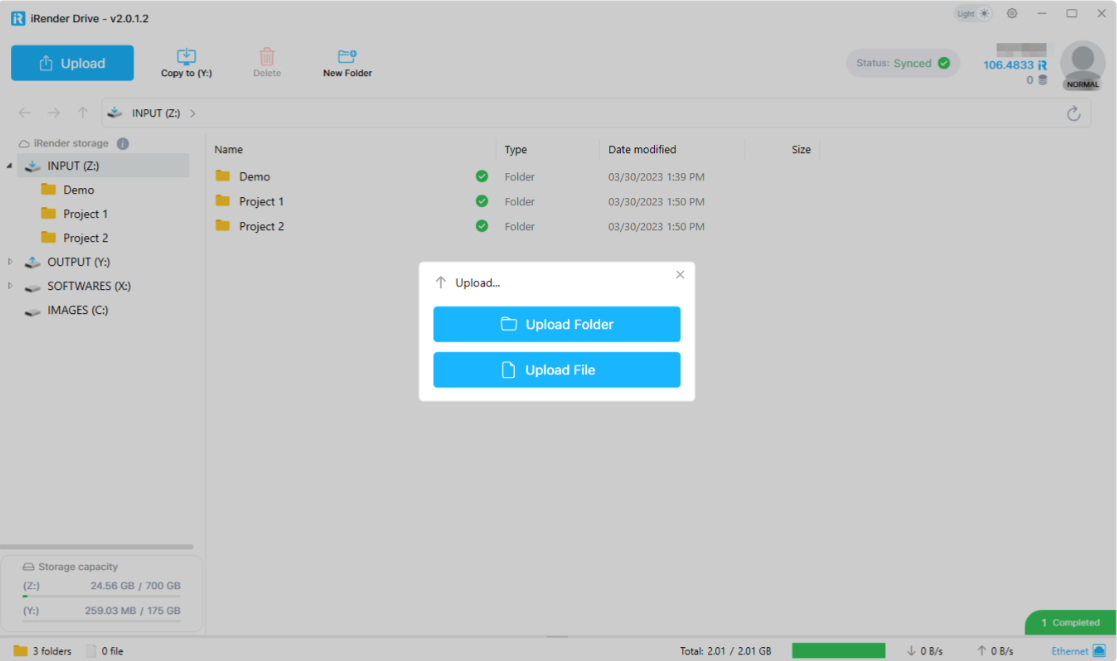
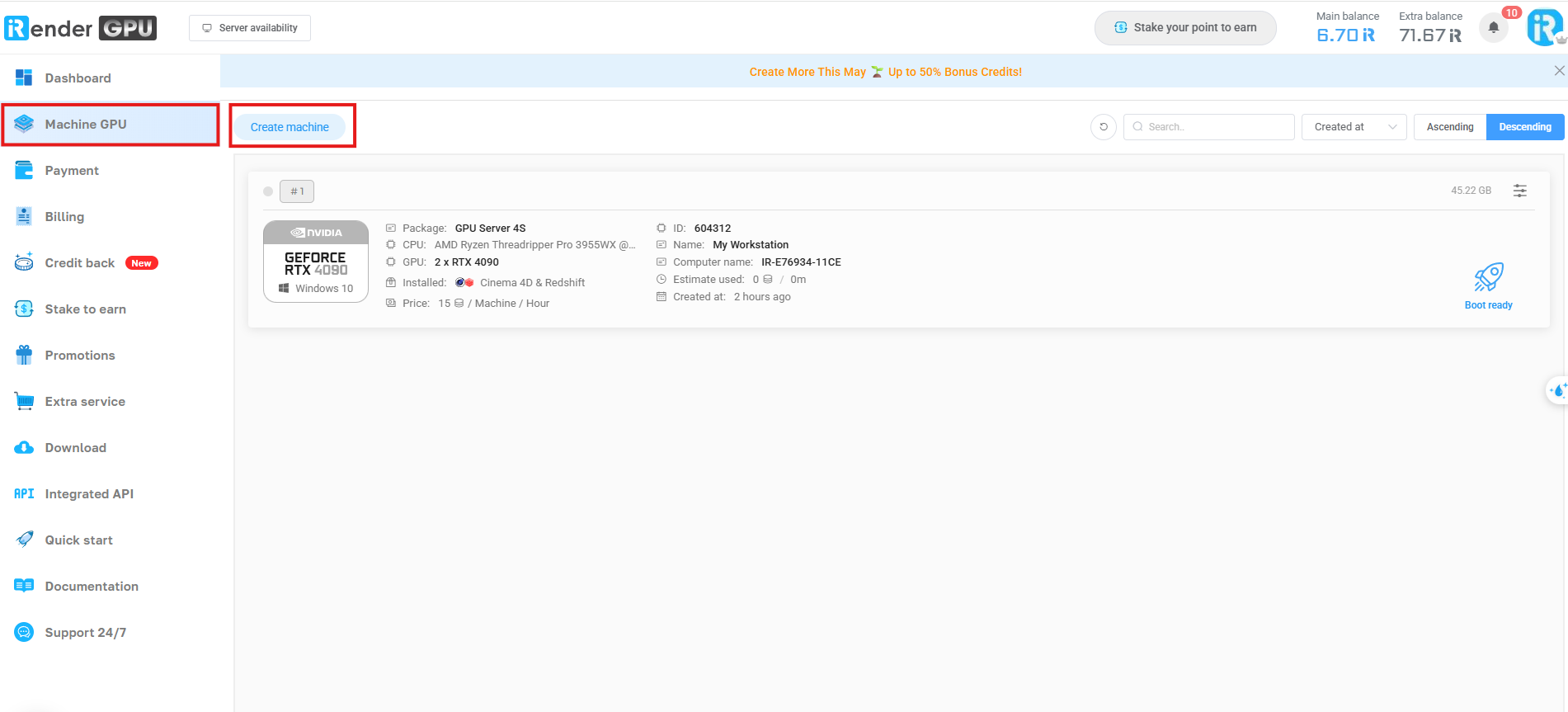


At iRender, they will calculate the time of machine running, from the moment you see Connect button until you click Shutdown button. Important note: Only when you press this red button “Shutdown” button on our web page does our system stop charging you.
The meter starts before the render does
The single biggest gap between expectation and bill is the clock starting at boot. From the moment the server powers on, you are paying, even while you are still uploading a scene or installing a plugin. On a first session that prep can run fifteen to thirty minutes, and if you treat that time as free you will misjudge the cost of short jobs especially, where setup is a big share of the total. Get your scene packed and your assets ready locally, connect, work, and disconnect. Browsing your email on a billing server is money you are handing over for nothing.
Upload and download sit in the same category. A heavy scene with large textures takes real time to move, and so does pulling a finished 4K sequence back down. That transfer is part of your session, so zip your assets, send them once, and collect your output without leaving the machine sitting idle in between.
The costs that come from mistakes, not the provider
Two of the most common surprise charges are entirely in your hands. The first is the forgotten idle server. Start an overnight render, fall asleep, and a machine that finished at 2am keeps billing until you wake up. Auto-shutdown solves this, and it is worth setting every single time rather than trusting your memory at midnight.
The second is the re-render. Push a full sequence with the wrong output path, a missing texture, or a sampling setting you meant to change, and you pay to render it twice. A single test frame before committing the batch costs a few minutes and saves you from paying for the whole thing again. This is the cheapest insurance in cloud rendering, and almost nobody does it consistently.
How iRender keeps the bill close to the sticker
I can lay all of this out without flinching because the fixes are built into how iRender works. You rent a full RTX 4090 machine with 256GB of system RAM and set it up as your own, so there is no opaque per-feature metering, just the machine running while you use it. Auto-shutdown is there to kill the idle risk, and saving an image means the setup cost is paid once rather than every session. Because you control the environment and your own versions, the render matches your local result and you avoid the most expensive surprise of all, a batch that comes back wrong and has to be paid for again. That control is what “your renders, your rules” means for your wallet as much as your output.
Renting has trade-offs you deserve to hear up front. You pay from boot rather than first frame, an idle machine bills the same as a busy one, and the first session takes setup time before your saved image speeds things up. If you would rather not manage any of that and only need batch frames, a SaaS render farm hides the machine and may suit you. iRender is the better fit when you want a transparent, known machine you control.






