
Best multi-GPU render engines for Maya 2026
As 3D scenes become denser and production schedules grow tighter, rendering speed has become one of the most critical bottlenecks in modern pipelines. For Autodesk Maya users, one of the most effective ways to overcome this challenge is multi-GPU rendering, harnessing the combined power of multiple GPUs to dramatically reduce render times.
Today, several professional render engines offer strong multi-GPU support for Maya, each with its own strengths, limitations, and ideal use cases.
In this article, we’ll delve into the top multi-GPU render engines for Maya, exploring their strengths, weaknesses, features, compatibility, etc., help you decide which solution best fits your workflow.
Maya and top multi-GPU render engines
Autodesk Maya is a professional 3D modeling, animation, simulation, and rendering software developed by Autodesk. It is widely used in film, television, game development, and visual effects pipelines, especially in high-end VFX and character animation. Known for its powerful node-based architecture, deep customization, and industry-proven tools, Maya enables artists to build complex characters, realistic simulations, and large-scale production-ready scenes for blockbuster movies and AAA games.
The latest versions of Maya continue to focus on performance, scalability, and artist-friendly workflows. Key highlights include improved Bifrost for procedural simulations, enhanced character rigging and animation tools, and stronger USD and pipeline integration. With GPU-accelerated simulations, advanced dynamics, and robust scripting support through Python and MEL, Maya remains a core tool in professional VFX studios, offering artists maximum control and flexibility when creating sophisticated 3D content.
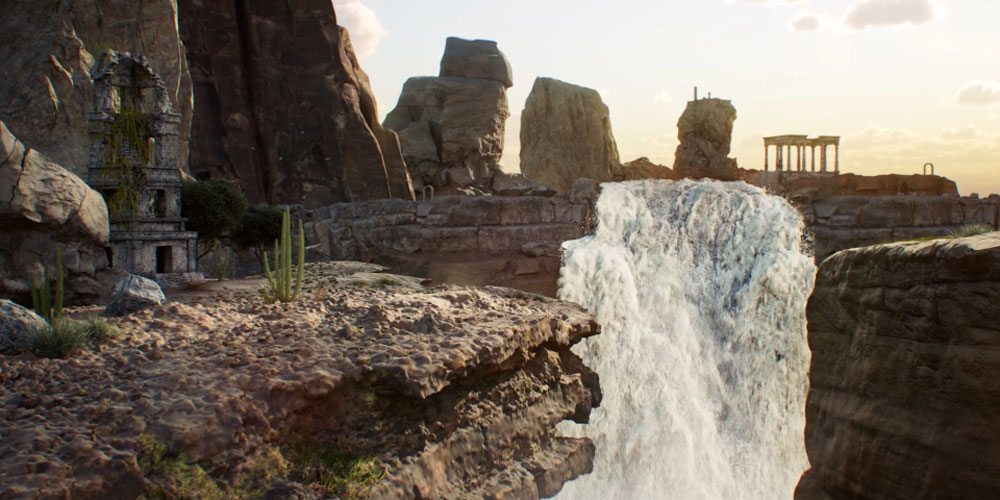
Image Source: CG Channel
Multi-GPU rendering in Maya is primarily enabled through GPU-based render engines, rather than Maya’s viewport or core system. These renderers can distribute rendering workloads across several GPUs in a single workstation or even across multiple machines, offering massive performance gains for lighting, shading, and final-frame rendering.
Among the available options, four render engines stand out as the most mature and production-ready for multi-GPU workflows in Maya:
- Redshift
- OctaneRender
- Arnold GPU
- V-Ray GPU
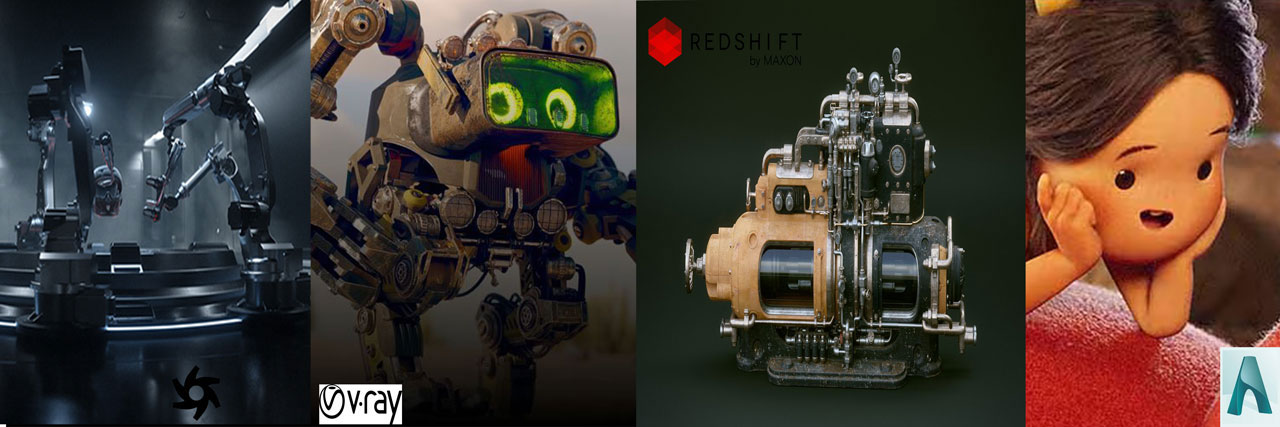
A Comparison of the best multi-GPU render engines for Maya
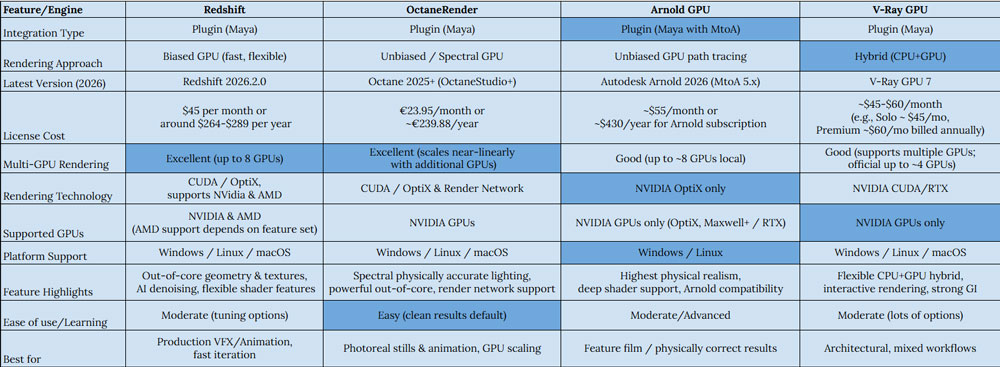
Review details of each render engine
Redshift
Redshift is a GPU-accelerated biased renderer designed specifically for high-end production environments. Developed with performance and scalability in mind, it has become one of the most popular choices for Maya artists working in animation and VFX.
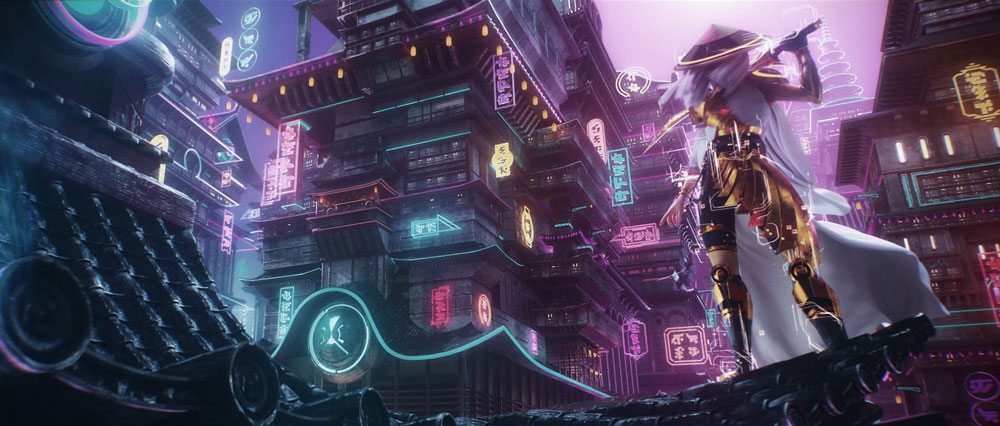
Image Source: Maxon
Strengths:
- Excellent multi-GPU scaling: Redshift can utilize up to 8 GPUs per machine, with strong performance gains as more GPUs are added.
- Biased rendering efficiency: By focusing samples where they matter most, Redshift achieves clean results faster than unbiased renderers.
- Feature-rich toolset: Supports advanced shading networks, volumes, hair, displacement, AOVs, proxies, and out-of-core geometry.
- Flexible hardware support: Compatible with both NVIDIA and AMD GPUs, giving users more freedom when building multi-GPU systems.
Limitations:
- More tuning required: Achieving maximum realism often requires careful parameter tweaking.
- Learning curve: Its biased nature can feel complex for artists new to GPU rendering.
Best for: Animation, VFX pipelines, studios that prioritize speed and scalability.
OctaneRender
OctaneRender is an unbiased, spectrally accurate GPU renderer known for its speed, simplicity, and near-linear multi-GPU scaling. It fully exploits modern RTX hardware, delivering interactive previews and highly realistic results.
Image Source: 80lv
Strengths:
- Outstanding multi-GPU performance: Octane scales extremely well with additional GPUs, often close to linear performance gains.
- Physically accurate results: Minimal tweaking is required to achieve clean, realistic lighting and materials.
- Powerful feature set: Includes volumetrics, OSL, deep pixel rendering, out-of-core geometry, and AI denoising.
- Network rendering: Can leverage dozens of GPUs across multiple machines.
Limitations
- NVIDIA-only: Octane supports only NVIDIA GPUs on Windows and Linux.
- Heavy scenes can be slower: As an unbiased renderer, complex scenes may take longer compared to biased engines.
Best for: Product visualization, cinematic stills, artists who value realism and GPU scalability.
Arnold GPU
Arnold has long been a gold standard in feature film and VFX production. With the introduction of Arnold GPU, artists can now achieve Arnold’s signature look while benefiting from GPU acceleration and multi-GPU rendering.
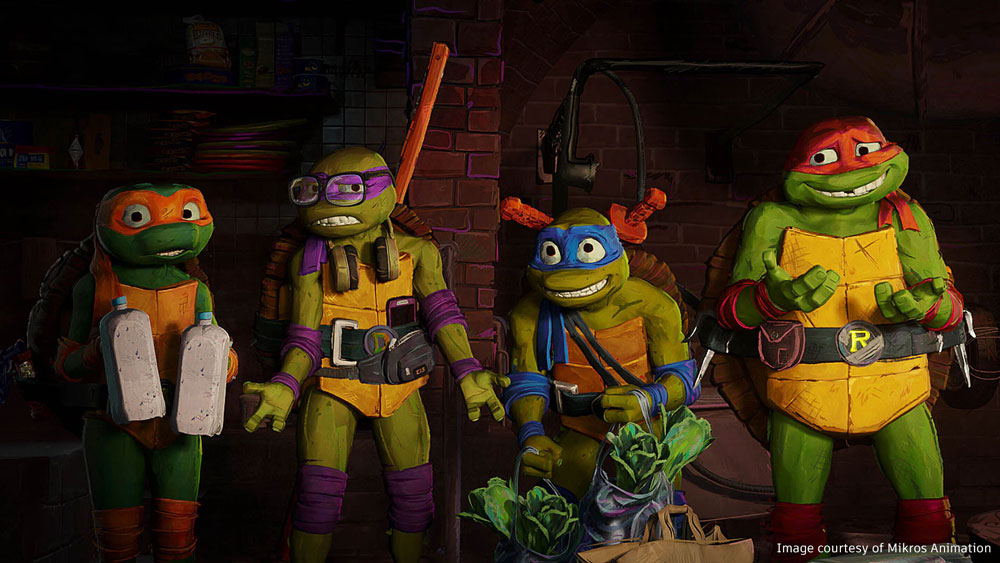
Image Source: Autodesk
Strengths
- High-quality, predictable results: Physically based path tracing produces consistent, film-grade imagery.
- Multi-GPU support: Arnold GPU can use up to 8 NVIDIA GPUs in a single workstation.
- Improved scaling: Recent versions leverage modern OptiX technology for better multi-GPU performance.
- Deep Maya integration: Ideal for studios already standardized on Arnold CPU workflows.
Limitations
- NVIDIA-only: Arnold GPU relies on OptiX and does not support AMD GPUs.
- Platform limitations: Not available on macOS.
- Feature: Some advanced CPU features may still render faster on CPU.
Best for: Feature film, VFX studios, and artists who prioritize realism and consistency over raw speed.
V-Ray GPU
V-Ray GPU by Chaos is a powerful, GPU-accelerated production render engine packed with advanced features. Included with every V-Ray integration, it is built specifically for artists who want to maximize rendering performance and extract the highest possible speed from their hardware.
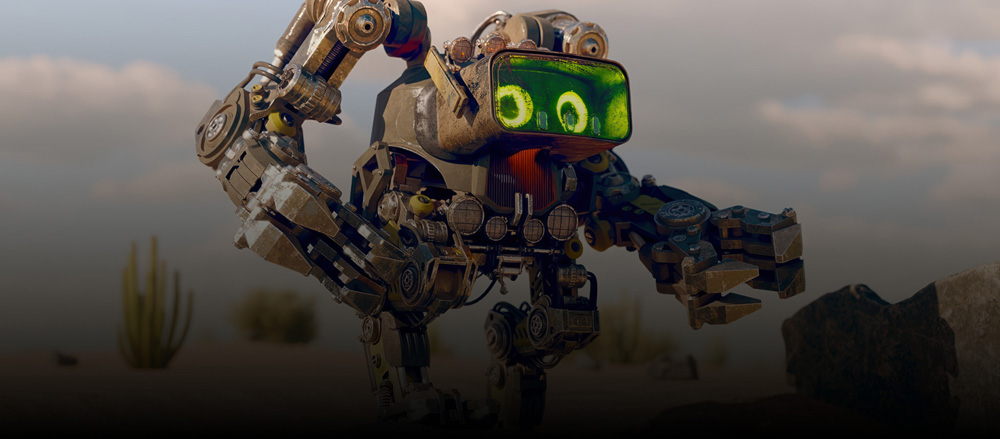
Image Source: Chaos
Strengths:
- Hybrid rendering: Can utilize CPUs, GPUs, or both simultaneously.
- Multi-GPU scalability: Supports multiple GPUs locally and across render farms or cloud environments.
- Production-proven quality: Ideal for architectural visualization and high-end commercial work.
- Unified workflow: Shared materials and settings between CPU and GPU modes.
Limitations:
- Official GPU limit: While more GPUs may work, only up to 4 GPUs are officially supported per workstation.
- Cost: Typically the most expensive option among GPU renderers.
- NVIDIA-only: CUDA-based, with no AMD GPU support.
Best for: Archviz, studios needing CPU/GPU flexibility, mixed hardware pipelines.
Render faster in Redshift, Octane, Arnold, and V-Ray GPU with iRender
iRender provides a remote machine rental service by offering flexible configurations of 1, 2, 4, 6, and 8 GPU machines using the top-tier RTX 4090. Built with powerful CPUs (AMD Ryzen™ Threadripper™ PRO 3955WX @ 3.9 – 4.2GHz and AMD Ryzen™ Threadripper™ PRO 5975WX @ 3.6 – 4.5GHz), 256GB RAM, and 2TB NVMe SSD storage, our machines can handle even the most demanding scenes in your 3D projects.
Our server has pre-installed Blender. We treat your rented machines like your personal workstations – no restrictions apply. This freedom enables you, 3D artists, to realize creative visions without limitations. Moreover, iRender offers an iRender GPU app. In this all-in-one application, you can free your workflow from accessing iRender website, and just have to work on the iRender GPU app. This app is only for Windows users.

Let’s check out some of our test videos on Maya with these render engine!


Enjoy our FREE TRIAL to try our RTX 4090 machines and boost your rendering now!
For more detailed information, please contact us via Live chat 24/7 or WhatsApp: +(84) 912-785-500 or Email: [email protected].
iRender – Happy Rendering!






