
Blender vs 3ds Max: Which 3D Modeling Software Should You Choose in 2025?
If you’ve spent any time in the 3D world, you’ve probably heard the debate: Blender or 3ds Max? It’s a question that has sparked discussions, tutorials, and even full-blown arguments across design studios and online communities for years.
Both programs are powerhouses in 3D modeling, animation, and rendering but they serve very different audiences. Blender is known by freelancers, indie creators, and studios for a flexible, open-source tool. Meanwhile, 3ds Max has long been the industry standard in architecture, engineering, and large-scale production pipelines. So which one should you choose?
In this guide, we’ll break down the key differences between Blender and 3ds Max, from interface and modeling tools to rendering and pricing so you can decide which software best fits your needs in 2025.
What are Blender and 3ds Max?
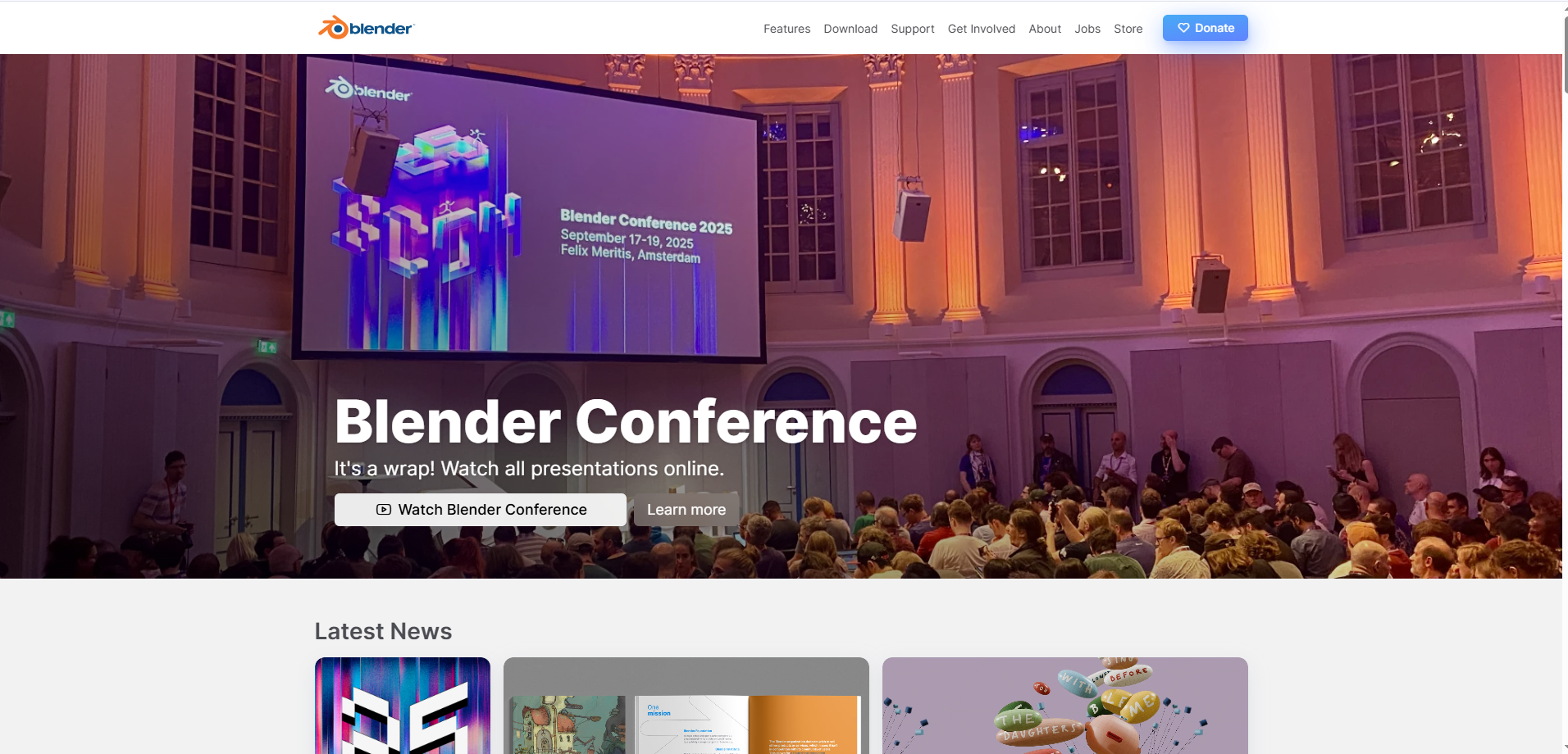
Blender is a free and open-source 3D creation suite developed by the Blender Foundation. It covers the entire 3D pipeline: modeling, sculpting, texturing, animation, rendering, compositing, and even video editing. Its biggest appeal lies in accessibility: anyone can download and use it without paying a license fee.
Over the past few years, Blender has grown into a serious contender in the professional scene, thanks to powerful features like the Cycles ray-tracing renderer and Eevee, a real-time engine for instant feedback. Its active community and thousands of add-ons make it one of the most flexible tools for artists who like to customize their workflow.
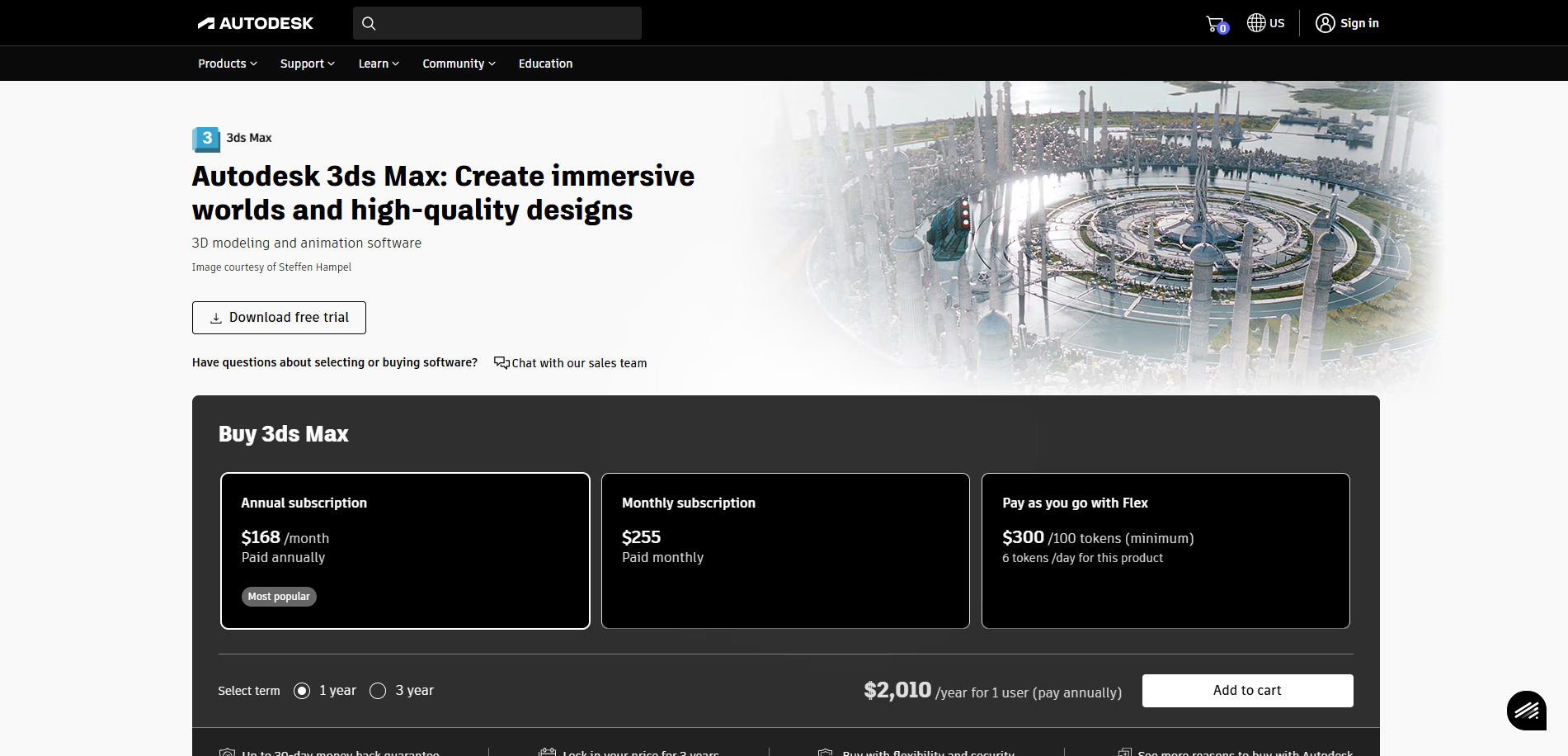
3ds Max, developed by Autodesk, has been a cornerstone of professional 3D production for decades. It’s widely used in architectural visualization, engineering, and film production, particularly in environments where accuracy, reliability, and integration with other Autodesk products (like Revit or AutoCAD) are essential.
Unlike Blender, 3ds Max is a commercial software that requires a paid subscription, but it offers an incredibly robust toolset for polygonal modeling, parametric modifiers, and advanced rendering via Arnold, V-Ray, and Corona Renderer. Its procedural workflow and plugin support make it ideal for studios with established pipelines and complex projects.
Key differences between Blender and 3ds Max
1. Interface & Learning Curve
Blender has come a long way in terms of usability. Its interface used to have a steep learning curve, but since version 2.8, the redesign has made it far more intuitive and user-friendly. The layout is clean, with most tools accessible directly in the viewport through context-sensitive menus and shortcuts.
Users can customize almost everything from keymaps to UI layouts, making it easy to build a workspace tailored to your workflow. For beginners, Blender might feel a bit overwhelming at first, but its massive online community, countless free tutorials, and interactive documentation make learning smoother than ever.
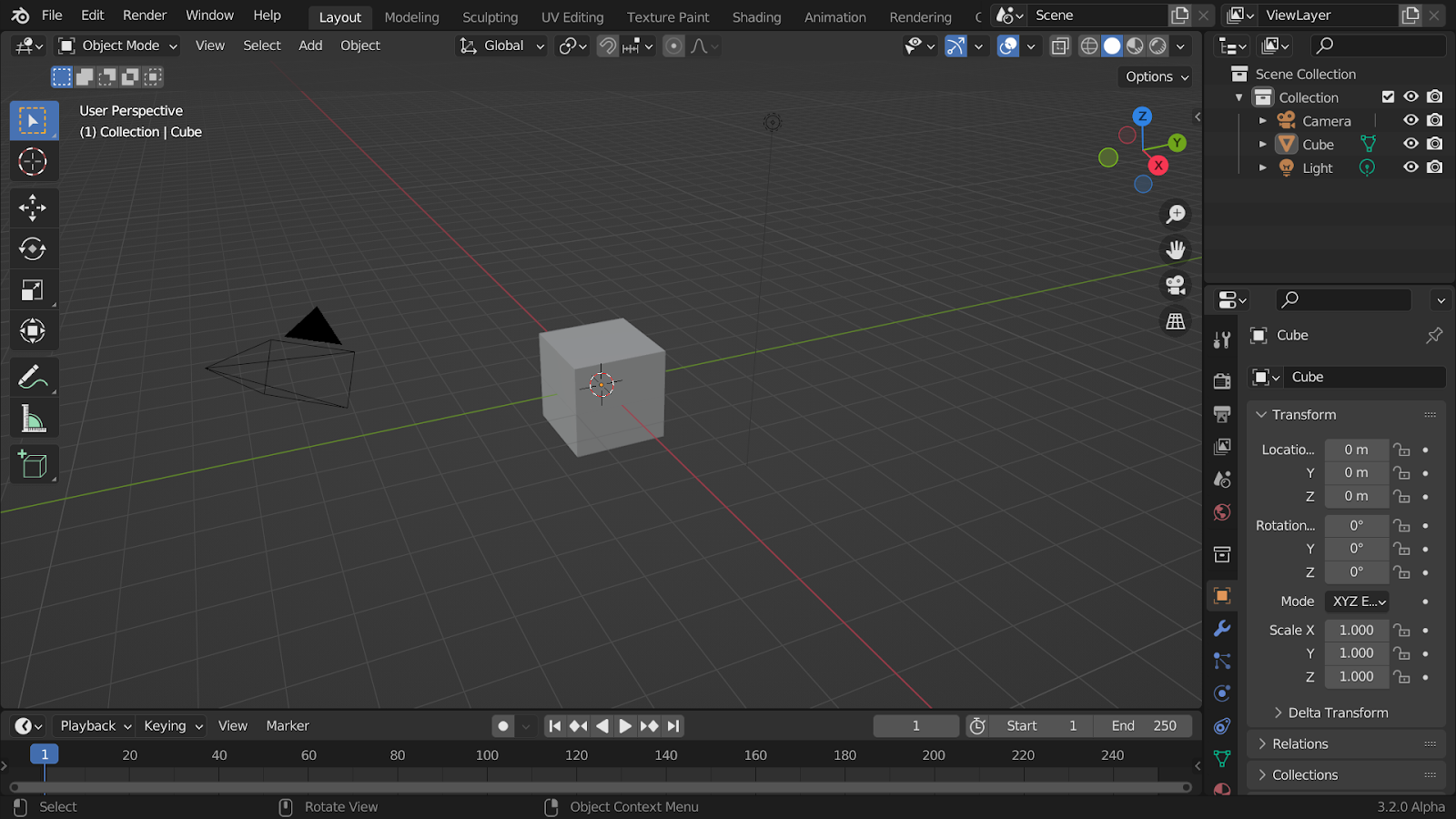
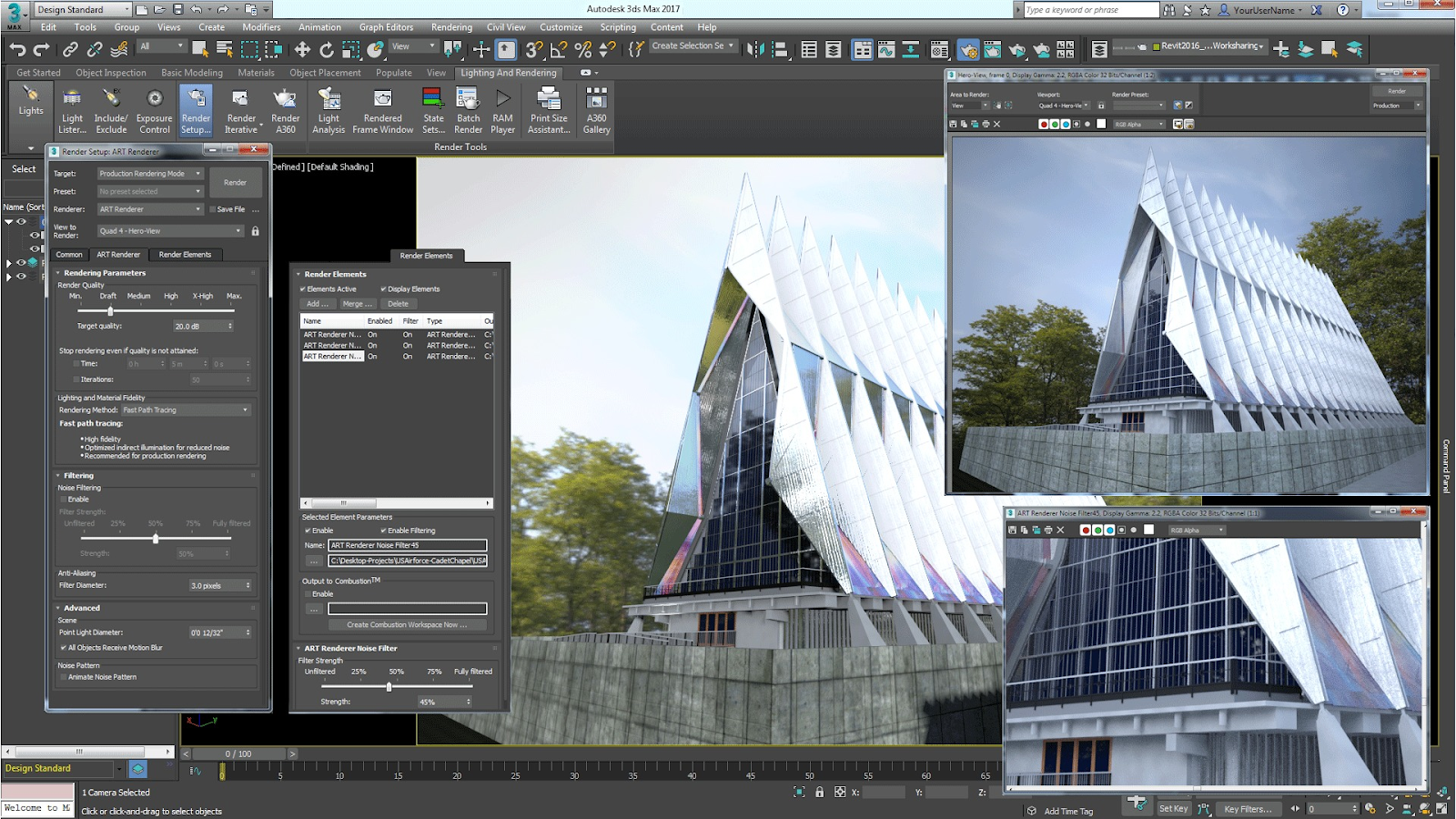
3ds Max has a more traditional, structured interface that reflects its professional heritage. It’s divided into clear panels: the Command Panel, Viewport, and Modifier Stack, which give users a strong sense of control and precision. The interface is dense, but once you understand its logic, it becomes highly efficient for complex modeling and scene management.
However, 3ds Max’s learning curve can be steep for beginners, particularly because it’s often used in specialized industries like architecture and VFX, where workflows are more technical. On the plus side, its long-standing presence in the industry means there’s no shortage of professional training, official Autodesk courses, and third-party tutorials to help new users master it.
2. Modeling Capabilities
Blender offers an impressive range of modeling features right out of the box. It supports polygonal, NURBS, and sculpt-based modeling, allowing artists to work in whatever style best suits their project. Its Modifier Stack system lets you apply non-destructive transformations, such as subdivision surfaces or array duplication, while maintaining full control of the base geometry.
For more organic or artistic modeling, Blender’s Sculpt Mode is incredibly powerful. Combined with features like Dynamic Topology (Dyntopo) and Remesh, it’s possible to sculpt high-resolution characters or complex shapes without relying on external programs like ZBrush.
Another major advantage is how quickly Blender’s modeling workflow integrates with procedural shading, UV unwrapping and texturing. Artists can switch seamlessly between modes, adjusting topology, materials and lighting in real time, which makes Blender particularly appealing for creative experimentation and concept development.
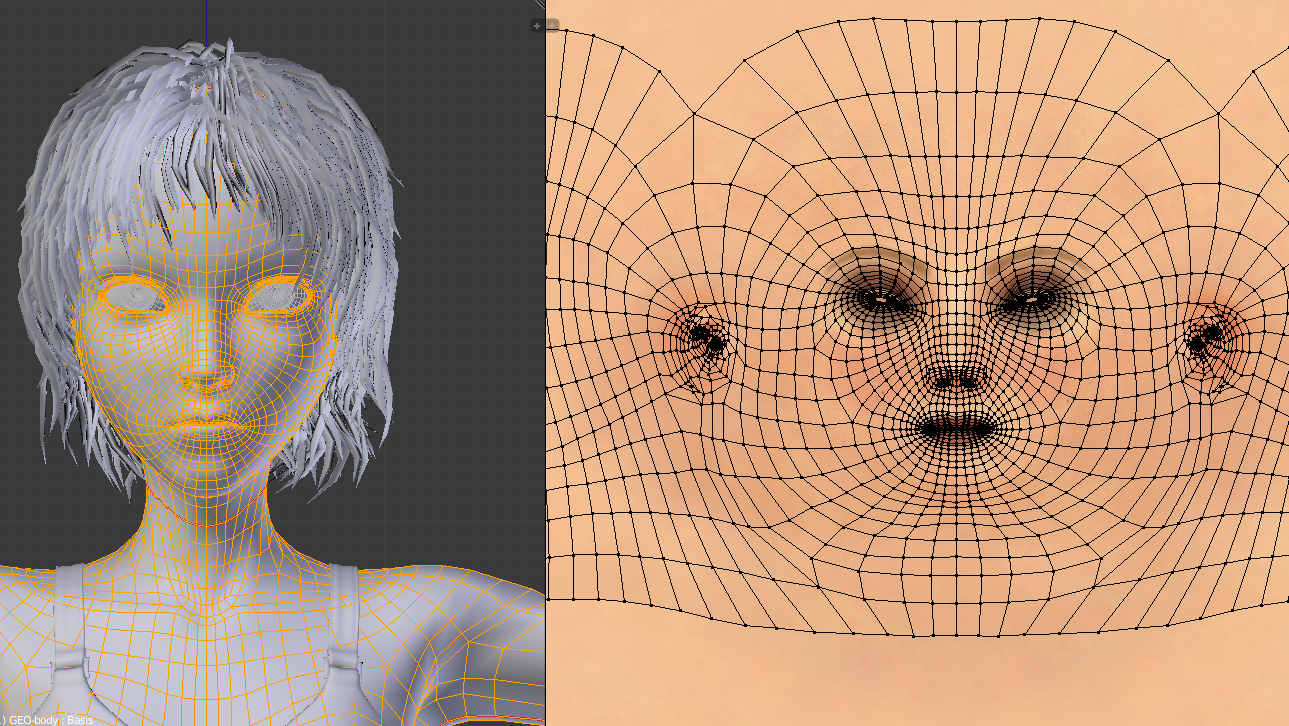
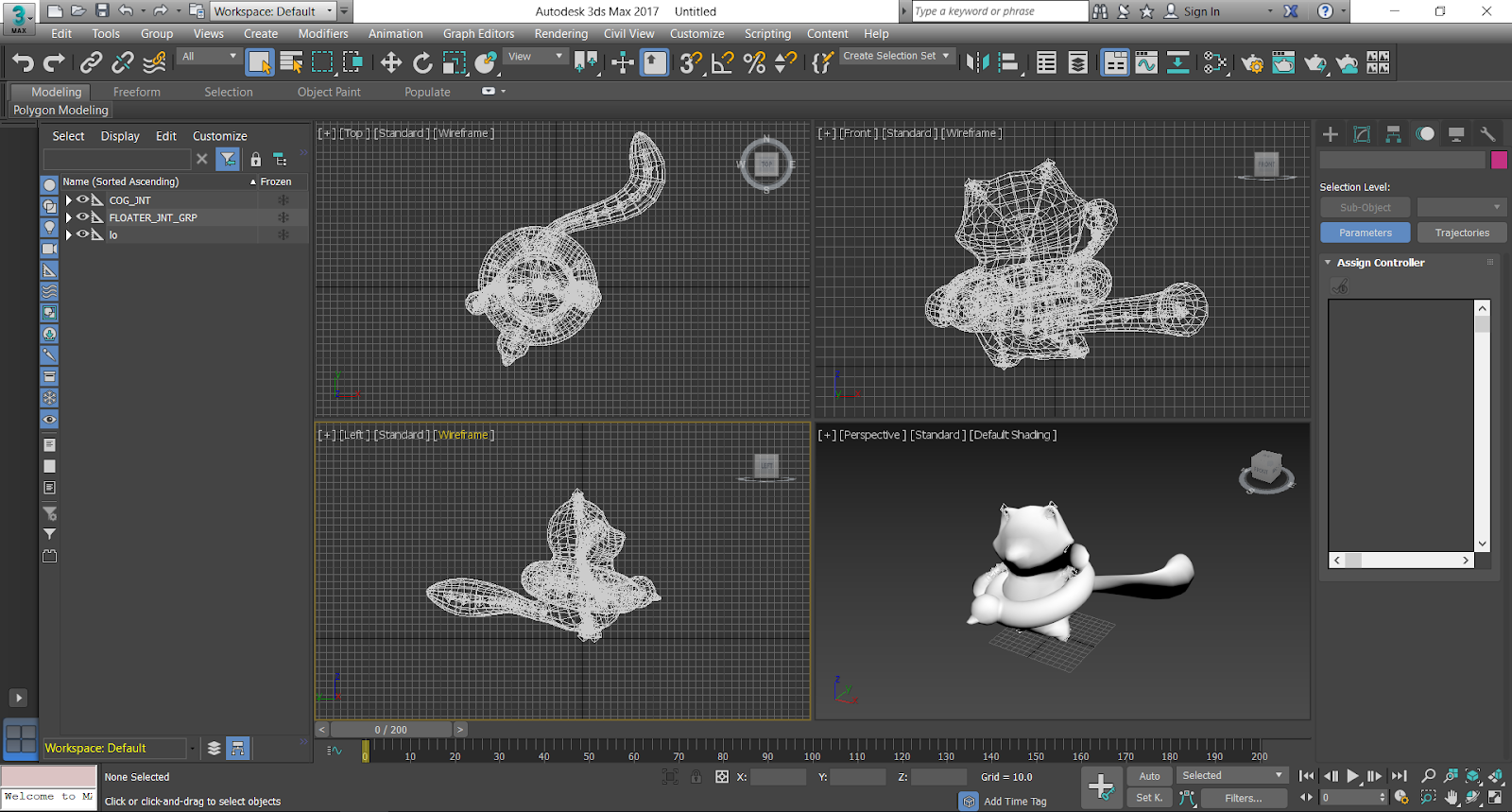
3ds Max shines when it comes to precision and parametric modeling, making it the preferred choice for architects, engineers and product designers. Its Editable Poly and Editable Mesh workflows give users detailed control over every vertex, edge and face, while its Modifier Stack provides a structured, non-destructive workflow similar to Blender’s but more advanced in parameter management.
Where Blender prioritizes artistic flexibility, 3ds Max emphasizes accuracy and repeatability. Tools like Spline modeling, Boolean operations, and pro-level snapping and measurement systems make it ideal for creating complex architectural elements or mechanical designs.
With its vast library of industry-tested plugins including modeling tools like RailClone, Forest Pack, and Quad Chamfer, 3ds Max easily scales up to handle large, production-level environments.
3. Rendering & Workflow Integration
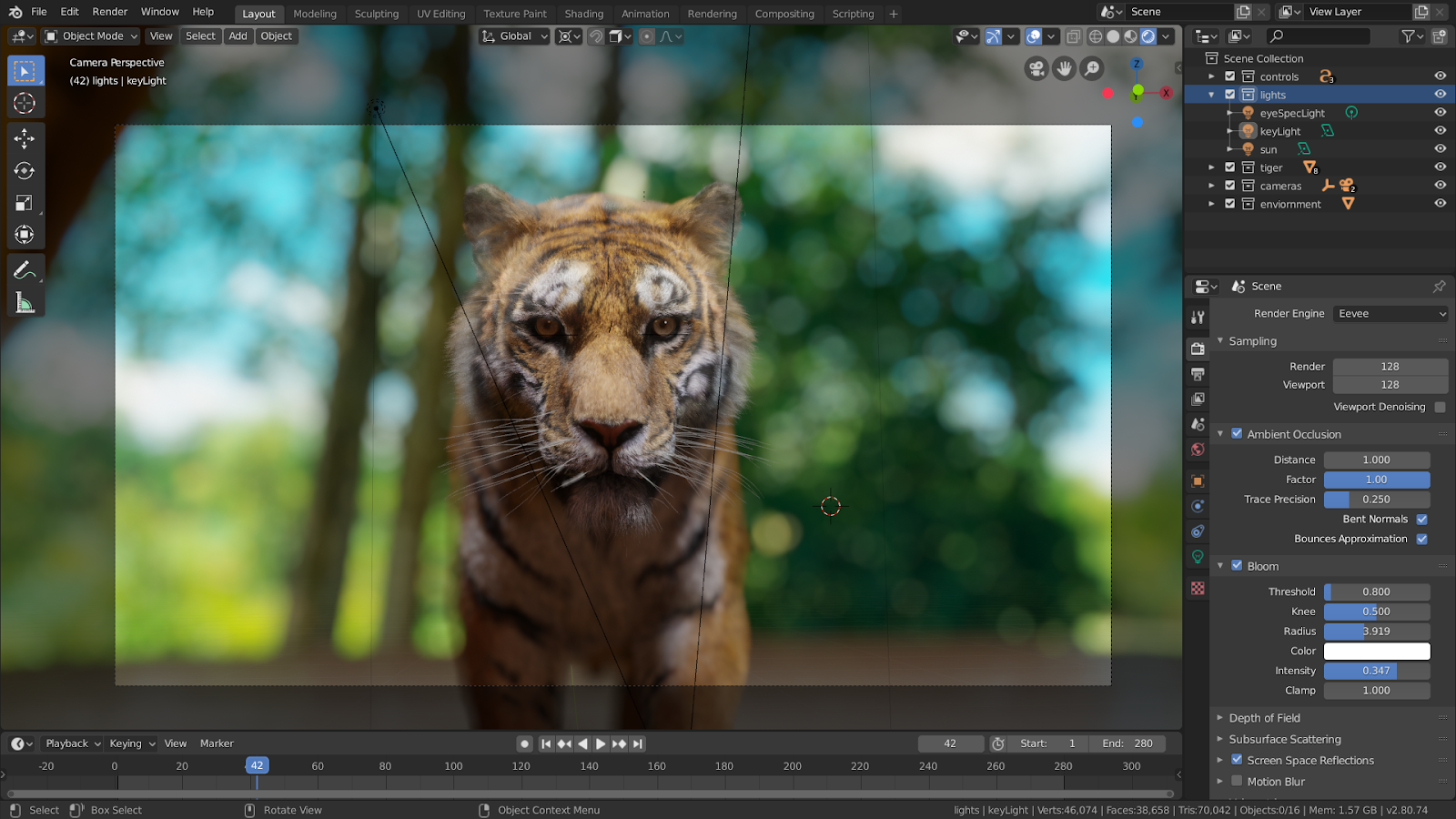
Blender comes equipped with two native rendering engines: Eevee and Cycles. Eevee is Blender’s real-time renderer, perfect for previews, animations, and even final shots when speed is critical. It uses rasterization (similar to game engines), allowing artists to see lighting, reflections, and materials instantly in the viewport. Cycles, on the other hand, is a physically based ray-tracing engine that delivers photorealistic results by accurately simulating light behavior. It supports both CPU and GPU rendering, and with the introduction of OptiX and CUDA support for NVIDIA GPUs, Cycles has become much faster and more efficient.
Blender’s seamless workflow is one of its strongest points. You can model, light, render and composite all in one place. Thanks to node-based shading, real-time viewport rendering, and denoising features, artists can produce professional-quality images without switching software.
3ds Max doesn’t come with just one rendering solution, it supports several industry-leading engines out of the box. The default renderer is Arnold, developed by Autodesk, which excels at physically based rendering and complex light transport calculations.
Beyond Arnold, 3ds Max is fully compatible with third-party engines like V-Ray, Corona Renderer, and OctaneRender, all widely used in architectural visualization and VFX. These renderers integrate deeply into Max’s material editor and scene management tools, giving artists a consistent and stable workflow for large-scale production.
One of 3ds Max’s greatest strengths is its pipeline integration. Studios working with Revit, Unreal Engine, or AutoCAD can easily connect their 3D assets through formats like FBX and Alembic, streamlining collaboration between design, modeling, and visualization teams.
4. Community Support
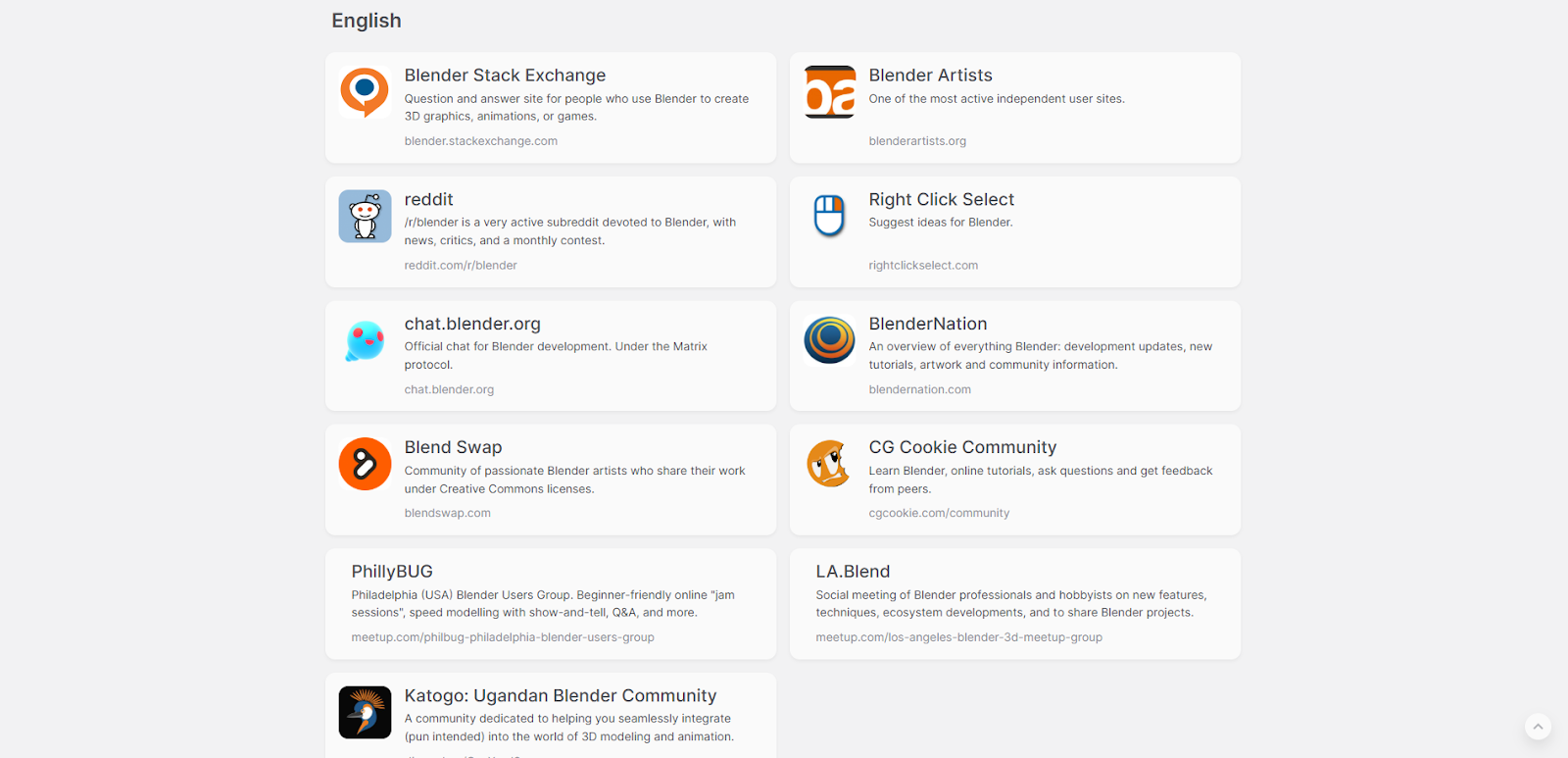
Blender’s open-source nature has fostered one of the most active and passionate 3D communities in the world. With millions of users contributing tutorials, plugins, scripts, and bug fixes, you’ll rarely run into a problem that someone hasn’t already solved.
From Blender Artists Forum and BlenderNation to countless YouTube creators and Discord groups, there’s a constant flow of free learning resources. The sheer openness of Blender’s development also means users can directly interact with the Blender Foundation, propose features, and even test experimental builds.
Add-ons play a big role in this ecosystem. Thousands of free and paid extensions like Hard Ops, BoxCutter, and DecalMachine which allow artists to expand Blender’s capabilities far beyond its base version, covering everything from hard-surface modeling to procedural generation.
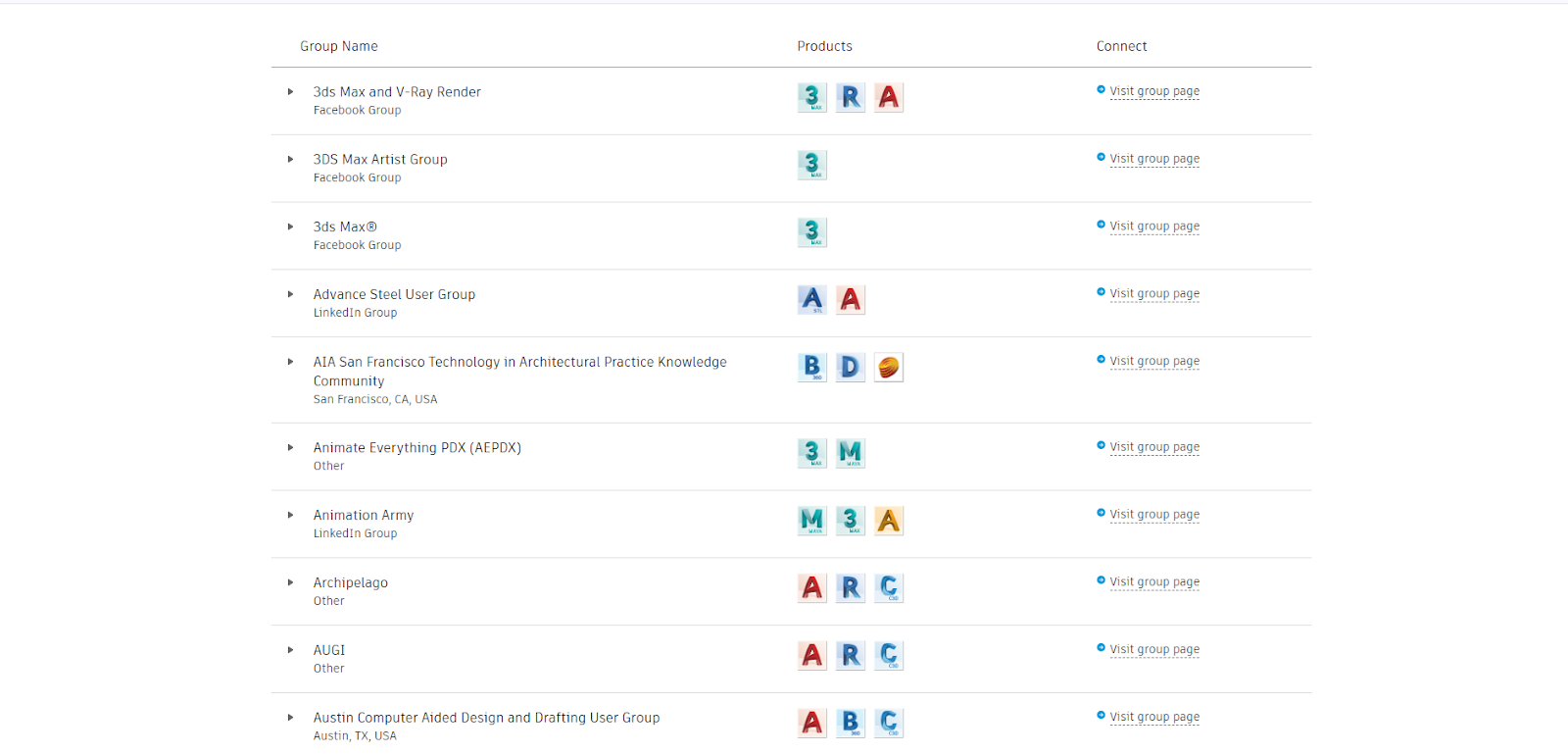
3ds Max’s community is smaller in number but highly professional in focus. Since it’s widely used in architectural visualization and large-scale production, its user base includes engineers, VFX specialists, and studio professionals.
Autodesk provides official technical support, extensive documentation, and professional certification programs. In addition, long-established forums like CGArchitect, Area by Autodesk, and CGSociety serve as valuable hubs for knowledge exchange.
The 3ds Max ecosystem also includes a large marketplace for plugins and scripts, many of which have become industry standards. For example, Forest Pack for vegetation, RailClone for procedural modeling, and Phoenix FD for simulations.
5. Pricing
Blender: Completely Free & Open Source
3ds Max: $235/month, $1,875/year, $5,625 (3-Year Plan) (subject to regional pricing)
Which One Is Right for You: Blender or 3ds Max?
Choosing between Blender and 3ds Max depends largely on your goals, budget, and the type of work you do. Here’s a quick breakdown:
Choose Blender if:
- You’re an independent artist, freelancer, or student who needs professional 3D tools without licensing costs
- You value creative freedom and enjoy experimenting with modeling, animation, or VFX in one unified platform
- You work on concept art, indie games, or small-scale visualization projects that require flexibility and real-time feedback
- You prefer a growing open-source ecosystem with constant community-driven updates and add-ons
Choose 3ds Max if:
- You’re part of a large studio, architecture firm, or engineering company that requires strict accuracy and pipeline integration
- Your projects rely on Autodesk software like Revit, AutoCAD, or Fusion 360
- You specialize in architectural visualization, product design, or large-scale rendering workflows
- You need enterprise-level support, certified training, and proven stability for long-term production
Conclusion
In the end, there’s no absolute winner in the Blender vs 3ds Max debate. Only the right choice for your workflow.
If you’re looking for a cost-free, flexible, and ever-evolving tool that grows with its community, Blender is an incredible option. But if your projects demand precision, large-scale collaboration, and seamless integration with other Autodesk tools, 3ds Max remains one of the most reliable solutions in the industry.
Both programs are powerful, professional, and capable of producing world-class results. It all depends on where you want your creativity to take you.
iRender – Powerful Render Farm for Blender & 3ds Max
At iRender, you can install and run any 3D software or render engine you need, including Blender and 3ds Max on our high-performance remote servers. Whether your workflow relies on CPU or GPU power, iRender gives you the flexibility to choose the right configuration for your projects.
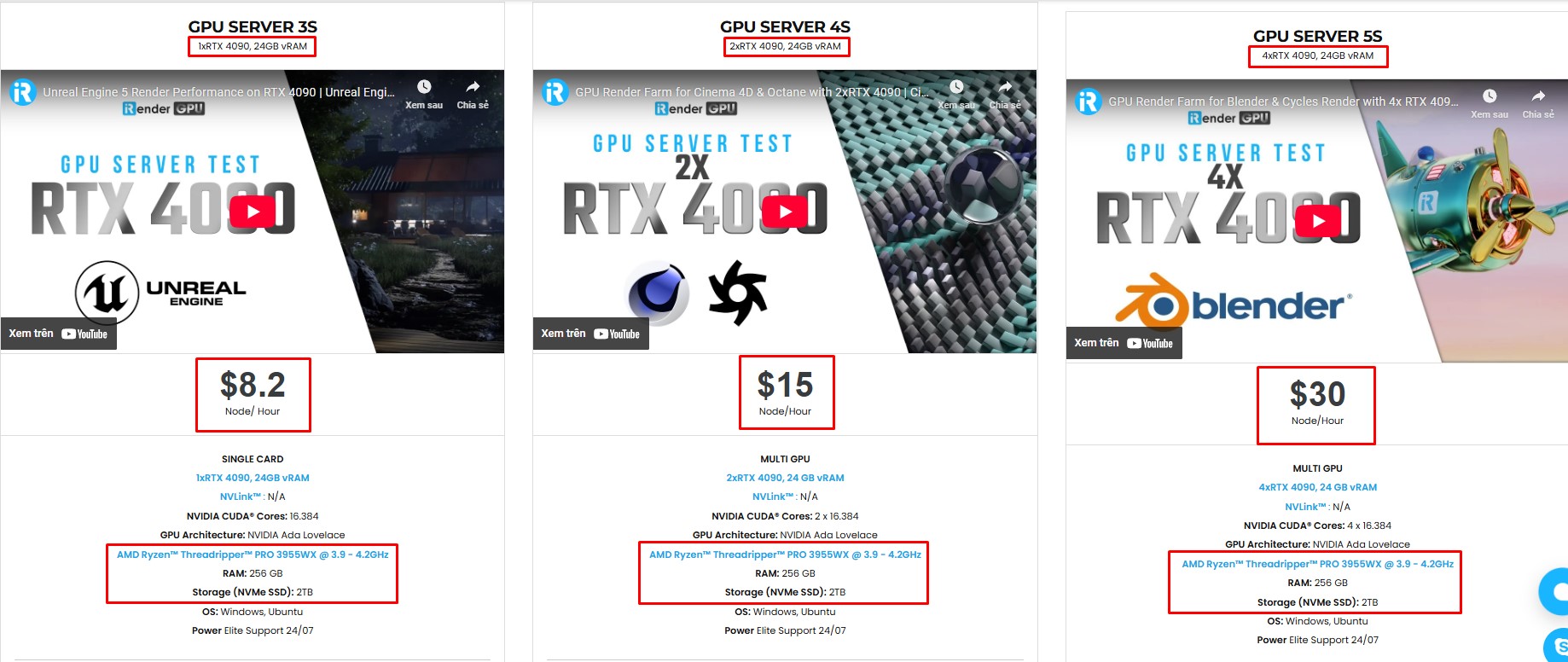
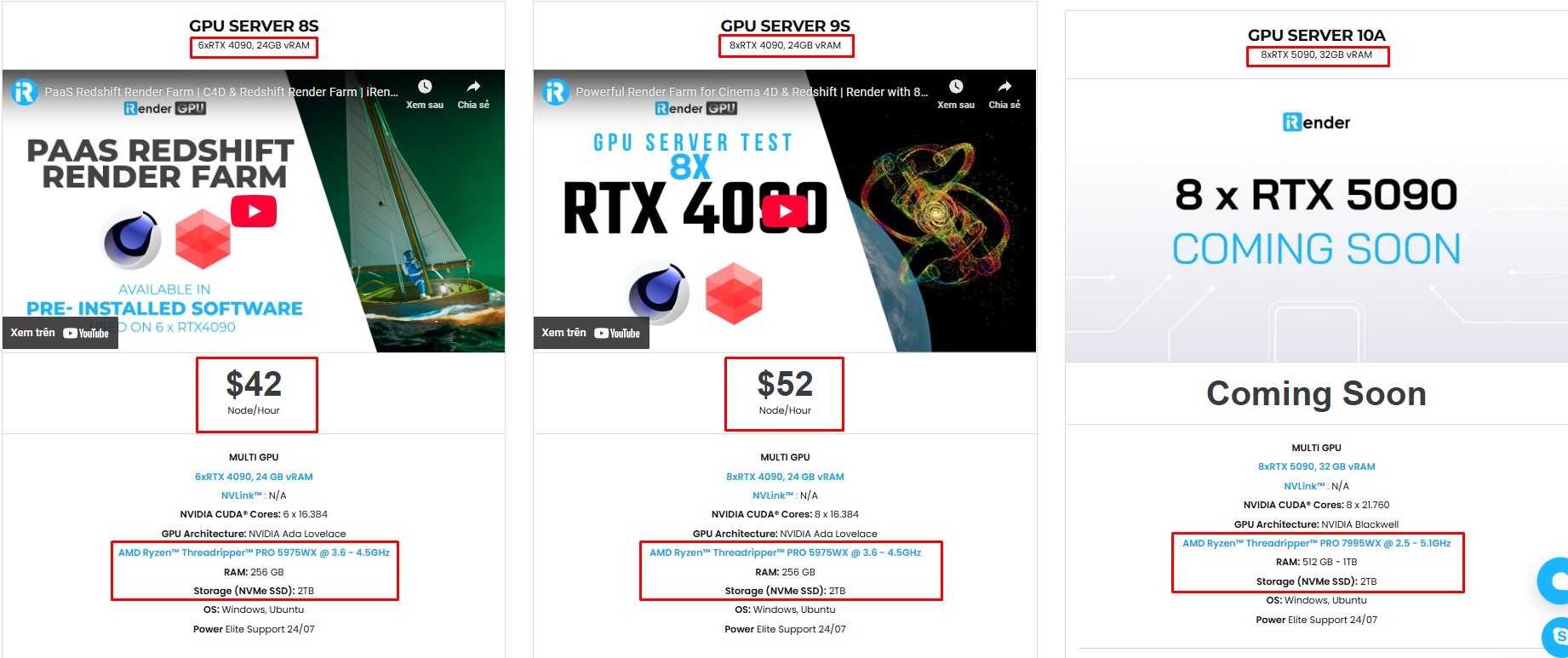
With access to powerful hardware such as the RTX 4090 GPUs and high-core CPUs (CPU AMD Ryzen Threadripper Pro 3955WX @ 3.90GHz – 4.2GHz and AMD Ryzen™ Threadripper™ PRO 5975WX @ 3.6 – 4.5GHz), you can:
- Render faster without being limited by your local workstation
- Scale your projects seamlessly, whether you’re working on small interiors or large architectural scenes
- Enjoy the freedom to set up your preferred tools, add your licenses, and work as if it were your own computer only faster and more reliable
Here is all our servers with detailed information:
Why choose iRender?
When projects become bigger and deadlines become tighter, finding a suitable and optimized renderer is no longer optional, it’s crucial. iRender’s mission is to help you make all your ideas become final products in a faster, stronger and more efficient way.
- Powerful performance: GPU RTX 4090 workstations, compatible with almost 3D/AI software. Moreover, iRender’s remote servers also provide CPU AMD Ryzen Threadripper Pro 3955WX @ 3.90GHz – 4.2GHz and AMD Ryzen™ Threadripper™ PRO 5975WX @ 3.6 – 4.5GHz, RAM 256GB and 2TB SSD NVMe Storage
- Flexible usage: Use the remote server anytime you want
- Secure & Privacy: Guarantee for your data safety and privacy
- Fast support: A customer support team ready to assist 24/7
- Cost-effective: Pay-as-you-go, pay for the time used
If you are still wondering, register now to get a free trial and receive a 100% iRender bonus points for your first transaction within 24 hours of registration.

🎁 iRender Promotion – Full Moon, Full Bonus
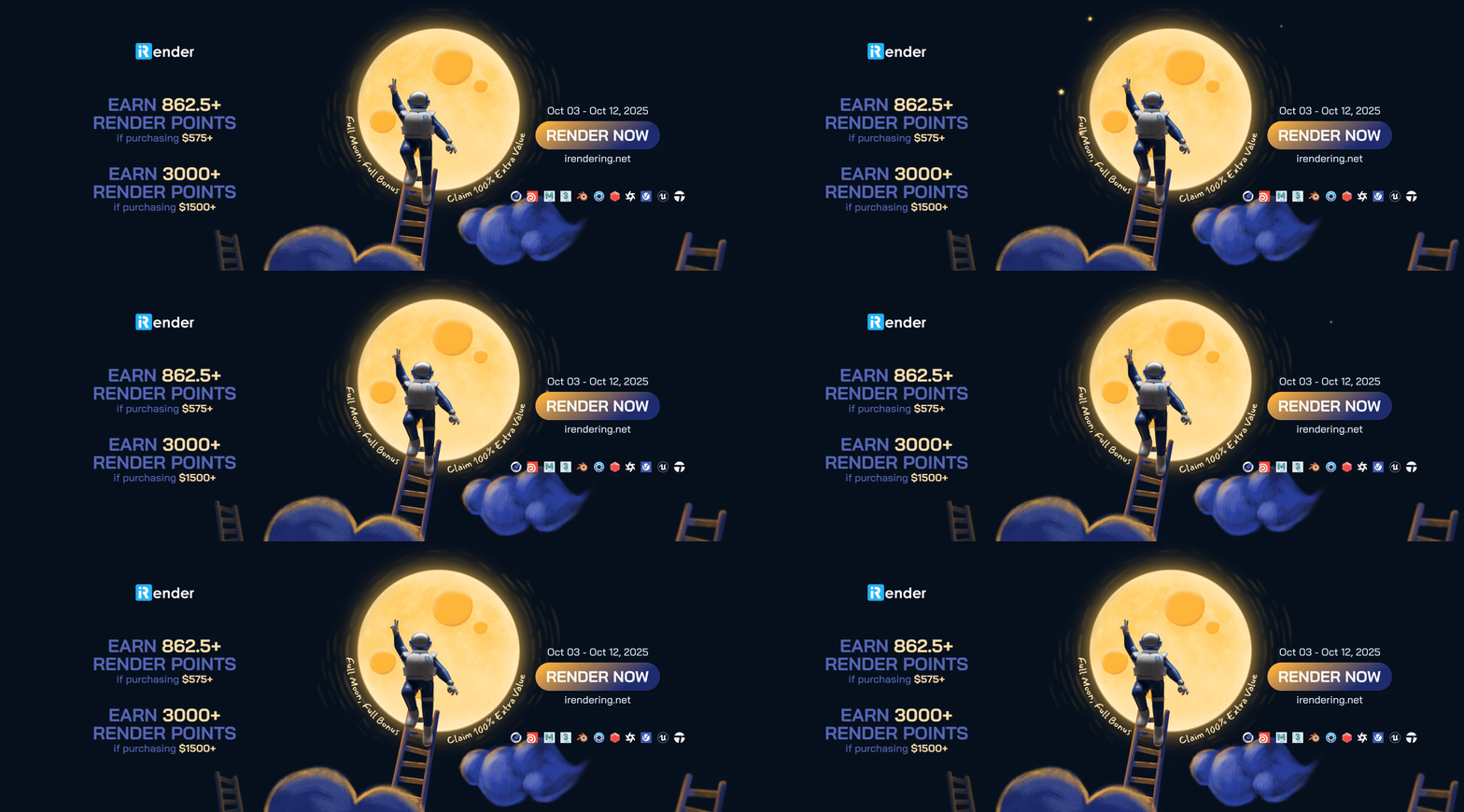
From October 3rd to October 12th, 2025, iRender is offering a special Full Moon bonus to give you even more value for your projects:
- 🌕 Purchase $575+ → Earn 862.5+ Render Points
- 🌕 Purchase $1500+ → Earn 3000+ Render Points
Don’t miss out on this limited-time offer to claim 100% extra value and bring your designs to life faster and more cost-effectively.
For more detailed information, please contact us via Live chat 24/7 or WhatsApp: +(84) 962 868 890 or Email: [email protected].
iRender – Happy Rendering!
Source: docs.blender.org, www.autodesk.com
Related Posts
The latest creative news from Blender Cloud Rendering.
Related Posts
The latest creative news from V-Ray Cloud Rendering , 3ds Max Cloud Rendering , 3D VFX Plugins & Cloud Rendering.





