
Top Render Engines for 3Ds Max 2026
3ds Max remains one of the most widely used 3D software tools for architectural visualization, product design, and animation. In 2026, its strength lies not only in modeling and scene management but also in its deep integration with powerful third-party render engines.
Choosing the right render engine for 3ds Max can significantly affect visual quality, render time, hardware investment, and overall workflow efficiency.
In this article, iRender will analyze the top rendering engines most suitable for 3ds Max in 2026 so you can choose the best tool for your workflow. Let’s get started!
Overview of 3Ds Max

Image Source: Autodesk
3ds Max 2026 continues to be a robust, production-ready 3D creation tool widely used in architectural visualization, product design, and animation. Known for its powerful modeling capabilities and efficient scene management, 3ds Max excels at handling complex geometry and large-scale projects. In 2026, its greatest strength lies in its flexible rendering ecosystem, allowing seamless integration with industry-leading render engines such as V-Ray, Corona, Arnold, Redshift, and Octane. This openness enables artists and studios to tailor their workflows based on quality, speed, and hardware resources, making 3ds Max a reliable platform for both CPU- and GPU-based rendering pipelines in professional production environments.
Review Top Render Engines for 3ds Max 2026
1. Vray
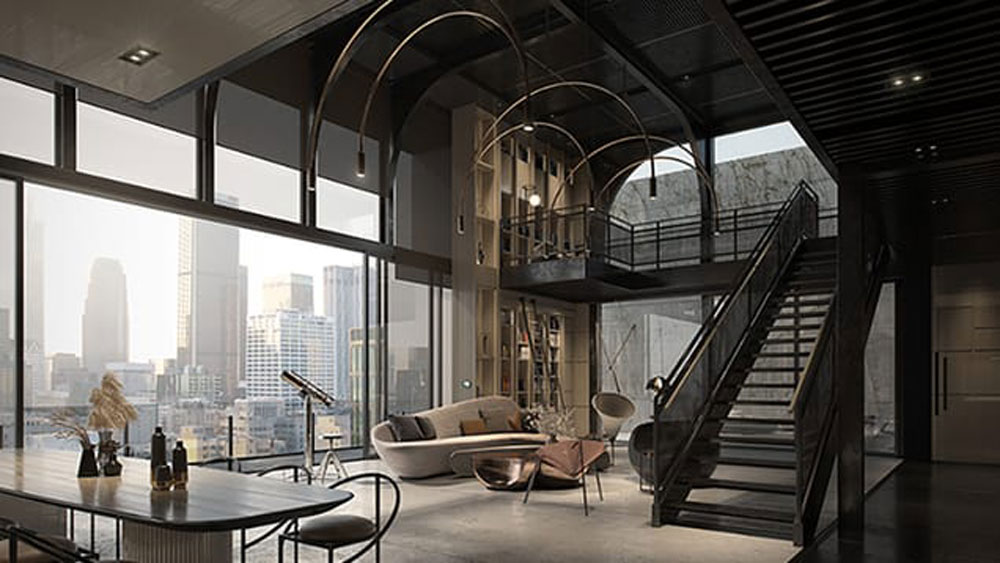
Image Source: Chaos
V-Ray for 3ds Max is a physically based, production-proven render engine widely adopted in architectural visualization, product rendering, and commercial CGI. Its key features include advanced global illumination, highly realistic materials and lighting, support for CPU, GPU, and hybrid rendering, V-Ray Proxy for handling massive scenes, and a mature ecosystem with tools like Chaos Cosmos and built-in denoising. However, V-Ray also has some cons: it has a steeper learning curve compared to simpler renderers like Corona, setup and optimization can be time-consuming, and achieving maximum performance, especially with GPU rendering, often requires high-end hardware.
- Price
-
- V-Ray Solo: about €474 per year and $84.90/month
- V-Ray Premium: about €659 per year and $119.90/month
- Strengths: High flexibility and maximum detailed control. V-Ray features sophisticated material and lighting systems, along with numerous optimization tools (like per-object quality settings) that help achieve faster render times for animation. V-Ray GPU is rapidly advancing, closing the feature gap with its CPU counterpart.
- Weaknesses: Due to its immense number of options and settings, V-Ray has a steeper learning curve, particularly for newcomers.
- Use cases: Architectural Visualization (ArchViz), animation, and projects requiring a balance of speed, quality, and deep customization.
2. Redshift (GPU Biased Renderer)

Image Source: CG Channel
Redshift for 3ds Max in 2026 is a high-performance, GPU-accelerated render engine built for speed, scalability, and production efficiency. As a biased renderer, Redshift allows artists to optimize render settings to achieve fast results while maintaining high visual quality, making it particularly suitable for animation and complex scenes in 3ds Max. In 2026, Redshift takes full advantage of modern NVIDIA RTX GPUs, offering improved memory management, faster ray tracing, and strong support for multi-GPU and render farm workflows. Its tight integration with 3ds Max, along with advanced lighting, shading, and AOV controls, makes Redshift a reliable choice for studios and professionals working under tight deadlines.
- Price:
-
- $264 USD/year for a node-locked license
- $480 USD/year for a floating license
- Strengths: Exceptional render speed via NVIDIA GPU acceleration (often faster than V-Ray/Arnold CPU). Efficient VRAM management (Out-of-Core), handling large scenes well. Ideal for animation, VFX, and quick iteration.
- Weaknesses: Requires high-end NVIDIA GPUs (large VRAM), resulting in high initial hardware cost.
Use Cases: VFX, Motion Graphics, Animation, and studios prioritizing absolute render speed.
3. Octane (GPU Unbiased Renderer)

Image Source: Otoy
OctaneRender for 3ds Max is a GPU-based, unbiased path tracing render engine known for its exceptional realism and physically accurate lighting. Built to take full advantage of NVIDIA RTX GPUs, Octane delivers near real-time previews with final-quality results, making it popular for high-end product visualization, architectural marketing imagery, and cinematic stills. In 3ds Max workflows, Octane is valued for its clean lighting, realistic reflections, and simple node-based material system, though it requires powerful GPUs with sufficient VRAM and is less flexible for extremely large scenes or CPU-based pipelines.
- Price:
-
- $20–25 USD per month
- $240 USD per year
- Strengths: Exceptional optical quality and physically accurate results (unbiased). Very fast rendering speeds utilizing NVIDIA GPUs.
- Weaknesses: NVIDIA GPU-only support (speed is directly dependent on GPU power). VRAM limited (requires very large VRAM capacity for complex scenes; lacks efficient Out-of-Core features like Redshift). Requires separate licensing for third-party plugins.
- Use Cases: Product Visualization (Product Viz), high-end advertising.
4. Fstorm (GPU Unbiased Renderer)
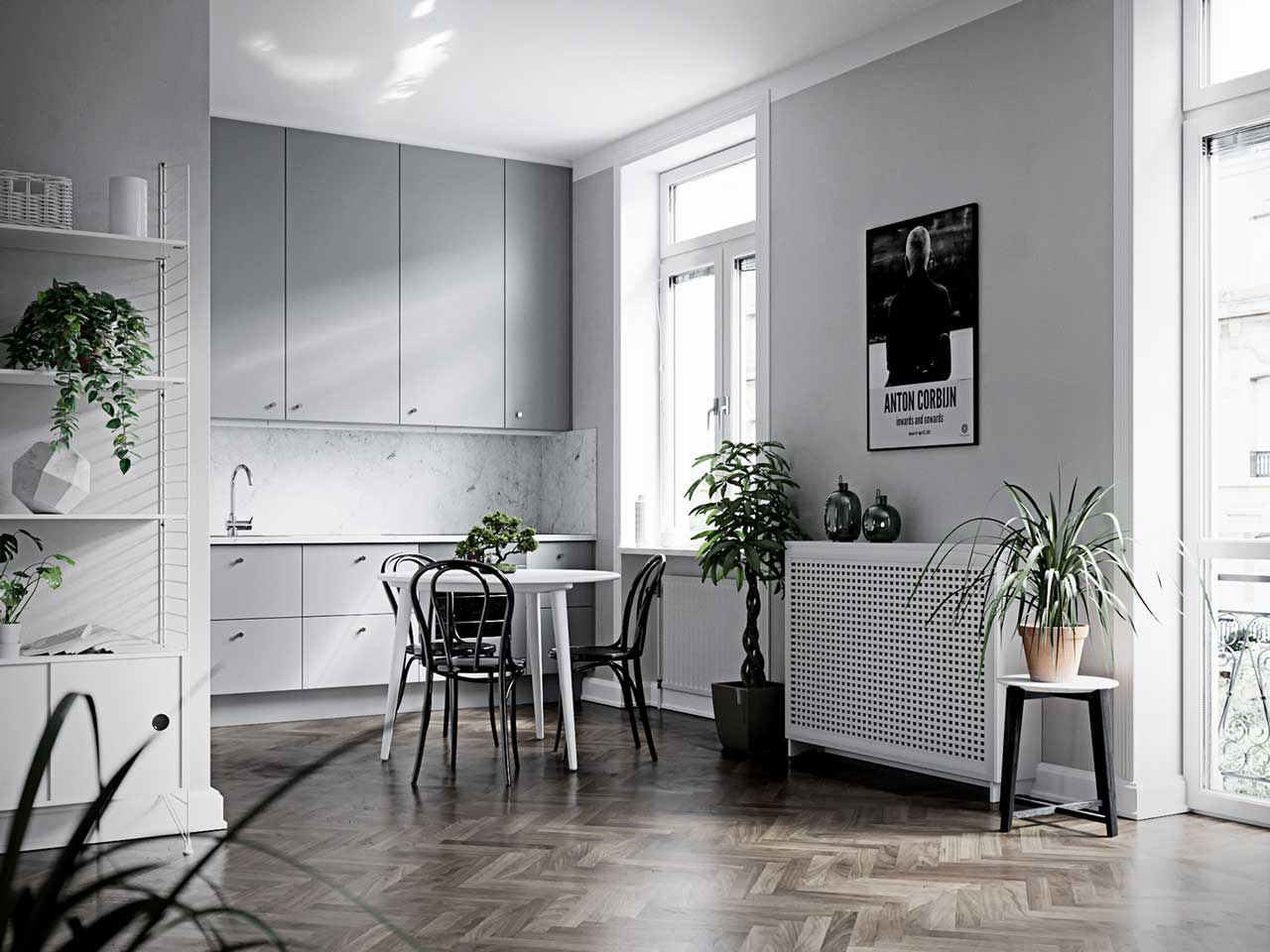
Image Source: FStormRender
FStormRender for 3ds Max is a GPU-based render engine focused primarily on architectural visualization, offering fast performance and high realism with minimal setup. It leverages NVIDIA GPUs to deliver clean global illumination, realistic lighting, and sharp reflections, making it popular among archviz artists who value speed and simplicity. In 3ds Max workflows, FStorm is appreciated for its intuitive controls and quick iteration, though it has a smaller ecosystem, limited animation features, and is restricted to Windows and NVIDIA hardware.
- Price: around €350–€400 per license
- Strengths: Extremely fast, pure GPU-based, unbiased rendering. Deep integration with V-Ray materials (V-Ray scene converter).
- Weaknesses: NVIDIA CUDA only (No AMD/Apple Silicon support). VRAM is the hard limit for scene complexity.
- Use cases: Architectural Visualization (ArchViz) artists prioritizing ease of use, V-Ray material compatibility, and high-speed photorealism on NVIDIA hardware.
5. Corona
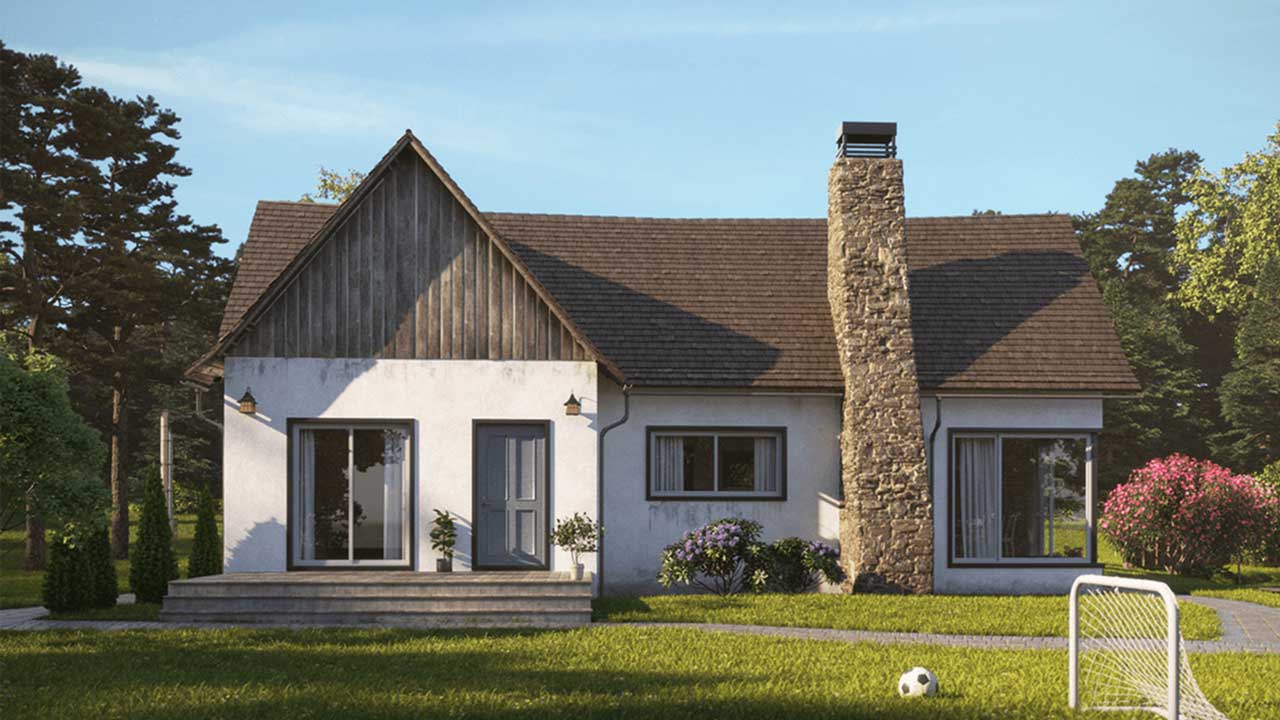
Image Source: Chaos Corona
Corona Renderer for 3ds Max is a CPU-based, photorealistic render engine widely favored in architectural visualization for its simplicity and predictable results. It focuses on delivering high-quality global illumination, natural lighting, and realistic materials with minimal technical setup, making it easy to learn and efficient for daily production. In 3ds Max workflows, Corona is especially popular for interior and exterior still images, offering stable performance on complex scenes and seamless integration with 3ds Max, though it relies on CPU power and is generally slower than GPU renderers for animation-heavy projects.
- Price: €330–€360 per year for a solo license
- Strengths: Exceptional ease of use and intuitive workflow. Excellent at handling complex Global Illumination (GI) in interiors.
- Weaknesses: Render times for large animations or complex scenes can be significantly slower than GPU engines (Redshift, Octane).
- Use Cases: Architectural Visualization (ArchViz) stills and short animations, Interior Designers.
Choosing the right render engine for 3ds Max 2026
Choosing the right render engine for 3ds Max depends on your project type, quality requirements, and available hardware. CPU-based renderers, such as Corona and Arnold, offer stability and predictable results for large, detailed scenes, while GPU-based engines, including Redshift, Octane, and V-Ray GPU, provide significantly faster render times for animation and tight deadlines. Regardless of which render engine you choose, rendering complex scenes in 3ds Max 2026 can still consume hours or even days on a local workstation. This is the time we can consider using iRender.
Speed Up Your 3ds Max Projects with iRender Farm
iRender powers up your creativity with unlimited GPU rendering resources. Our GPU render farm houses the most powerful 3D rendering machines. Configure from 1 to 8 GPUs with top-tier RTX 4090, Threadripper Pro CPUs, 256GB RAM, and 2TB SSD storage – iRender’s machines can handle any 3D project demands. We support all 3D software and every render engine, including Vray, Redshift, Fstorm, Corona.
Once renting our machines, you will own them as your personal workstations. Therefore, you can install and use any render engines, plugins, and/or other 3D software of all versions (even the newly released ones). All our servers are equipped:
- AMD Ryzen™ Threadripper™ PRO 3955WX (3.9-4.2GHz) or
- AMD Ryzen™ Threadripper™ PRO 5975WX (3.6-4.5GHz)
- 1/2/4/6/8x – 4090
- 256GB RAM
- 2TB NVMe SSDs
Let’s see our latest performance test on our servers!

Enjoy our FREE TRIAL to try our RTX 4090 machines and boost your rendering now!
For more detailed information, please contact us via Live chat 24/7 or WhatsApp: +(84) 912-785-500 or Email: [email protected].
iRender – Happy Rendering!
Related Posts
The latest creative news from V-Ray Cloud Rendering , 3ds Max Cloud Rendering , 3D VFX Plugins & Cloud Rendering.






