
Twinmotion vs Lumion: Which Is Better for Architectural Visualization?
Architectural visualisation has evolved rapidly in recent years, with real-time rendering tools becoming essential for fast design iteration and client communication. Among the most popular solutions today, Twinmotion and Lumion are two powerful visualisation platforms designed specifically for architects and designers. While both tools aim to deliver high-quality visuals quickly, they differ significantly in workflow, rendering technology, performance, and use cases.
In this article, iRender will explore Twinmotion vs Lumion in depth to help you decide which tool is better for your architectural visualization projects.
Overview: Twinmotion vs Lumion
Twinmotion and Lumion are both purpose-built visualisation tools for architects. However, they reflect two distinct aspects in architectural rendering workflows.
Understanding these differences is crucial, as the choice between Twinmotion and Lumion is less about raw rendering power and more about aligning the tool with your project phase, workflow preferences, and visualisation goals.
Lumion is a real-time, assisted architectural visualisation software developed specifically for architects, designers, and visualisation studios. Unlike general-purpose 3D rendering engines, Lumion is purpose-built to transform architectural models into presentation-ready images, videos, and animations with minimal setup and technical complexity. Its core strength lies in providing visually compelling results quickly, making it a popular choice for final-stage architectural presentations and marketing visuals.
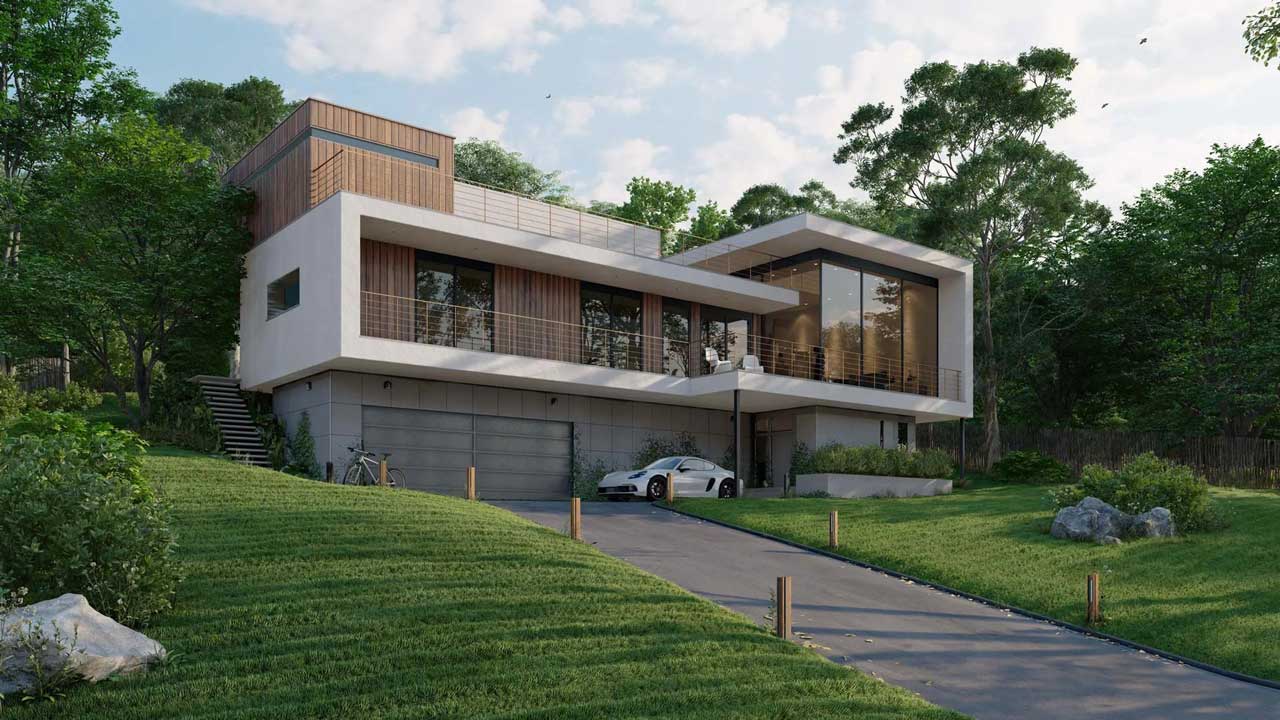
Image Source: Lumion
Twinmotion is a real-time visualization software developed by Epic Games and built on Unreal Engine, designed specifically for architects, designers, and urban planners. It enables users to quickly transform 3D models into high-quality images, videos, and interactive presentations with minimal technical setup. Known for its intuitive interface and smooth learning curve, Twinmotion excels at real-time navigation, live lighting adjustments, and fast scene iteration. With features such as a large built-in asset library, dynamic weather and lighting systems, and support for both real-time rendering and path tracing, Twinmotion strikes a strong balance between visual quality and performance, making it an efficient solution for design visualization.
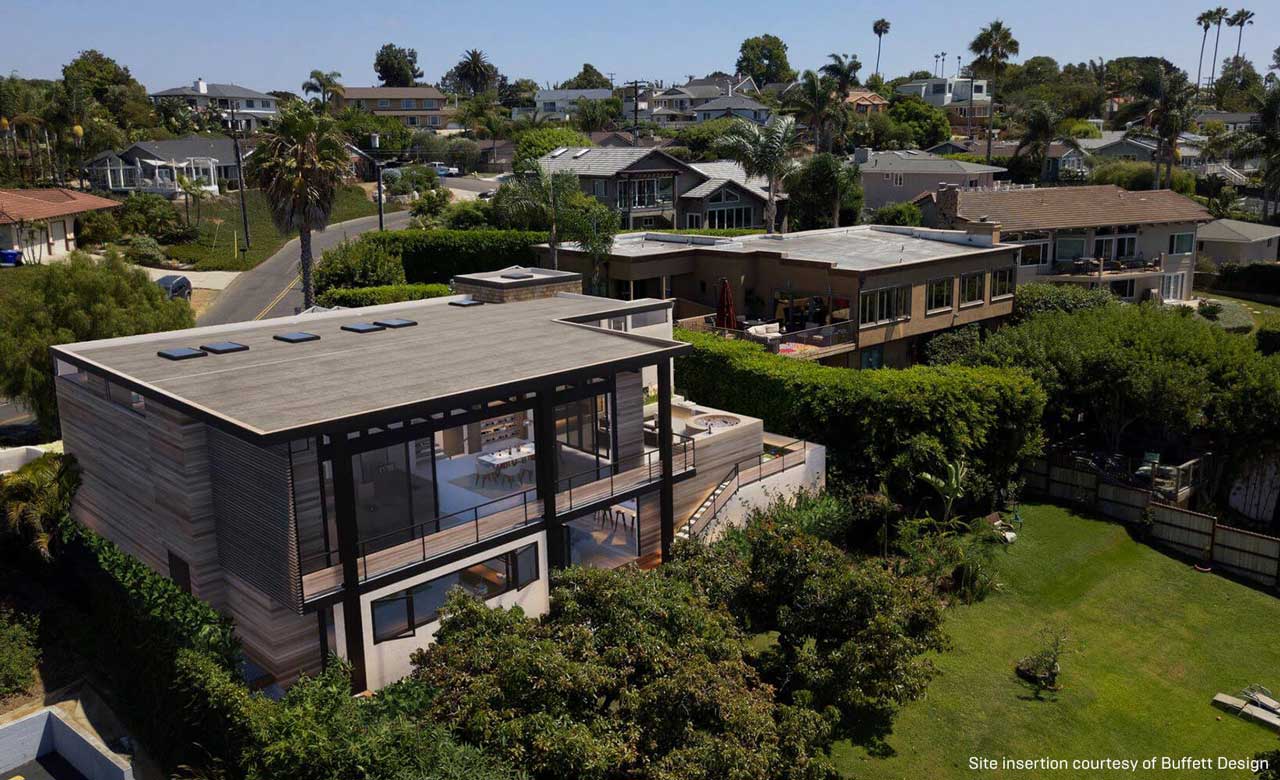
Image Source: Twinmotion
System Requirements for Lumion and Twinmotion
When choosing between Lumion and Twinmotion, system requirements play a critical role in determining performance, stability, and overall user experience. Both applications are real-time visualization tools designed primarily for architectural visualization, but they differ significantly in how they utilize hardware resources.
Lumion – High-end System Requirements
- Graphics card: A GPU scoring a G3DMark of 20000 or higher with up-to-date drivers
- Graphics card memory: 11 GB or more
- System memory (RAM): 64 GB or more
- CPU (processor): CPU with a benchmark score of 2600 or higher
- Hard drive space: Minimum 40 GB of free disk space
Twinmotion – High-end System Requirements
- Graphics card: A GPU scoring a G3DMark of 15,000 or higher with up-to-date drivers
- Graphics card memory: 12 GB or more
- System memory (RAM): 64 GB or more
- CPU (processor): CPU with a benchmark score of 2500 or higher
- Hard drive space: 30 GB of free disk space
Performance between Lumion and Twinmotion
Image Source: Novatr
When rendering with Twinmotion or Lumion, final render times can range anywhere from a few minutes to several hours per scene, depending on scene complexity, lighting setup, hardware strength, and quality settings. Dense geometry, high-resolution textures, complex lighting, and animation will quickly multiply render time in both tools.
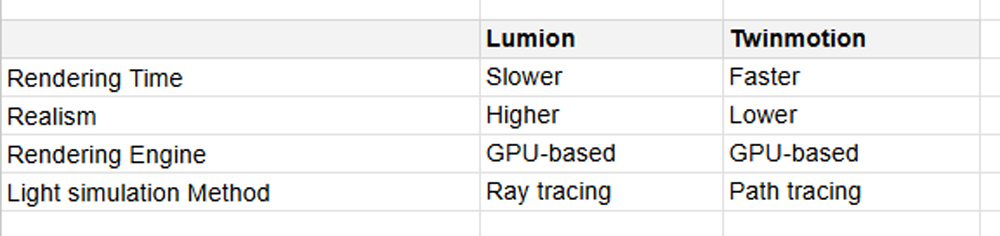
Although both rely heavily on the GPU, they take very different technical approaches. Twinmotion is built on Unreal Engine and uses path tracing for physically accurate light simulation when higher-quality output is required. In practice, this means Twinmotion excels at interactive previews and rapid iteration, letting users tweak lighting, materials, and camera angles in real time before committing to heavier renders. The trade-off is that its path-traced output, while clean and realistic, can scale up in render time quickly as scenes grow more complex.
Lumion, on the other hand, leans more toward ray tracing combined with an extensive post-processing pipeline. It stacks effects like reflections, global illumination, atmospheric lighting, and cinematic filters to achieve a more polished look. This approach allows for higher perceived visual quality and richer environments, but it also means longer processing times, especially at high settings. In short, Twinmotion is optimized for speed and responsiveness during the design process, while Lumion is built to push visual fidelity further, even if that comes at the cost of slower final renders.
Pricing and License
Lumion continues to follow its traditional approach with a perpetual license priced at roughly €999 for Lumion Pro. While this means users technically own the software, staying up to date requires paying for version upgrades, which can quickly become expensive for freelancers or small studios.

Twinmotion takes a very different approach. Priced at around $445 per seat per year (about €380–€395 depending on region) and includes access to Twinmotion Cloud and all updates released during that subscription period, it is significantly more affordable, and it’s completely free for students and educators. This isn’t just about lower pricing; it’s a strategic move by Epic Games. By making Twinmotion accessible early on, Epic encourages architects and designers to grow within the Unreal ecosystem, increasing long-term adoption and loyalty.
Workflow & Integration
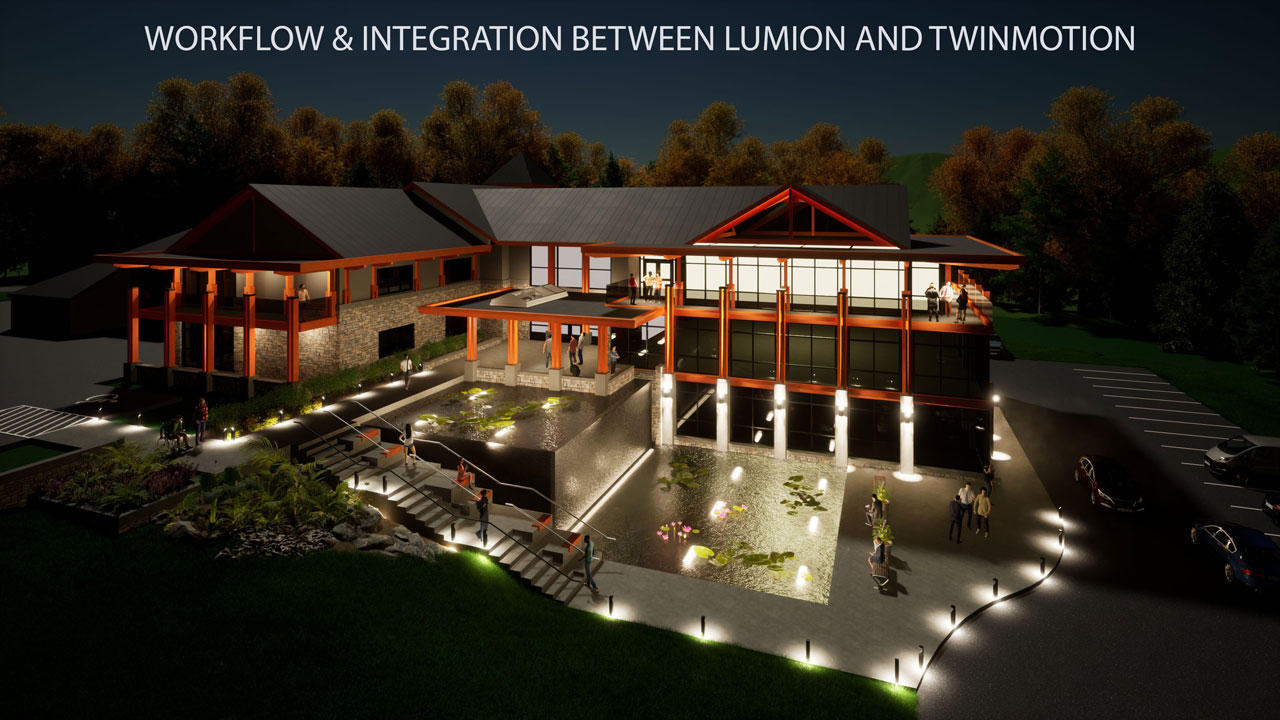
Twinmotion is built for speed and simplicity, with a workflow focused on quick iteration and real-time feedback. It integrates seamlessly with major design tools such as Revit, Archicad, SketchUp, Rhino, and 3ds Max through direct link and live sync features, allowing changes in the source model to update instantly in Twinmotion. Thanks to its Unreal Engine foundation, Twinmotion offers smooth navigation, real-time lighting adjustments, and an intuitive drag-and-drop asset system, making it ideal for early design stages, client presentations, and fast-turnaround visualization.
Lumion follows a more production-oriented workflow, prioritizing visual richness and scene detail over instant iteration. It supports model imports from most CAD and DCC software and offers LiveSync with tools like Revit, SketchUp, and Rhino, though updates are generally heavier due to more complex scenes and effects. Lumion’s workflow emphasizes detailed environment building, vegetation, effects, and cinematic output, making it better suited for final-stage visualization and marketing imagery where polish and visual impact matter more than speed.
Limitations
Lumion’s biggest limitation is its extreme dependence on high-end GPU hardware. While it delivers visually rich scenes, performance can degrade quickly once VRAM is saturated, especially in projects with dense vegetation, large terrains, or heavy animated assets. Because Lumion is Windows-only and optimized primarily for NVIDIA GPUs, it excludes macOS users. Besides, Lumion does not handle massive BIM or urban-scale datasets gracefully without aggressive optimization, proxy usage, or scene splitting. While LiveSync exists, updates become increasingly slow as scenes grow in complexity, reducing iteration speed.
Although Twinmotion is more forgiving on mid-range hardware, large BIM models, dense urban masterplans, or Path Tracer usage can quickly overwhelm GPU memory. Once VRAM limits are reached, performance drops sharply.
Twinmotion vs Lumion: Which Is Better for Architectural Visualization?
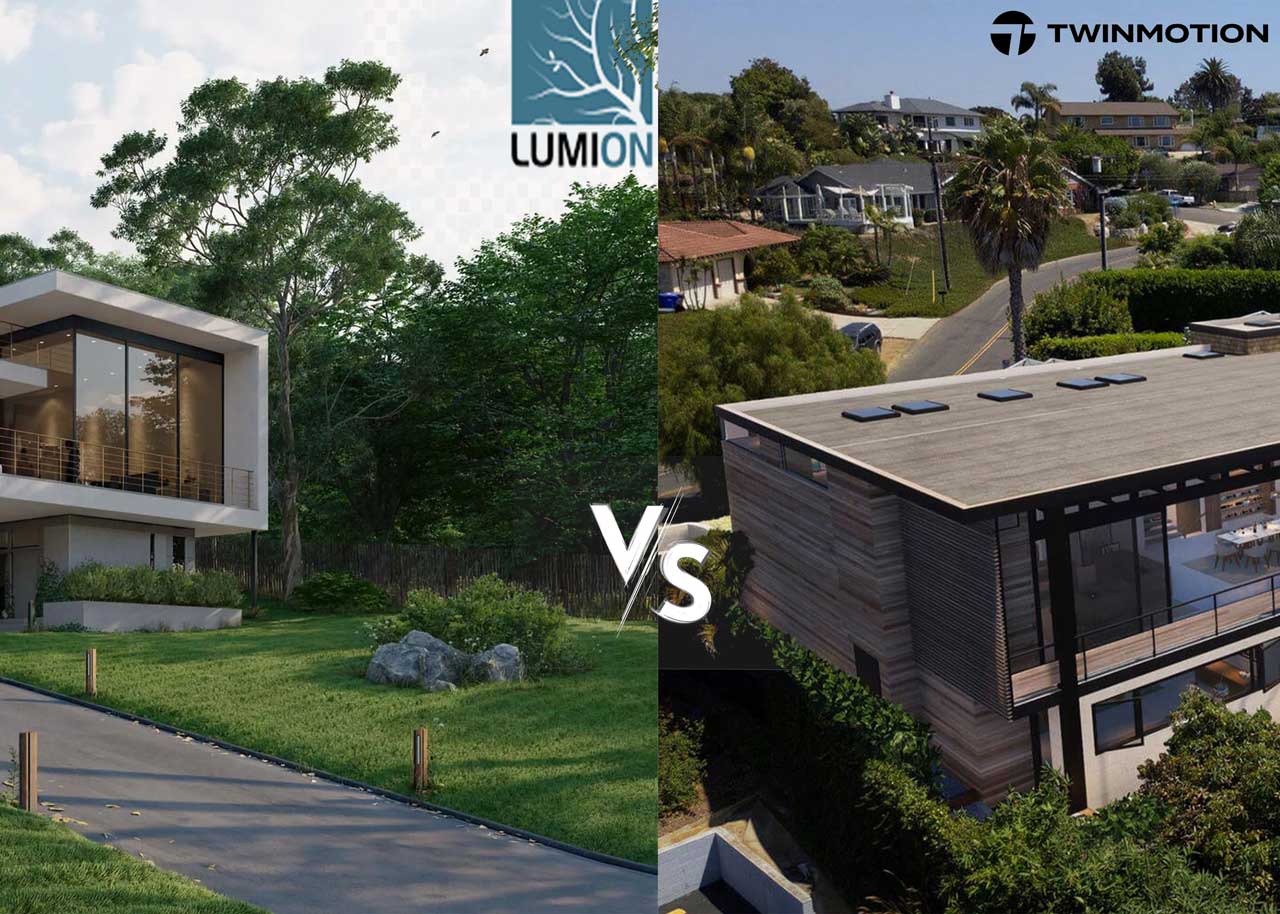
So, should you choose Twinmotion or Lumion for architectural visualization? The honest answer is, it depends.
Twinmotion is the better choice for architects and designers who value speed, ease of use, and real-time iteration, especially during early design stages and client presentations. Its smooth integration with common CAD tools and modest hardware requirements make it highly accessible and efficient for everyday work. Lumion, on the other hand, is better suited for final-stage visualization where visual richness, environmental detail, and cinematic quality are critical. While it demands stronger hardware and a higher investment, Lumion excels at producing polished marketing images and animations.
In short, Twinmotion fits fast-paced, design-driven workflows, while Lumion is ideal for high-end architectural visualization focused on maximum visual impact.
Speed Up Your Twinmotion and Lumion Projects with iRender Farm
iRender powers up your creativity with unlimited GPU rendering resources. Our GPU render farm houses the most powerful 3D rendering machines. Configure from 1 to 8 GPUs with top-tier RTX 4090, Threadripper Pro CPUs, 256GB RAM, and 2TB SSD storage – iRender’s machines can handle any 3D project demands. We support all 3D software and every render engine, including Vray, Redshift, Fstorm, Corona.
Once renting our machines, you will own them as your personal workstations. Therefore, you can install and use any render engines, plugins, and/or other 3D software of all versions (even the newly released ones). All our servers are equipped:
- AMD Ryzen™ Threadripper™ PRO 3955WX (3.9-4.2GHz) or
- AMD Ryzen™ Threadripper™ PRO 5975WX (3.6-4.5GHz)
- 1/2/4 RTX 4090
- 256GB RAM
- 2TB NVMe SSDs
Enjoy our FREE TRIAL to try our RTX 4090 machines and boost your rendering now!
For more detailed information, please contact us via Live chat or WhatsApp: +(84) 912-785-500 or Email: [email protected].
iRender – Happy Rendering!
Related Posts
The latest creative news from Lumion Cloud rendering, V-Ray Cloud Rendering , Twinmotion Cloud Rendering , 3D VFX Plugins & Cloud Rendering.






