
What does “Ti” mean in NVIDIA graphics cards?
When searching NVIDIA’s lineup of graphics cards, you will often encounter models labeled with a “Ti” suffix—such as the RTX 3060 Ti, RTX 4070 Ti, or older versions like the GTX 1080 Ti. While this small addition may appear insignificant, it carries considerable weight in the world of graphics processing. In this blog, iRender will explore the meaning of “Ti,” its technical and marketing implications, and how it affects consumer choice and GPU performance.
Let’s get started with iRender!
What Does “Ti” Stand For?
In NVIDIA graphics cards, “Ti” stands for “Titanium.” It designates a higher-performance variant of a particular GPU model. Ti versions typically offer enhanced specifications, such as more CUDA cores, better clock speeds, or additional memory, leading to improved performance over the non-Ti models. The designation is used to indicate that these models are aimed at enthusiasts or gamers seeking greater graphical power.
For example, the RTX 3060 Ti offers better performance than the regular RTX 3060, but falls below the RTX 3070. This positions the “Ti” model as a mid-step between two base models.
NVIDIA uses the “Ti” designation to fill in performance gaps within a product generation. In doing so, the company can offer a more granular and flexible product lineup. Ti models are typically equipped with more CUDA cores, higher memory bandwidth, and faster clock speeds compared to their non-Ti counterparts. This results in improved gaming performance and more efficient handling of graphical workloads.
The Ti label helps differentiate between standard and high-performance options within the same series, making it easier for consumers to identify models that provide superior performance without entering the next tier.
Here’s how the segmentation typically works:
- Base Model (e.g., RTX 3060): Standard performance for the generation.
- Ti Variant (e.g., RTX 3060 Ti): Enhanced performance—more CUDA cores, higher memory bandwidth, better ray tracing capabilities.
- Next-Tier Model (e.g., RTX 3070): Significantly higher performance and usually priced higher than the Ti variant.

What makes a Ti card better?
Ti cards from NVIDIA offer several advantages over their non-Ti counterparts, making them a better choice for many users. Ti models often have a higher number of CUDA cores, which allows for better parallel processing capabilities, increasing overall performance in gaming and computational tasks.
Example: The RTX 4070 Ti may feature more CUDA cores than the RTX 4070, leading to improved rendering and frame rates in games.
Moreover, Ti variants typically have higher boost clock speeds, which can result in better performance, especially in demanding applications and games. Ti cards often come with faster memory (GDDR6X, for instance) or wider memory buses, leading to improved performance in memory-intensive tasks.
Let’s compare the Nvidia GeForce RTX 3080 to the RTX 3080 Ti:
| Specification | RTX 3080 | RTX 3080 Ti |
|---|---|---|
| CUDA Cores | 8704 | 10240 |
| Boost Clock Speed | 1710 MHz | 1665 MHz |
| Memory | 10 GB GDDR6X | 12 GB GDDR6X |
As you can see, the RTX 3080 Ti offers significant upgrades in multiple areas, leading to a noticeable increase in gaming performance.
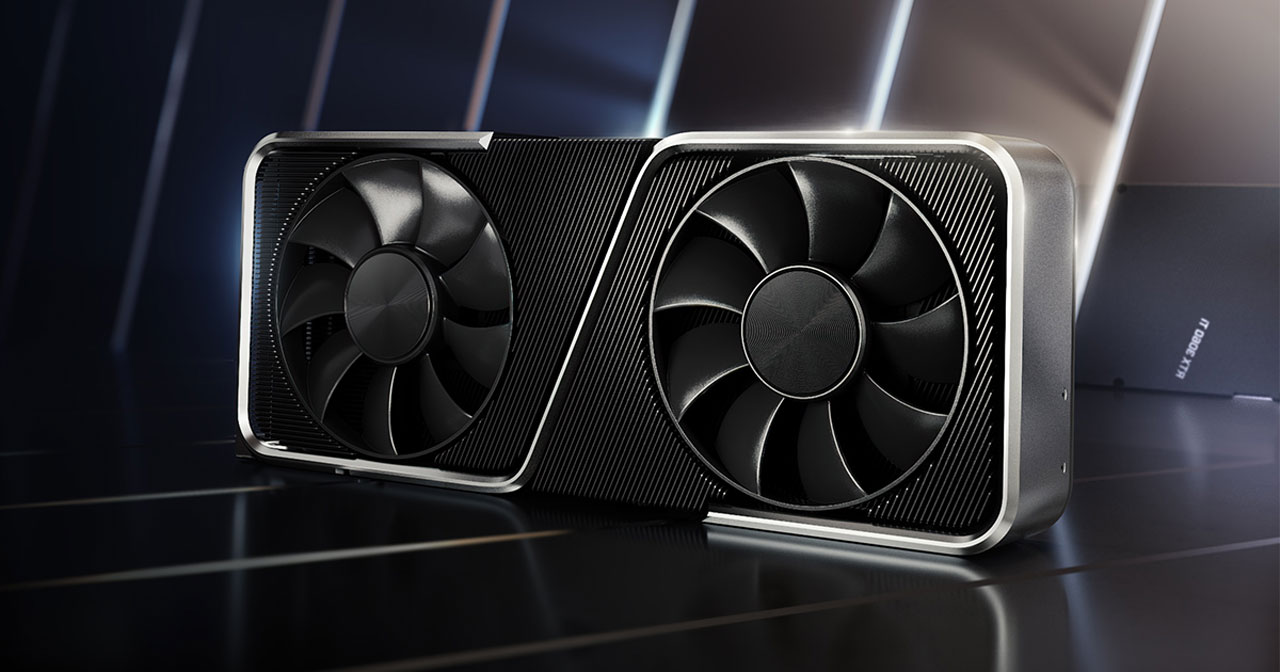
Nvidia TI vs Non-TI GPUs
When comparing NVIDIA Ti GPUs to their non-Ti counterparts, the distinction lies in performance, pricing, and target audience. The “Ti” designation signifies a mid-cycle performance upgrade that bridges the gap between the base model and the next higher-tier card in the lineup. Ti variants generally feature more CUDA cores, higher clock speeds. This results in better performance in gaming, rendering, and compute-heavy tasks, often offering a noticeable frame rate boost and smoother performance.
For example, an RTX 3060 Ti can significantly outperform a standard RTX 3060, placing it closer to the RTX 3070 in raw power while usually costing less than that higher-tier option.
On the other hand, Non-Ti GPUs excels in value and efficiency. They typically consume less power, produce less heat, and cost noticeably less than Ti variants, making them appealing to casual gamers, office workstations, and systems with limited cooling or PSU capacity. They also often share the same architecture and feature set as their Ti counterparts, meaning you’re not losing access to NVIDIA technologies like DLSS, ray tracing, or NVENC encoding—just raw performance.
Here’s a clear comparison of NVIDIA Ti vs Non-Ti GPUs, followed by a concrete example so you can see the difference in real-world specs and performance. I will compare RTX 3060 vs RTX 3060 Ti:
| Specs | RTX 3060 | RTX 3060 Ti | Insights |
| CUDA Cores | 3,584 | 4,864 | TI models have more CUDA cores, enhancing parallel processing capabilities. |
| Base/Boost Clock | 1.32GHz/1.78 GHz | 1.41 GHz/1.67 GHz | TI variants offer slightly different clock speeds; specific performance can vary by task. |
| Memory Bandwidth | 360GB/s | 448 GB/s | TI GPUs often come with more or faster memory bandwidth |
| Power efficiency | 170W | 200W | TI models have more efficient Power efficiency |
| Price range | 329 USD | 399 USD | TI GPUs come at a premium price, reflecting their enhanced capabilities and performance |
| Use cases | 1440p/4K gaming, 3D Rendering, video editing, AI workloads | 1080p gaming, light creative work, office productivity |
Should you choose an Nvidia TI Graphics Card?
Whether you should choose an NVIDIA Ti graphics card depends on your performance needs, budget, and system capabilities. Ti models are designed to deliver a clear step up from their non-Ti counterparts. It often offering 20–40% more performance thanks to extra CUDA cores, faster clock speeds, and sometimes wider memory buses. This makes them an excellent choice for gamers who want smoother frame rates at 1440p or 4K, content creators working with video editing, 3D rendering, or AI workloads, and professionals who need more computing power without jumping all the way to a flagship GPU.
However, this performance boost comes at a cost—both financially and in system demands. Ti cards cost more, typically draw more power, and produce more heat, which means you may need a higher-wattage PSU and better cooling. For users playing mostly at 1080p, doing light creative work, or simply seeking the best value, a non-Ti card might make more sense, as the extra performance of a Ti may go unused.
In short, you should choose an NVIDIA Ti GPU if you want near-flagship performance at a mid-range price, have a system that can handle the extra power and cooling needs, and plan to run demanding workloads or high-resolution gaming. But if your focus is budget efficiency, lower power use, and quieter operation, the non-Ti version is often the smarter buy.
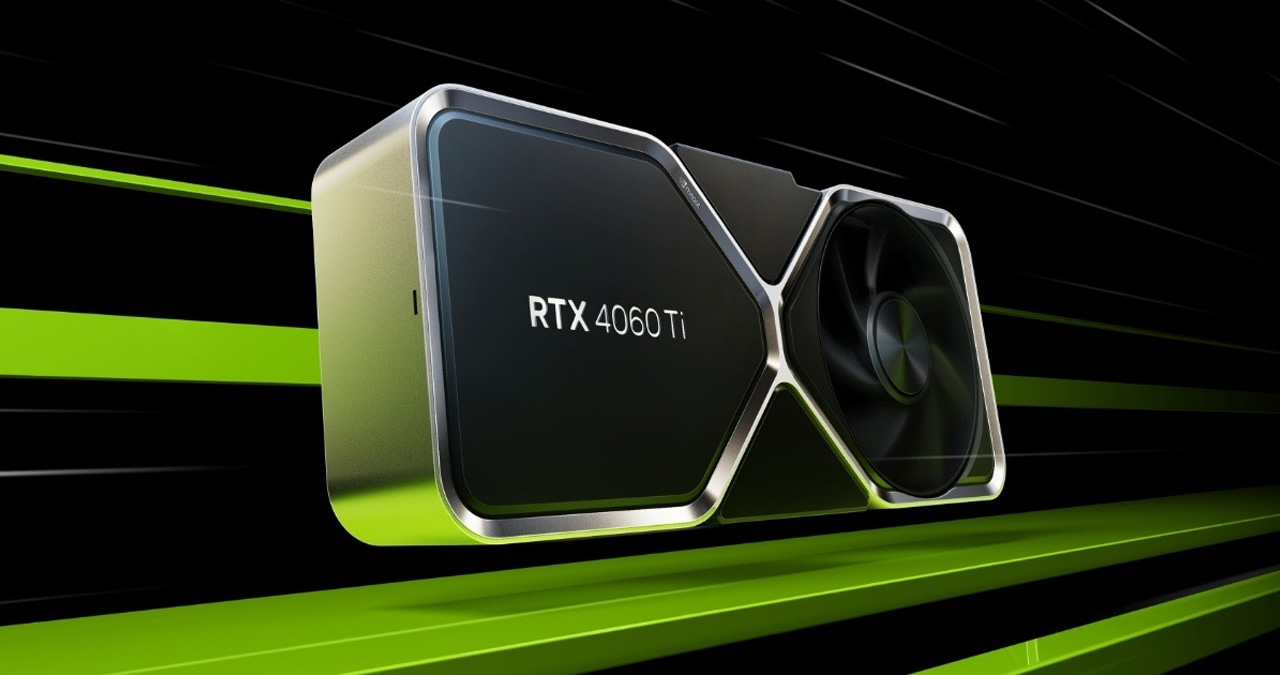
Final Thoughts
In summary, the “Ti” designation in NVIDIA graphics cards signifies enhanced performance and capabilities compared to standard models. If you are looking for superior gaming experiences, better efficiency in content creation, or future-proofing your system, a Ti card could be a worthwhile investment. However, it’s essential to consider your specific needs, budget, and system compatibility before making a purchase. Ultimately, choosing a TI graphics card can lead to improved performance, but it’s crucial to align your choice with your workload requirements and gaming aspirations for the best overall value.
iRender- The best cloud rendering supporting all software
iRender is proud to be one of the best GPU service providers on the market. You can find a lot of options suitable for your Blender project. iRender offers from 1/2/4/6/8 RTX 4090s and 3090s. In addition to offering powerful configurations, all servers at iRender are also equipped with AMD Ryzen™ Threadripper™ PRO 3955WX @ 3.9 – 4.2GHz or AMD Ryzen™ Threadripper™ PRO 5975WX @ 3.6 – 4.5GHz, 256GB RAM, 2TB Storage NVMe SSD.
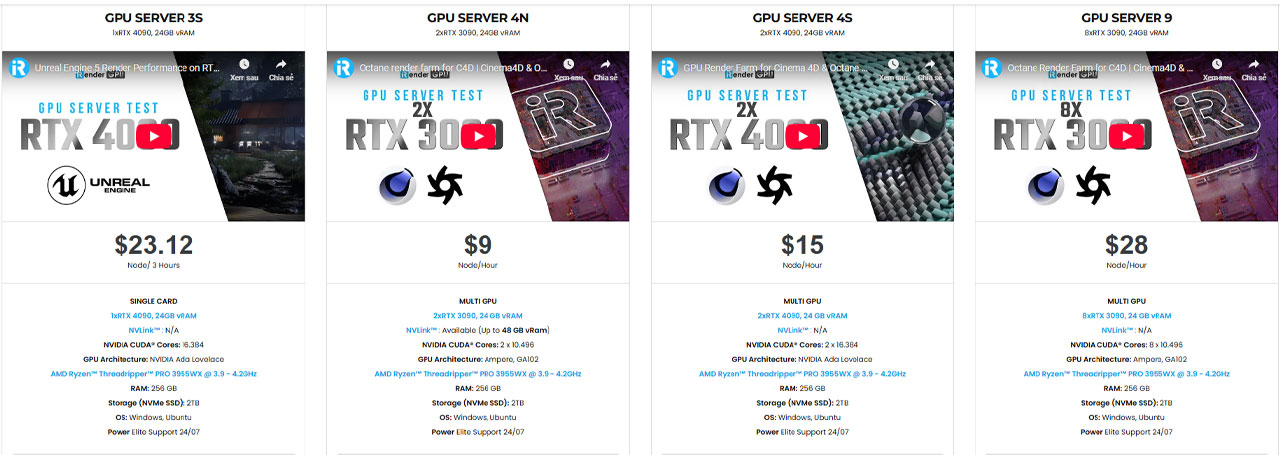
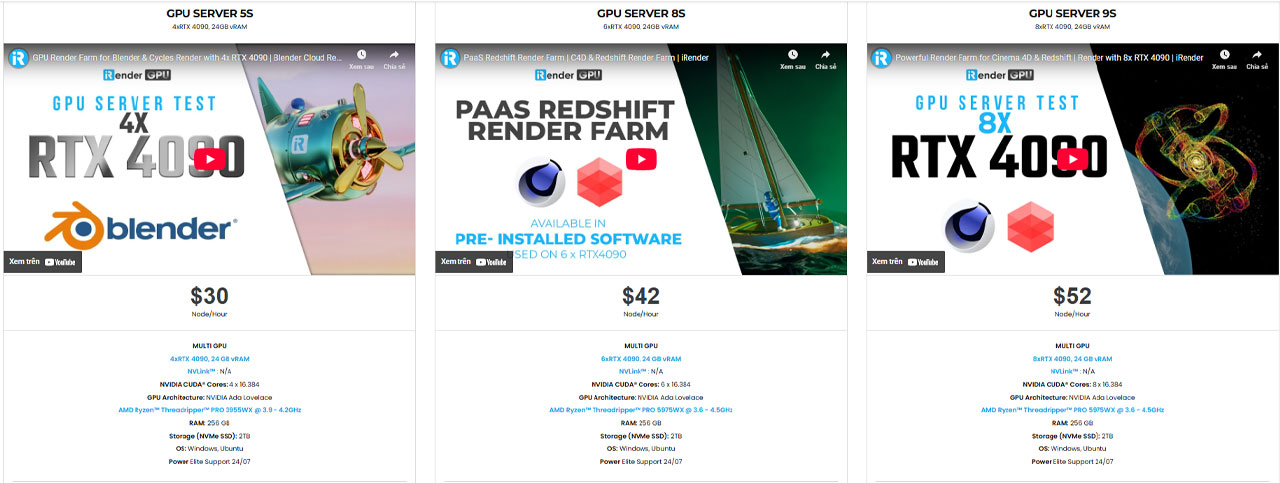
We suggest Windows users work with our all-in-one application, iRender GPU instead of coming our website. For Linux or macOS users, we provide a helpful and free transferring program called iRender drive. You can take a look at this video For Windows or For Mac OS to understand our workflow.
Furthermore, you can always save 10%, 20% or more with our Fixed Rental feature. For those who’re in need of a server more than a day, or have an extremely large project, we advise to choose a daily/ weekly/monthly rental package. The discount is attractive (10% for daily packages, 20% for weekly, and more for monthly packages).
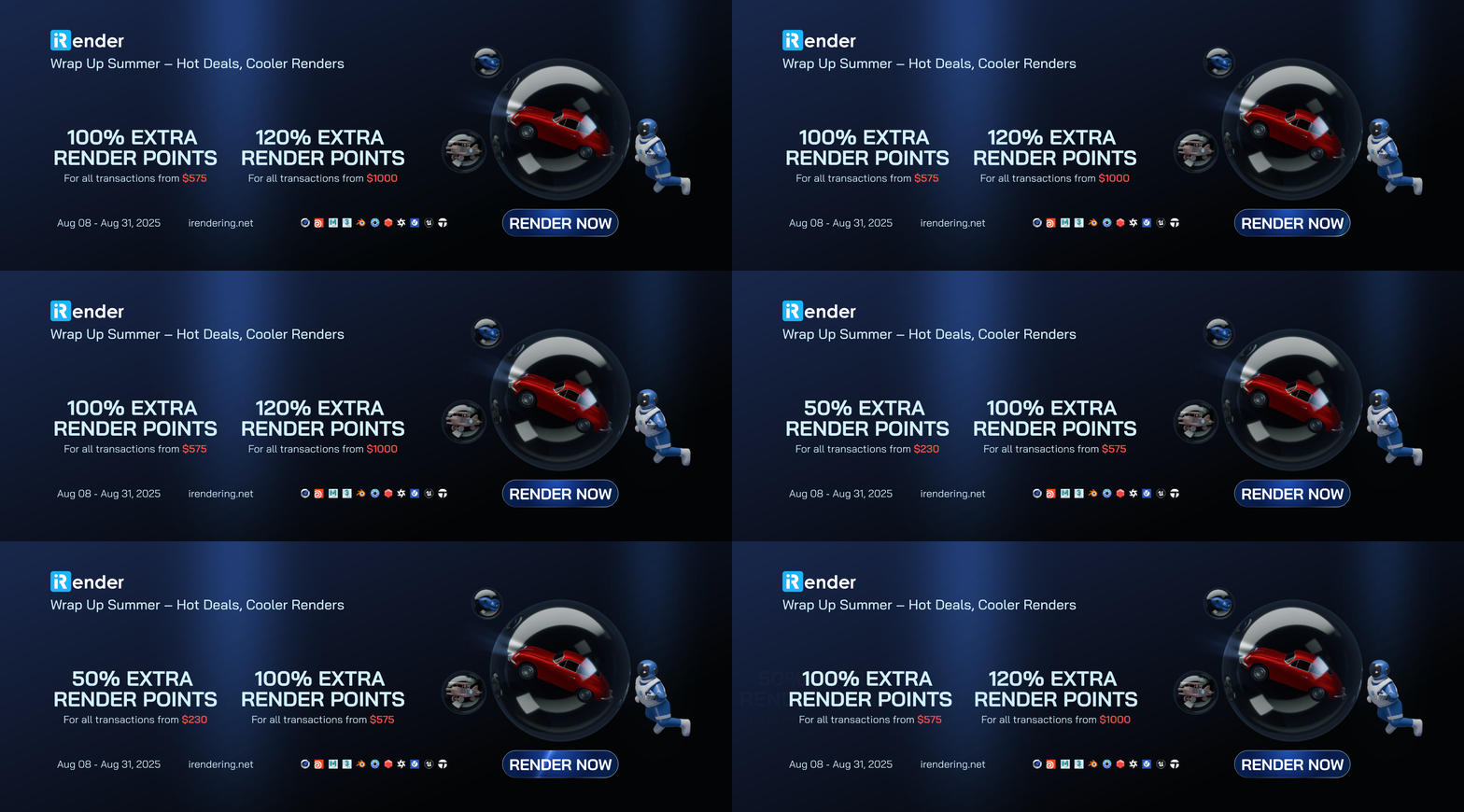
 +𝟓𝟎% 𝐁𝐎𝐍𝐔𝐒 for all transactions from $𝟐𝟑𝟎 +𝟏𝟎𝟎% 𝐁𝐎𝐍𝐔𝐒 for all transactions from $𝟓𝟕𝟓 +𝟏𝟐𝟎% 𝐁𝐎𝐍𝐔𝐒 for all transactions from $𝟏𝟎𝟎𝟎
 𝐀𝐯𝐚𝐢𝐥𝐚𝐛𝐥𝐞 𝐟𝐫𝐨𝐦 𝐀𝐮𝐠𝐮𝐬𝐭 𝟖 – 𝐀𝐮𝐠𝐮𝐬𝐭 𝟑𝟏, 𝟐𝟎𝟐𝟓
In case you have any problems or questions, don’t hesitate to contact the 24/7 support team. We will be happy to help you with your questions and problems at all times.
Happy Rendering!
Related Posts
The latest creative news from Houdini Cloud Rendering , Cinema 4D Cloud Rendering , Redshift Cloud Rendering, Octane Cloud Rendering, 3D VFX Plugins & Cloud Rendering.





